In this guide, you’ll learn how to craft effective prompts that steer large language models (LLMs) and tools like Cursor toward consistent, high-quality outputs. From precise requirements to creative exploration, we cover zero-shot, one-shot, few-shot, chain-of-thought, and self-consistency techniques to elevate your AI workflows.

Initial Context: Flask Task Manager Scaffold

Use this simple Flask application as a reference throughout our examples:
import csv
import sqlite3
import os
from flask import Flask, render_template, request, redirect, url_for, flash, session, g
from datetime import datetime
import hashlib
import logging

# Initialize Flask app
app = Flask(__name__)
app.config['SECRET_KEY'] = os.getenv('SECRET_KEY', 'dev')  # Change in production
app.config['DATABASE'] = os.path.join(app.instance_path, 'task_manager.sqlite')

# Ensure the instance folder exists
os.makedirs(app.instance_path, exist_ok=True)

# Database connection function
def get_db():
    if 'db' not in g:
        g.db = sqlite3.connect(
            app.config['DATABASE'],
            detect_types=sqlite3.PARSE_DECLTYPES
        )
        g.db.row_factory = sqlite3.Row
    return g.db
Always replace the default SECRET_KEY with a strong, unpredictable string before deploying to production.

Specific vs. Creative Prompts

Knowing when to lock down every detail versus when to let the model surprise you is crucial:
  • Specific Prompts
    Provide clear objectives, constraints, and examples. Ideal for scaffolding or boilerplate code that must meet exact requirements.
  • Creative Prompts
    Offer a high-level request (e.g., “Build a task manager in Python”) and let the model explore solutions. Great for brainstorming or exploring alternatives.
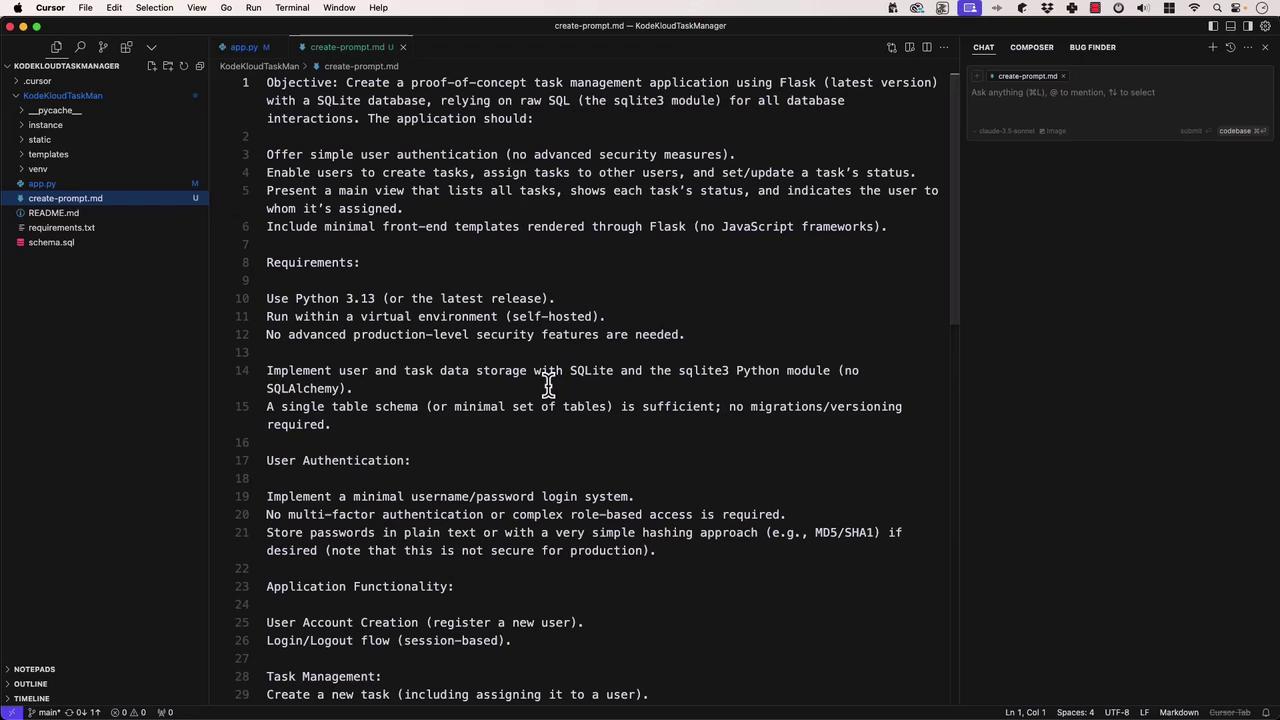
The image shows a code editor with a markdown file open, detailing the objectives and requirements for creating a task management application using Flask and SQLite. The editor interface includes a file explorer on the left and a chat or assistant panel on the right.

Zero-Shot Prompting

Zero-shot means “no examples provided.” You simply state the task and expect the model to understand it. Use case: Quick utility functions or well-defined algorithms. Example prompt: “Write a function that calculates the Fibonacci sequence up to n terms.”
def fibonacci(n):
    """Return the first n numbers in the Fibonacci sequence."""
    if n <= 0:
        return []
    sequence = [0, 1]
    while len(sequence) < n:
        sequence.append(sequence[-1] + sequence[-2])
    return sequence

# Example usage:
print(fibonacci(10))  # [0, 1, 1, 2, 3, 5, 8, 13, 21, 34]
Zero-shot is fast and straightforward, but your prompt must be unambiguous.

One-Shot Prompting

One-shot gives the model one example of the desired format, then asks it to generalize. Prompt:
  1. Here’s a JavaScript function that sorts objects by a property:
    function sortByProperty(array, property) {
      // ...
    }
    
  2. Now write a function that finds the intersection of two arrays.
Model’s response:
function findIntersection(arr1, arr2) {
  const set = new Set(arr1);
  return arr2.filter(item => set.has(item));
}

// Deep comparison for objects
function findIntersectionDeep(arr1, arr2) {
  return arr1.filter(item1 =>
    arr2.some(item2 => JSON.stringify(item1) === JSON.stringify(item2))
  );
}

Few-Shot Prompting (Viewport Prompting)

Few-shot provides multiple examples so the model can learn a pattern before continuing. Examples:
describe('User Authentication', () => {
  test('allows login with valid credentials', () => {
    // ...
  });

  test('rejects login with invalid password', () => {
    // ...
  });
});
Prompt:
“Convert the requirement User session expires after 30 minutes of inactivity into a Jest test case.”
Model’s response:
describe('User Session Management', () => {
  beforeEach(() => jest.useFakeTimers());
  afterEach(() => jest.useRealTimers());

  test('expires session after 30 minutes of inactivity', () => {
    const session = createUserSession('testUser');
    expect(session.isActive()).toBe(true);

    jest.advanceTimersByTime(29 * 60 * 1000);
    expect(session.isActive()).toBe(true);

    jest.advanceTimersByTime(60 * 1000);
    expect(session.isActive()).toBe(false);
  });
});

Chain-of-Thought Prompting

Ask the model to “think aloud,” providing step-by-step reasoning before delivering a solution. Prompt:
“Design a database schema for a social media app, reasoning through entities, relationships, and constraints.”
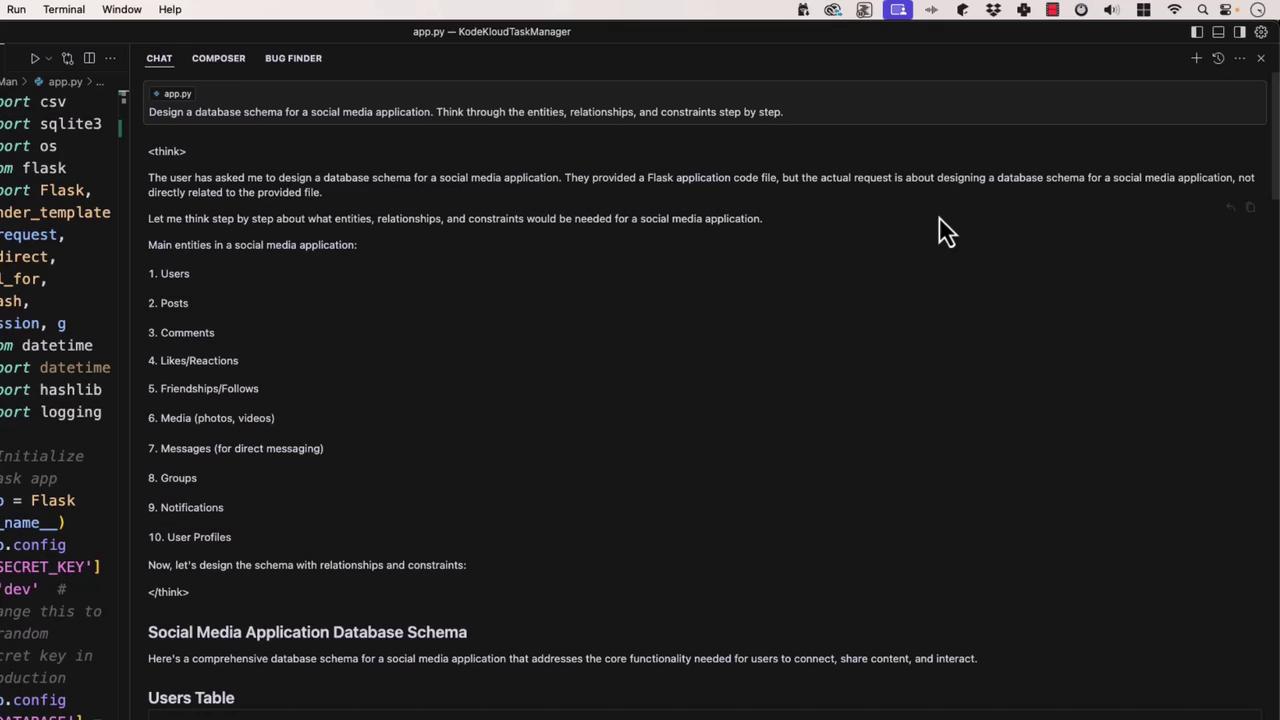
The image shows a code editor with a Python script for a Flask application on the left and a chat interface on the right discussing the design of a database schema for a social media application.
Generated SQL:
CREATE TABLE users ( ... );
CREATE TABLE posts ( ... );
-- and so on...

Self-Consistency Prompting

Generate multiple candidate solutions, evaluate each, and select the best. This boosts reliability for critical tasks. Prompt:
“Write a regex matching valid email addresses, test it against these samples:
import re

pattern = r'^[A-Za-z0-9._%+-]+@[A-Za-z0-9.-]+\.[A-Za-z]{2,}$'
tests = ['[email protected]', 'invalid@', '[email protected]', '@example.com']

for email in tests:
    print(email, 'Valid' if re.match(pattern, email) else 'Invalid')
Advanced: Use the email-validator library for robust checks.

General Rules for Effective Prompting

  1. Be specific and clear.
  2. Provide context—code snippets, error logs, folder structure.
  3. Use structured formats: bullets, numbered steps, or tables.
  4. Specify output format (e.g., “Return TypeScript definitions”).
  5. Iterate and refine based on model feedback.
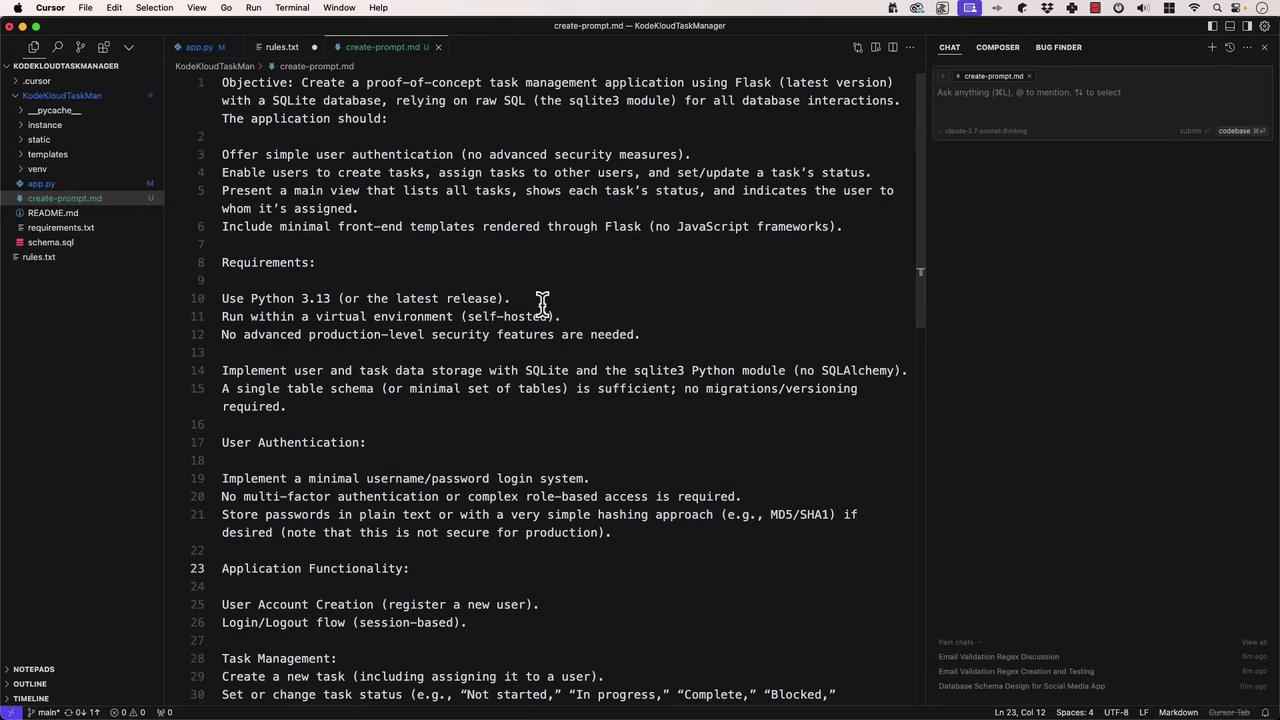
The image shows a code editor with a markdown file open, detailing the objectives and requirements for creating a task management application using Flask and SQLite. The editor sidebar displays a project directory structure.

Prompting Techniques at a Glance

Prompt TypeDescriptionBest For
Zero-ShotNo examples; rely on clear instructionsSimple, well-defined tasks
One-ShotSingle example to demonstrate desired outputSpecific formatting or pattern
Few-ShotMultiple examples to establish a patternComplex transformations
Chain-of-ThoughtStep-by-step reasoning before the answerDesign, architecture, problem solving
Self-ConsistencyGenerate and compare several solutionsHigh-stakes or precision requirements

With these prompt engineering strategies in your toolkit, you can direct LLMs to produce consistent, accurate, and well-structured results. Happy prompting!