


How TechDocs Works Under the Hood
TechDocs relies on MkDocs to transform Markdown into a static HTML site. The three core stages are: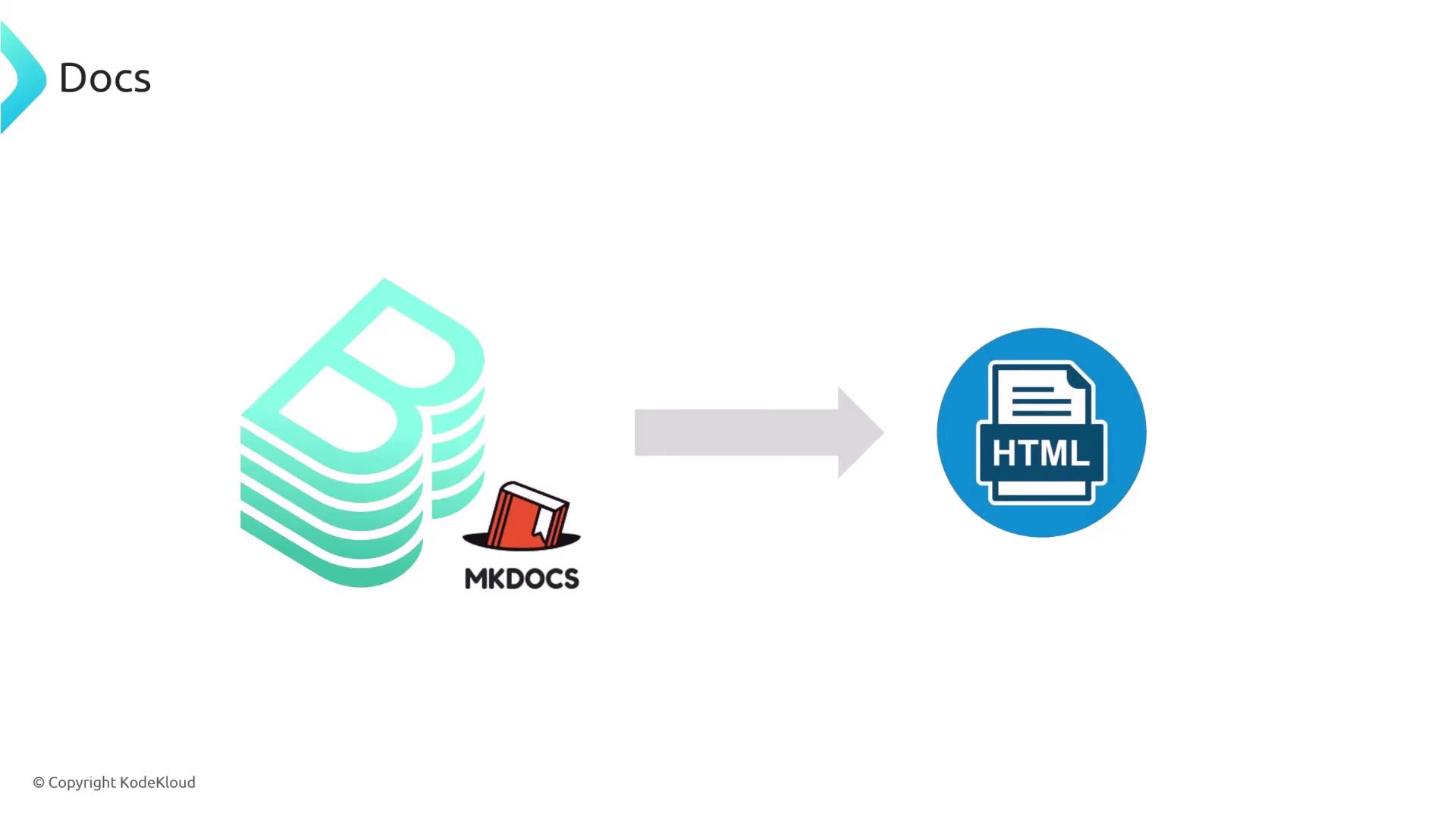
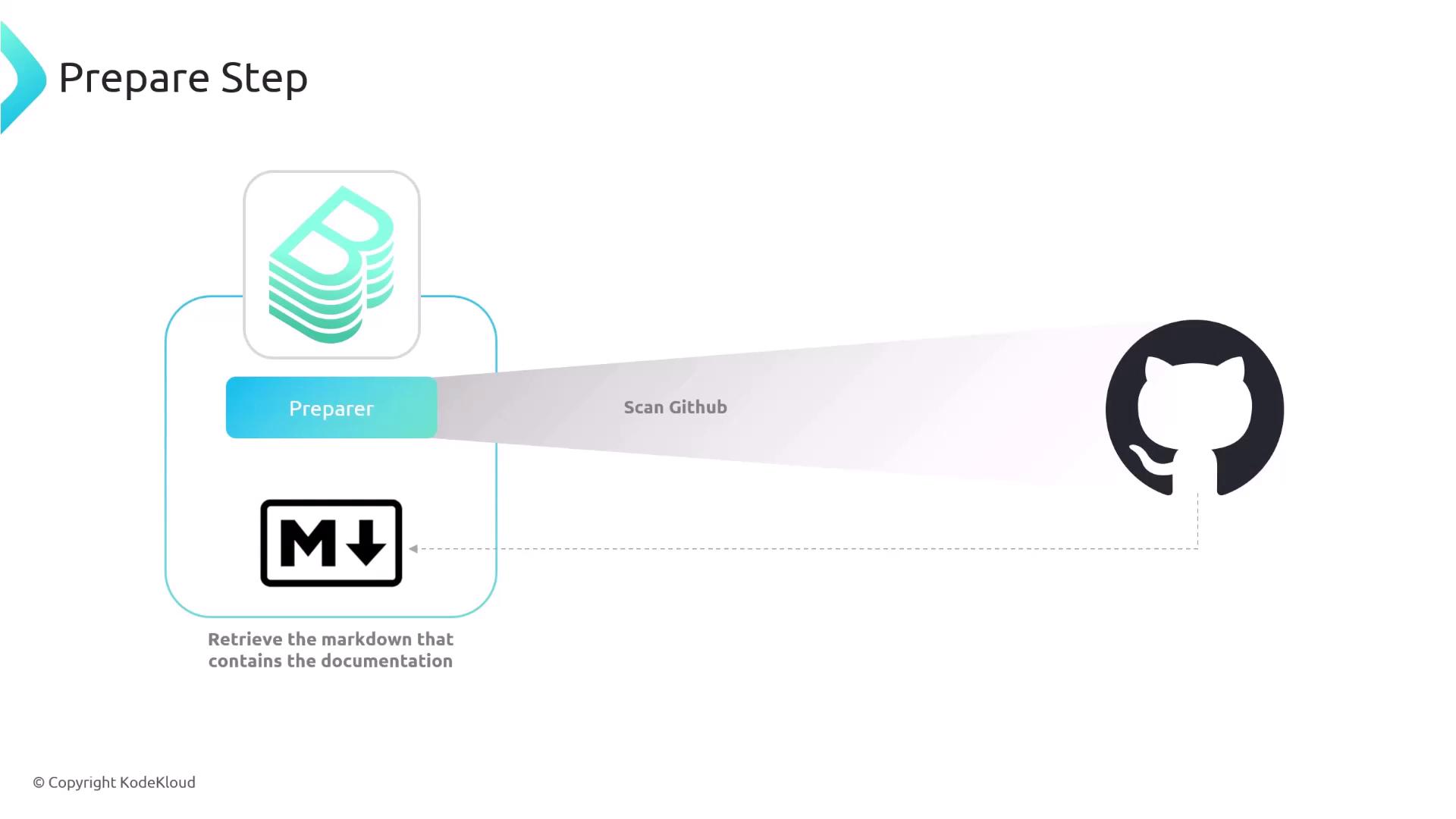
- Prepare – Retrieve Markdown files from your Git repository.
- Generate – Run MkDocs to convert those
.mdfiles into HTML. - Publish – Store the generated site in a location Backstage can serve (local disk, AWS S3, GCS, etc.).
TechDocs Pipeline Stages
| Stage | Description | Example Storage |
|---|---|---|
| Prepare | Fetches Markdown (.md) files from GitHub (or other VCS). | N/A |
| Generate | Uses MkDocs (via Docker or local binary) to build HTML pages. | N/A |
| Publish | Uploads the HTML site to a static host or bucket. | Local FS, S3, GCS |

Local Builder Configuration
By default, Backstage can handle all TechDocs stages using the local builder. Configure this in yourapp-config.yaml:
- builder: local enables Backstage to run prepare, generate, and publish phases.
- generator options:
runIn: dockeruses the specifieddockerImage.runIn: localexecutes MkDocs via a binary on the host.
- publisher defines where to store static HTML (here, a local directory).
Ensure the Backstage process has write permissions to the
publishDirectory path.Offloading Builds to CI/CD
For larger teams or heavy documentation sites, you can offload generate and publish steps to your CI/CD pipeline. This approach uses the external builder in Backstage:- A commit to
docs/**ormkdocs.ymltriggers your CI/CD workflow. - CI/CD installs the TechDocs CLI and MkDocs dependencies.
- Run
techdocs-cli generatethentechdocs-cli publishto an S3 bucket. - Configure Backstage to use the external builder and fetch published HTML from that bucket.

Example: GitHub Actions Workflow
app-config.yaml in Backstage:
Make sure your CI/CD environment has permissions to write to your S3 bucket and that Backstage IAM roles can read from it.
Repository Setup
Every service repository needs two configuration files:-
mkdocs.yml at the project root:
-
catalog-info.yaml with a TechDocs reference:
backstage.io/techdocs-ref: dir:. tells TechDocs where to find your Markdown files (adjust dir: if using a docs/ subfolder).
Once configured, Backstage will automatically surface your up-to-date documentation alongside the service catalog.