

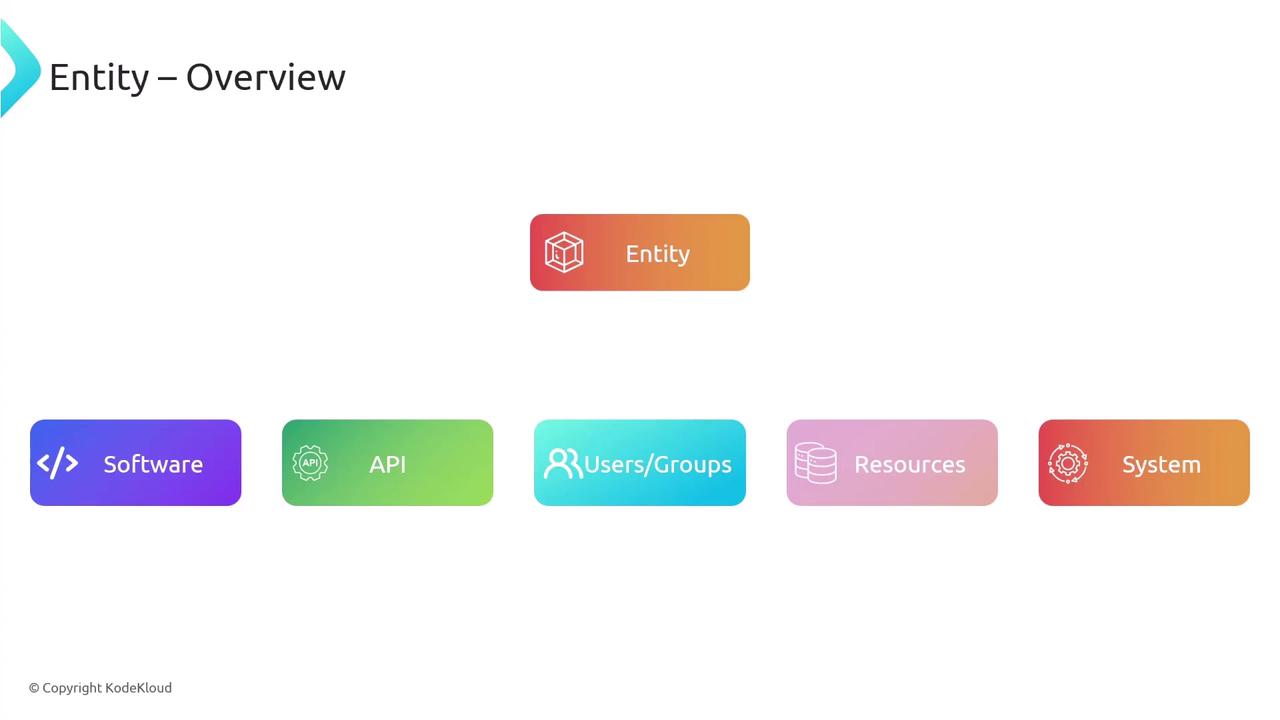
Defining a Backstage Entity via YAML
Backstage Entities are declared incatalog-info.yaml files using a common YAML schema—very similar to Kubernetes manifests. Each entity document comprises:
- apiVersion: Schema version (e.g.,
backstage.io/v1alpha1). - kind: Entity type (e.g.,
Component,API,User). - metadata: Attributes such as
name,description,labels,annotations,tags, and externallinks. - spec: Kind-specific configuration (e.g.,
type,lifecycle,owner,system).
Where to Store catalog-info.yaml
It’s best practice to colocate your catalog-info.yaml with your source code. Typically you place it at the root of your project repository:

Keeping
catalog-info.yaml beside your code enables automatic scaffolding, version control, and seamless CI/CD integration.
catalog-info.yaml per project, located at the repository root.
Registering Backstage Entities
After creating YAML definitions, configure Backstage to discover and register them. Common registration methods include:| Method | Description |
|---|---|
| Static Configuration | Declare each entity URL or file path in app-config.yaml under catalog.locations. |
| UI Registration | Use the Register Existing Component form in the Backstage catalog interface. |
| Scaffolder Templates | Generate and auto-register catalog-info.yaml when scaffolding new projects. |
| Entity Providers | Bulk-import entities by scanning GitHub repos, S3 buckets, or other sources. |
1. Static Configuration
Add your entity locations toapp-config.yaml:
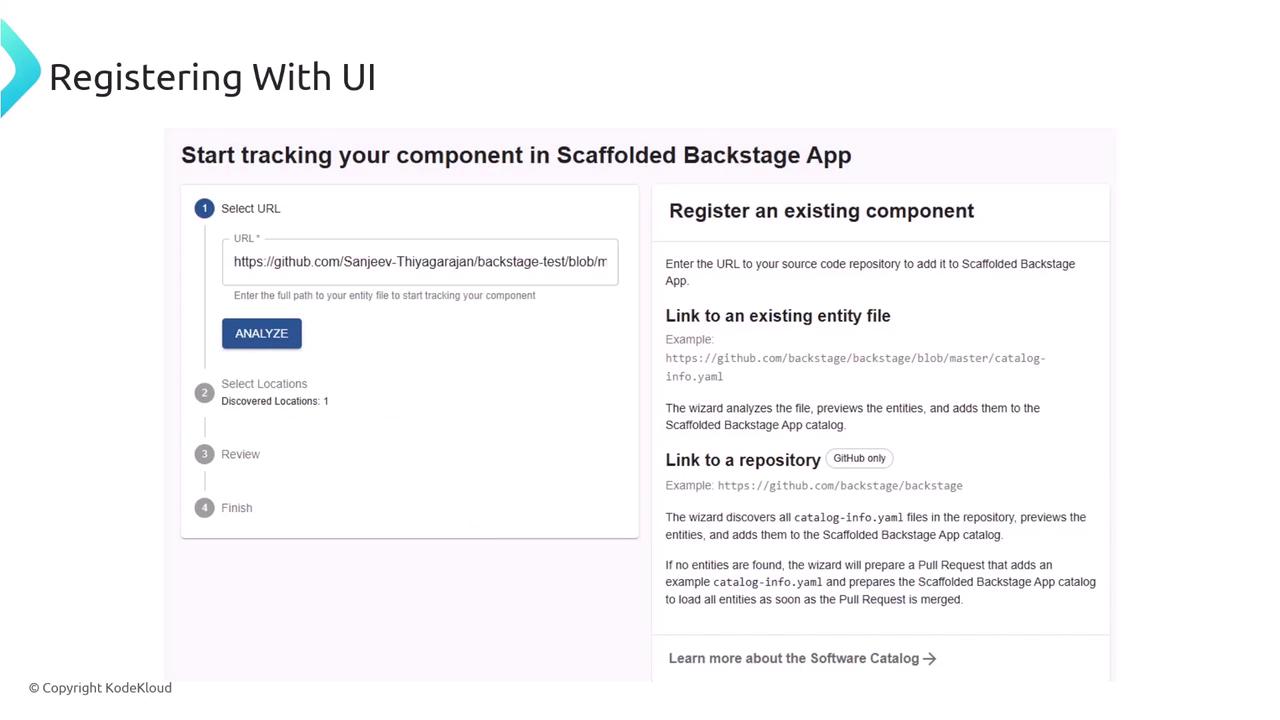
2. Registering via the Backstage UI
Backstage’s catalog UI offers a Register Existing Component flow. Paste thecatalog-info.yaml URL, validate, and confirm:
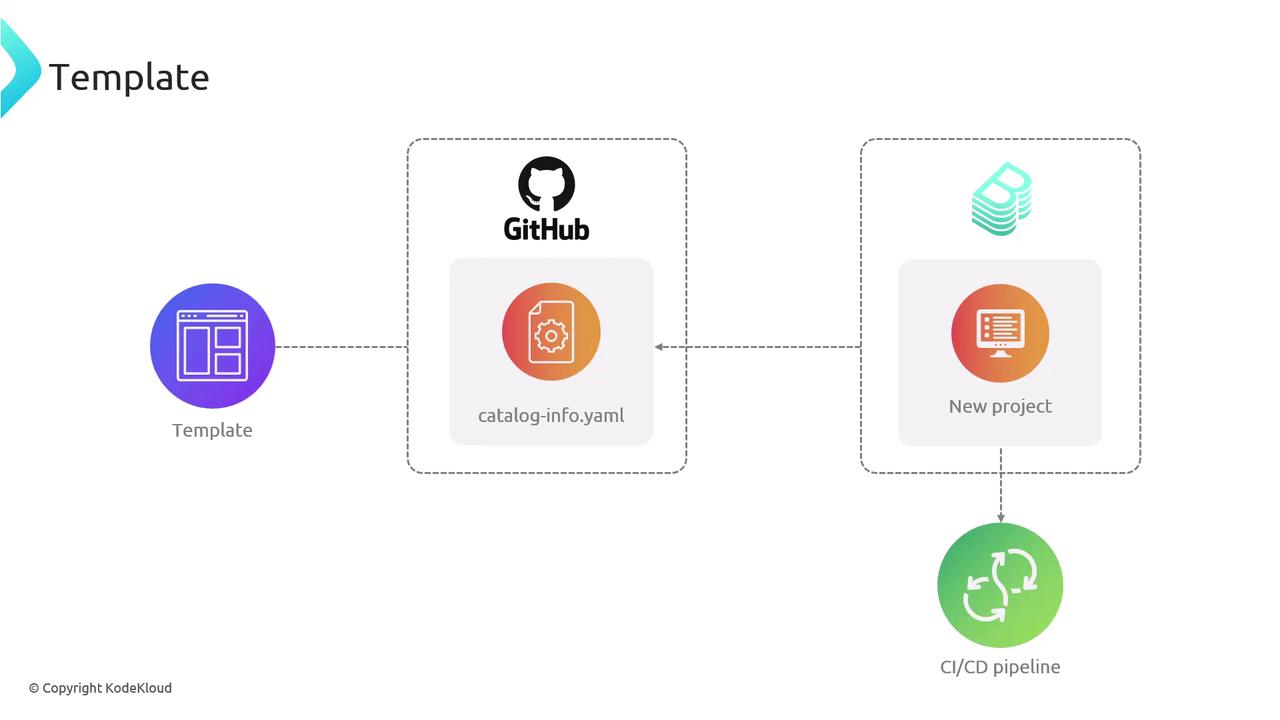
3. Using Scaffolder Templates
When you scaffold a project with Backstage Templates,catalog-info.yaml is created and registered automatically:
4. Entity Providers
Entity Providers scan configured sources (e.g., GitHub, S3) for YAML definitions and import them in bulk. This method streamlines onboarding across multiple projects: