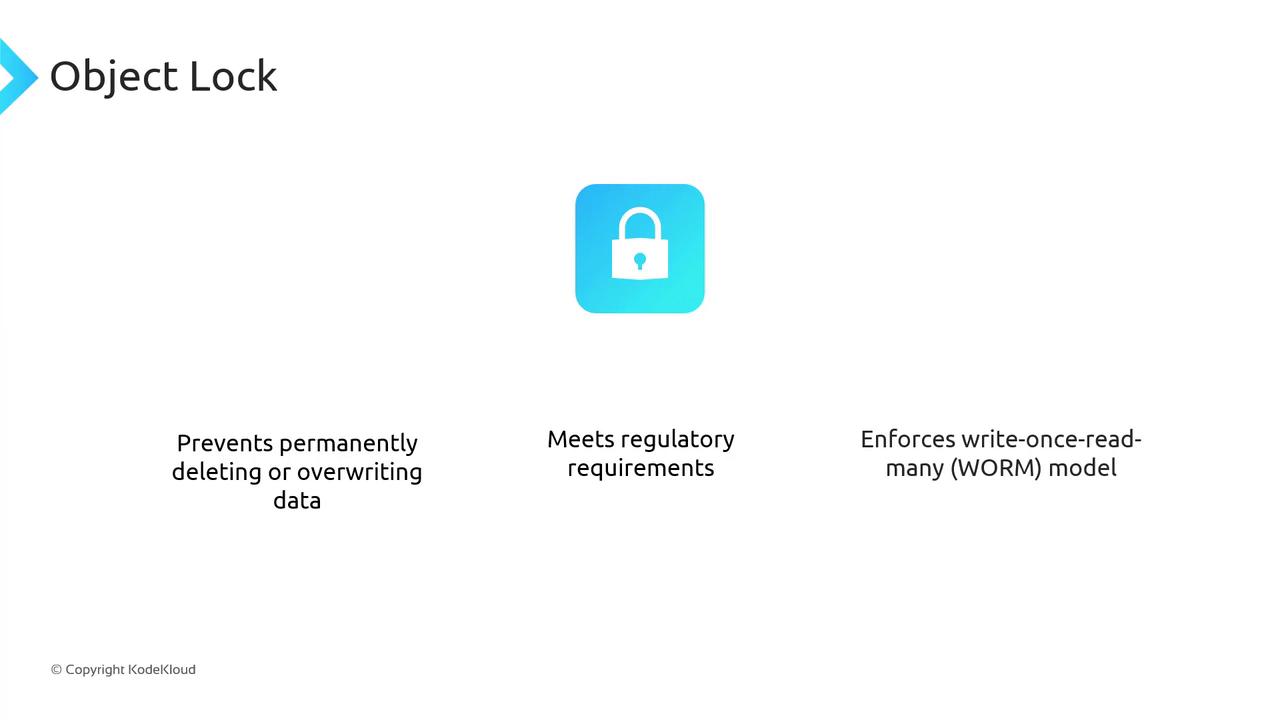
How Object Lock Works
You can apply Object Lock at two levels:- Object-level – Lock individual objects when you upload them.
- Bucket-level rule – Automatically lock every new object in the bucket.
Use Case: Financial Records Retention
Regulated industries—such as banking and insurance—must often retain records for a defined period. With Object Lock, you can specify exactly how long data must remain immutable.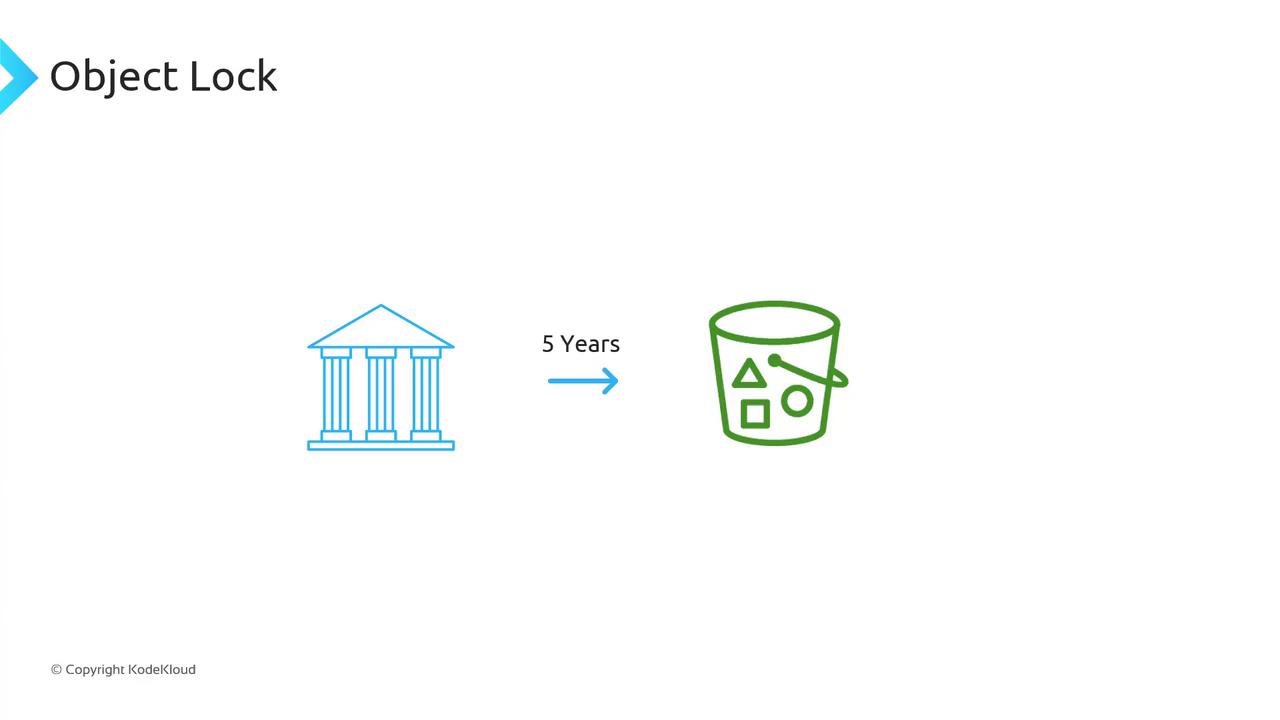
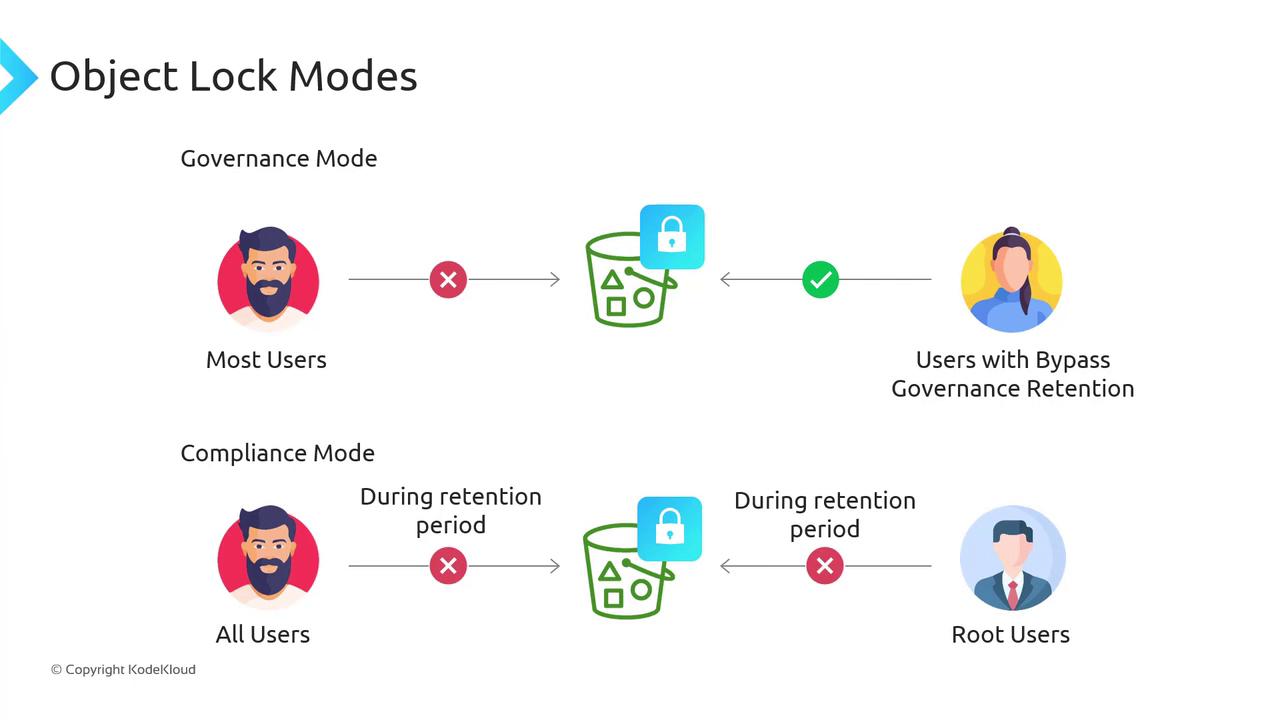
Object Lock Modes
Choose one of two retention modes when locking an object:| Mode | Description | Required Permission |
|---|---|---|
| Governance Mode | Most users are blocked from deleting or overwriting. Principals with bypass rights can modify. | s3:BypassGovernanceRetention |
| Compliance Mode | All users—including the root user—are blocked from deleting or shortening retention. | None (only AWS account deletion) |
Governance Mode lets security admins with the
Compliance Mode guarantees unbreakable WORM protection—for any removal, you must delete the entire AWS account.
s3:BypassGovernanceRetention permission perform emergency deletions if needed.Compliance Mode guarantees unbreakable WORM protection—for any removal, you must delete the entire AWS account.
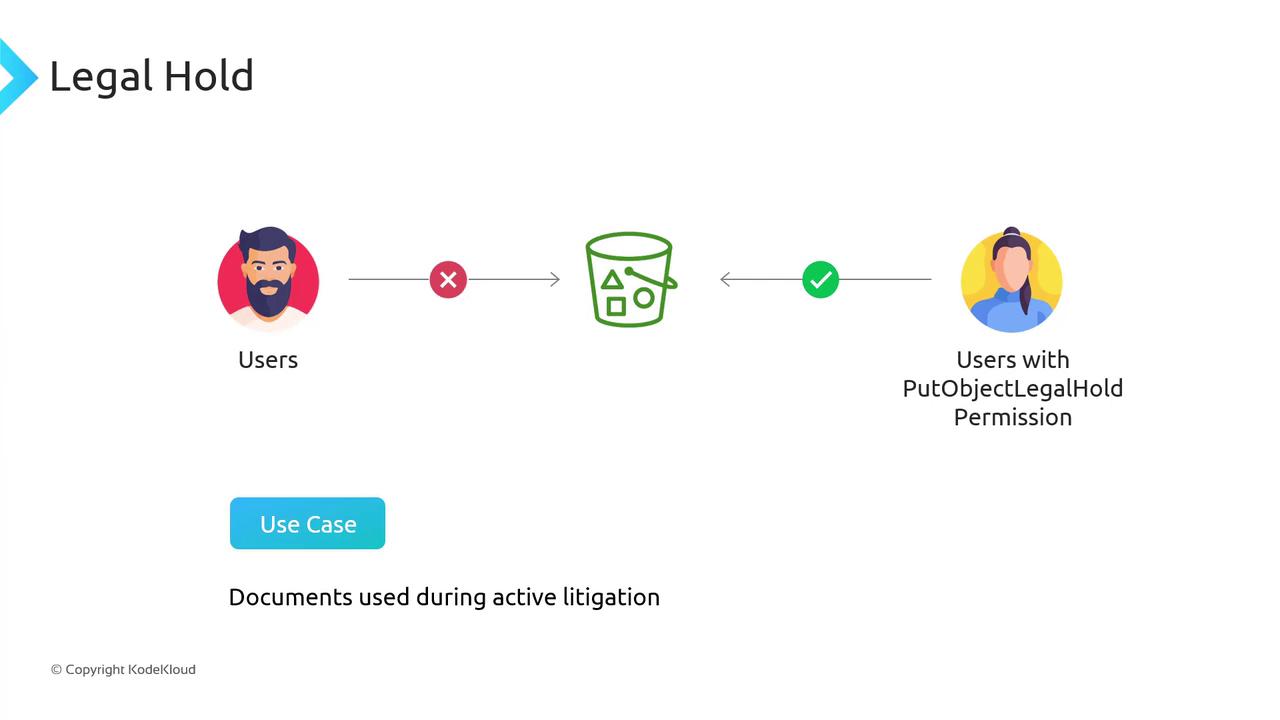
Legal Hold
When the exact retention period is unknown—such as during active litigation—you can apply a Legal Hold. This disables object deletion or modification indefinitely until the hold is lifted. Only principals with thes3:PutObjectLegalHold permission can remove a Legal Hold.
Prerequisites
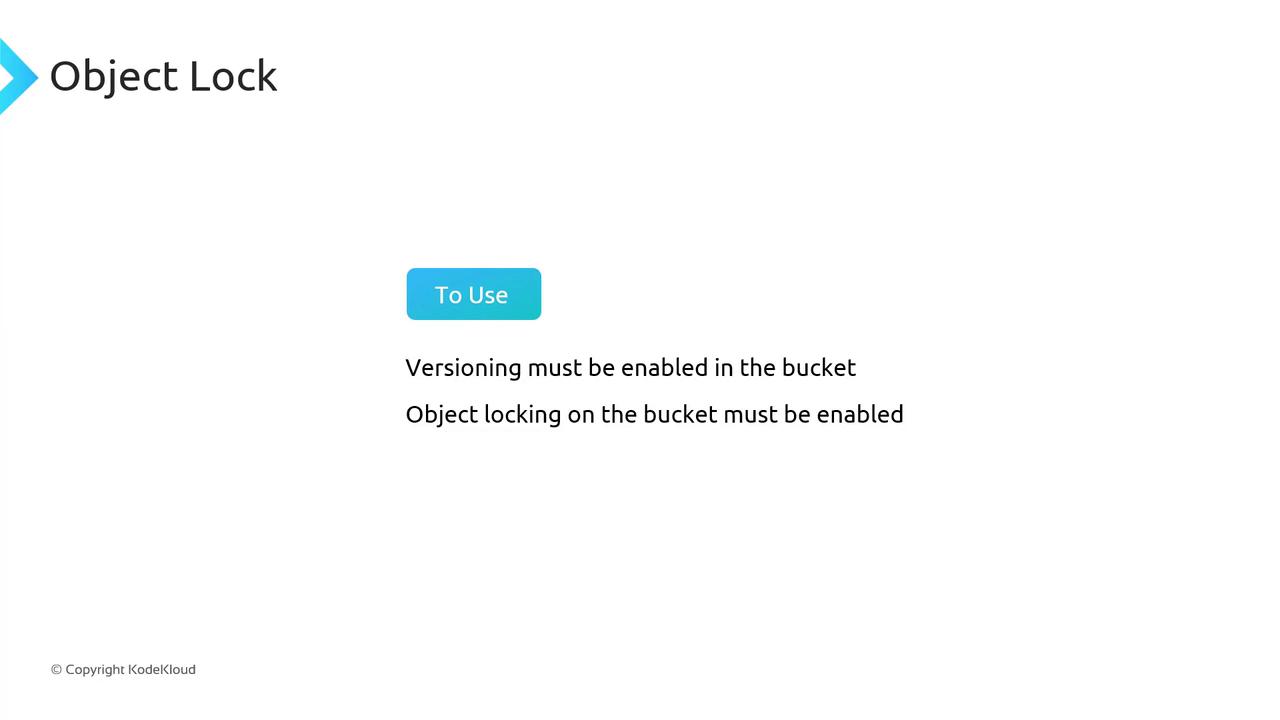
Object Lock must be enabled at bucket creation and cannot be turned on afterward.
Ensure Versioning is also enabled on the same bucket.
Ensure Versioning is also enabled on the same bucket.
- Enable Versioning on your S3 bucket.
- Enable Object Lock when you create the bucket.