In this guide, you’ll learn how to use AWS S3 bucket policies (resource policies) to grant or restrict access for:
- Users in the same AWS account
- Anonymous (public) users
- Users in a different AWS account
You’ll simulate three users using browser tabs with colored labels:
- Blue: Account 1, User 1 (Bucket Owner)
- Green: Account 1, User 2
- Yellow: Account 2, User Admin
Switch among these tabs to verify permissions.
Test Environment
| Tab Color | AWS Account | IAM Identity | Purpose |
|---|
| Blue | Account 1 | User 1 (owner) | Create bucket & edit policy |
| Green | Account 1 | User 2 | Test limited access |
| Yellow | Account 2 | User Admin | Test cross-account access |
1. Create the S3 Bucket (User 1)
- In the Blue tab, open the AWS S3 Console.
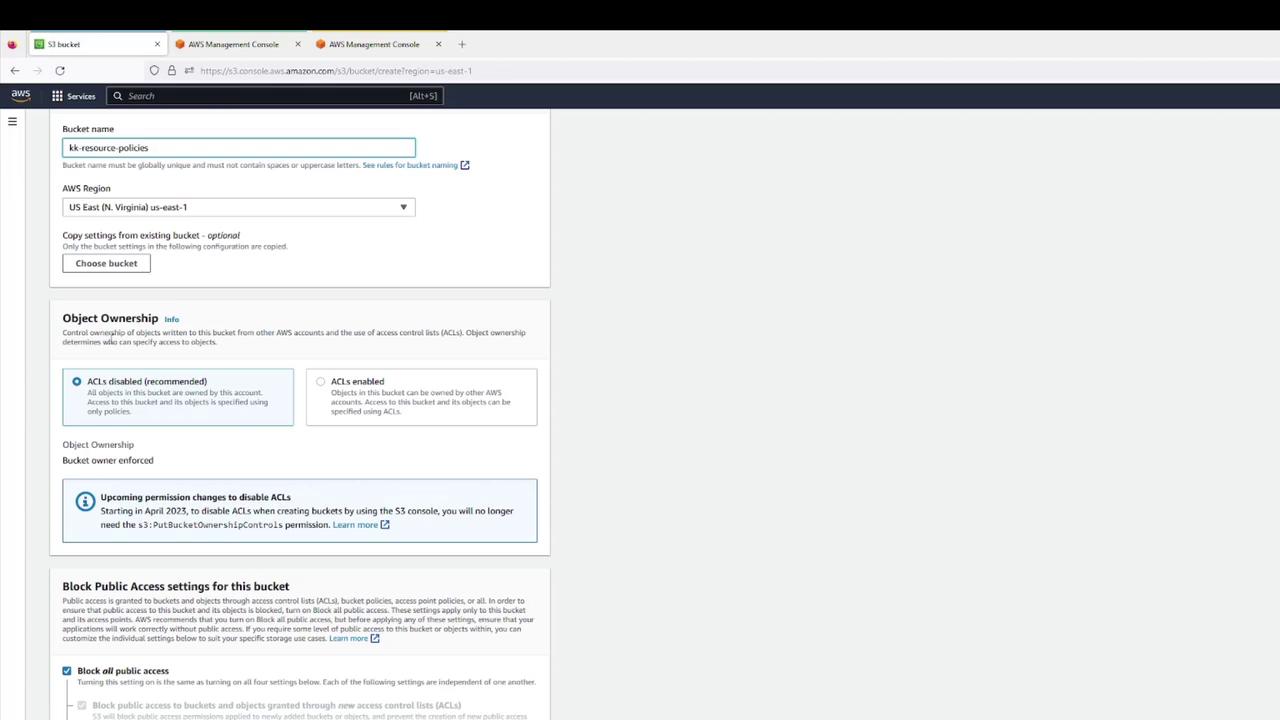
- Click Create bucket and configure:
- Bucket name:
kk-resource-policies
- Region: your choice
- Object Ownership: Bucket owner preferred
- Block all public access: Enabled
- Versioning: Disabled
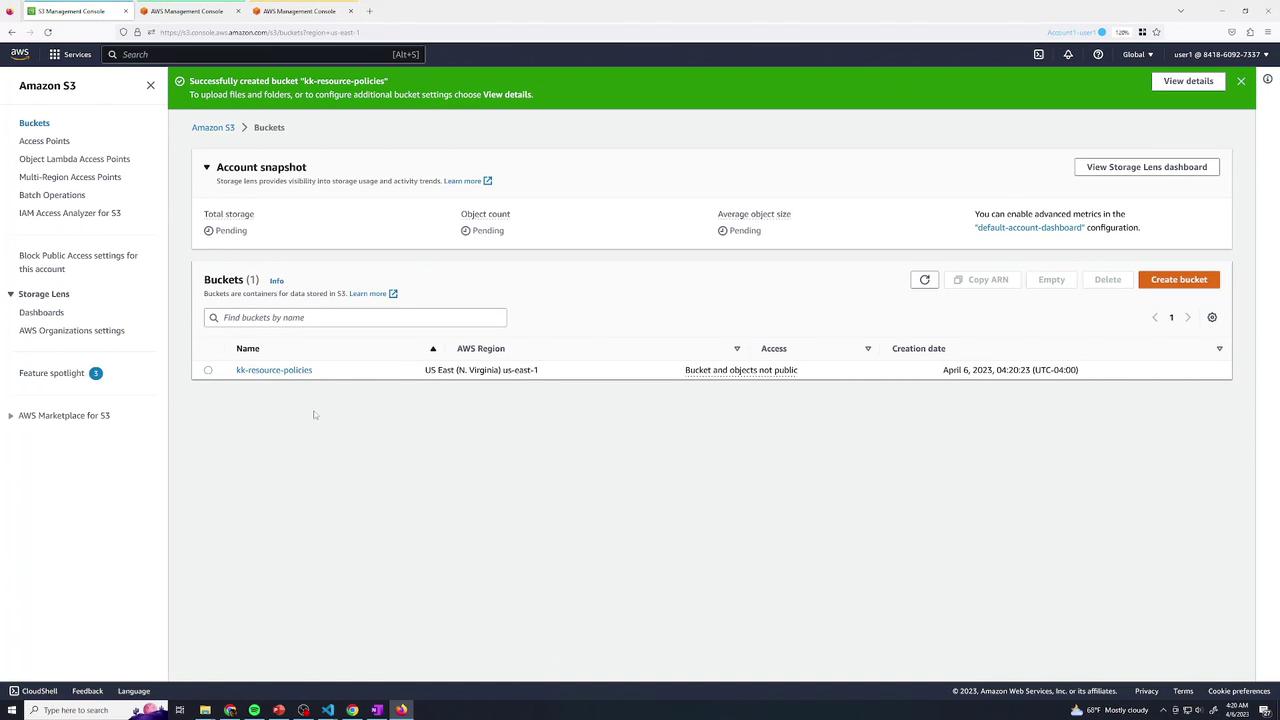
- Confirm creation.
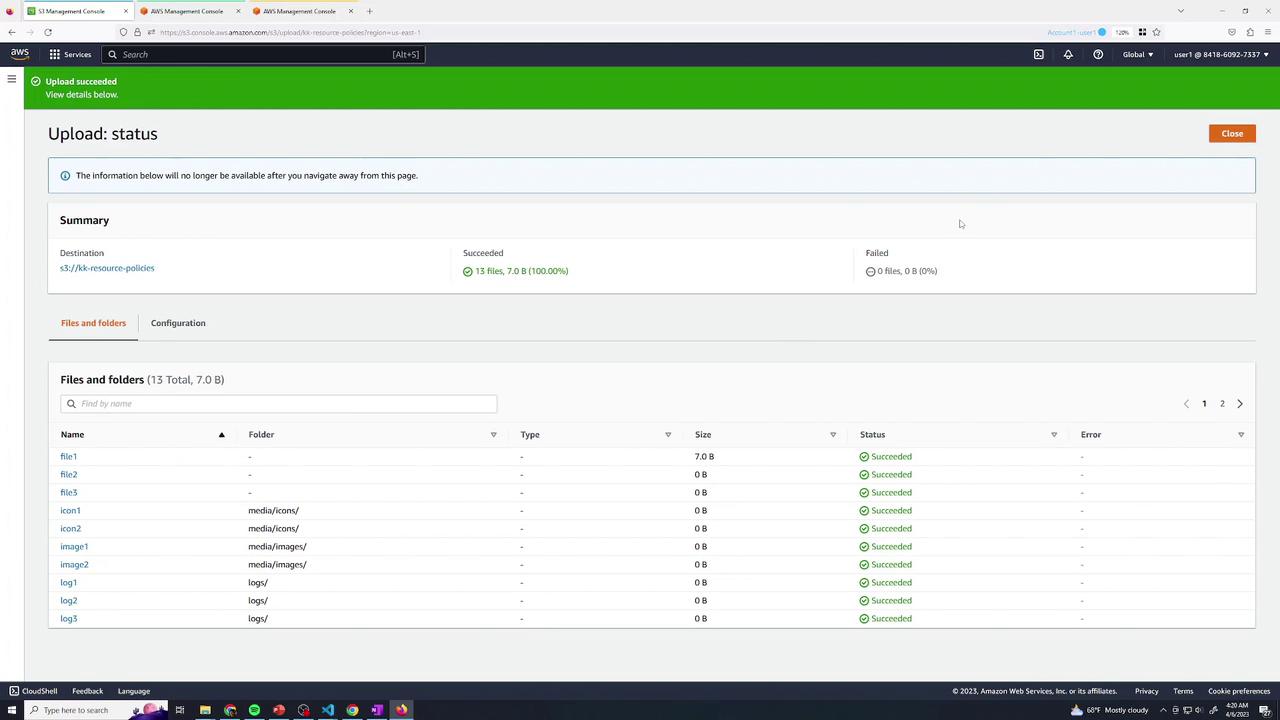
- Upload a set of files (e.g., text & log files).
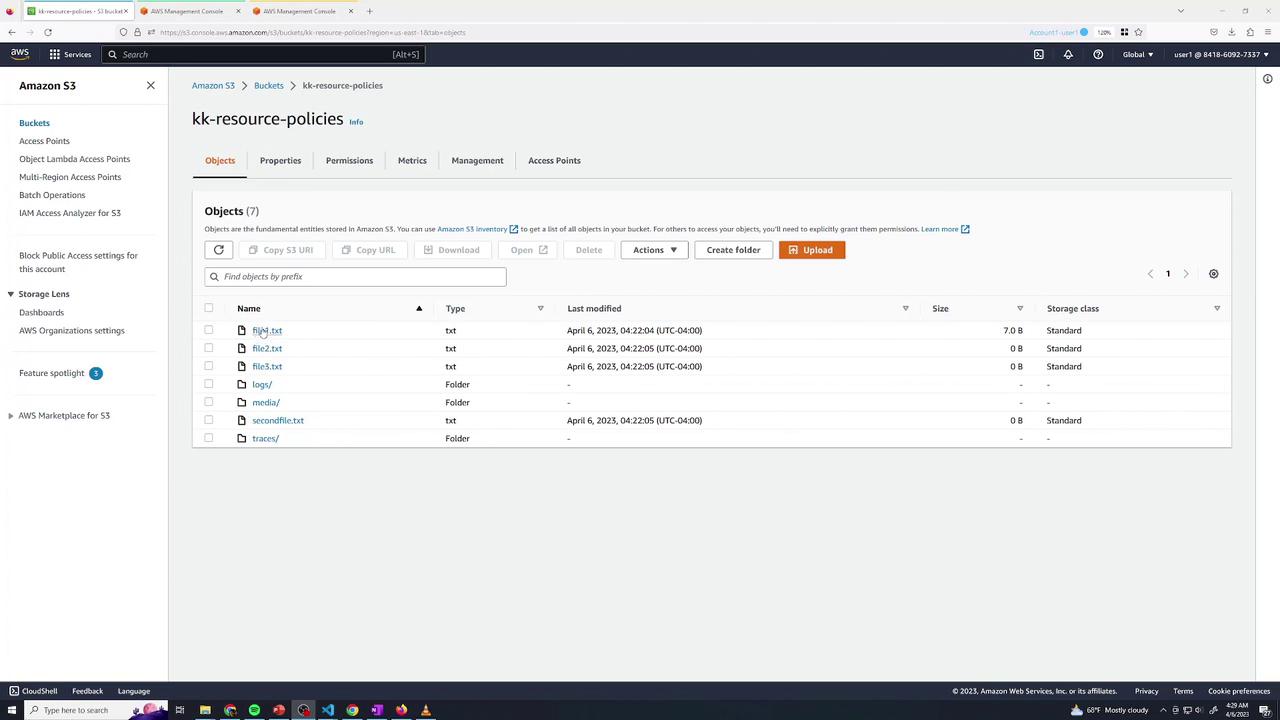
- Verify all objects are listed:
By default, as the bucket owner:
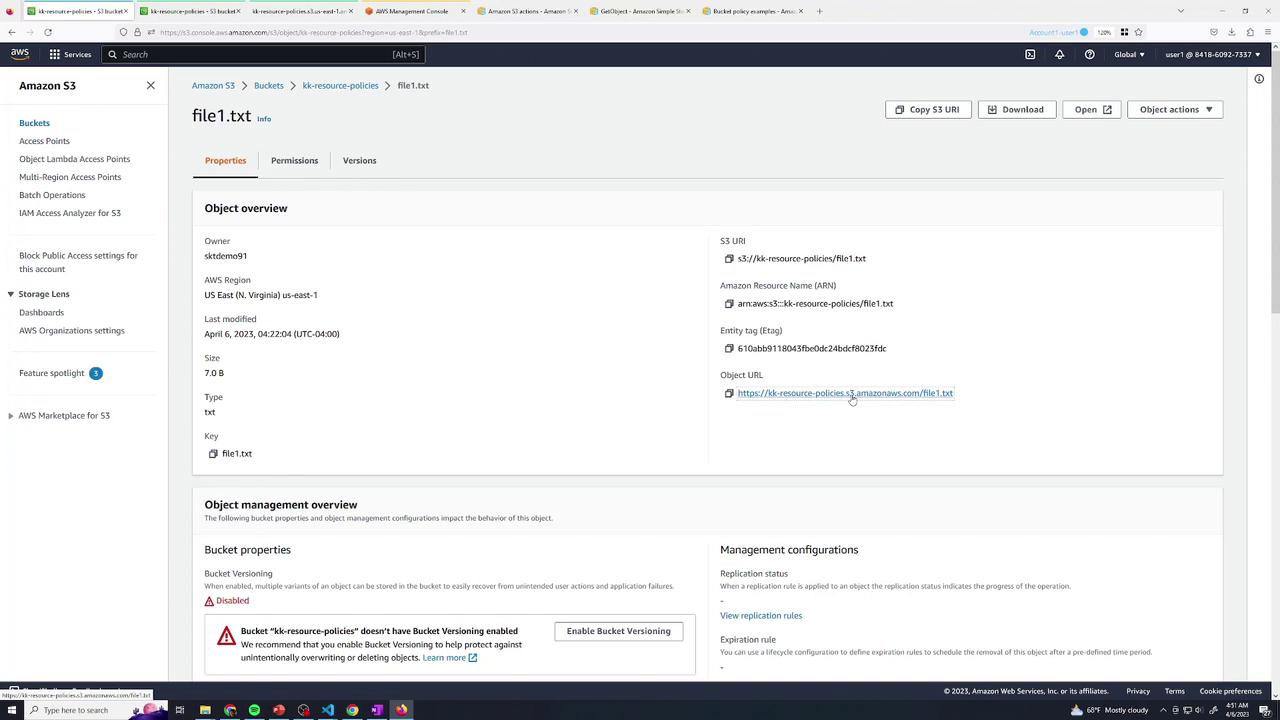
- Listing and “Open” via console (authenticated) works.
- Public URL returns AccessDenied:
<Error>
  <Code>AccessDenied</Code>
  <Message>Access Denied</Message>
  <RequestId>12SIDZRCRIXS94G00</RequestId>
  <HostId>…</HostId>
</Error>
2. Baseline IAM Permissions for User 2
Switch to the Green tab. User 2 currently has only list permissions:
{
  "Version": "2012-10-17",
  "Statement": [
    {
      "Sid": "ListBucketsOnly",
      "Effect": "Allow",
      "Action": [
        "s3:ListAllMyBuckets",
        "s3:ListBucket"
      ],
      "Resource": "*"
    }
  ]
}
file1.txt returns AccessDenied.
3. Grant User 2 Read Access to logs/
Return to Blue (User 1) and edit the bucket policy under Permissions → Bucket Policy. Add:
{
  "Sid": "User2AllowLogs",
  "Effect": "Allow",
  "Principal": {
    "AWS": "arn:aws:iam::<YOUR_ACCOUNT_ID>:user/user2"
  },
  "Action": "s3:GetObject",
  "Resource": "arn:aws:s3:::kk-resource-policies/logs/*"
}
Test Read Access
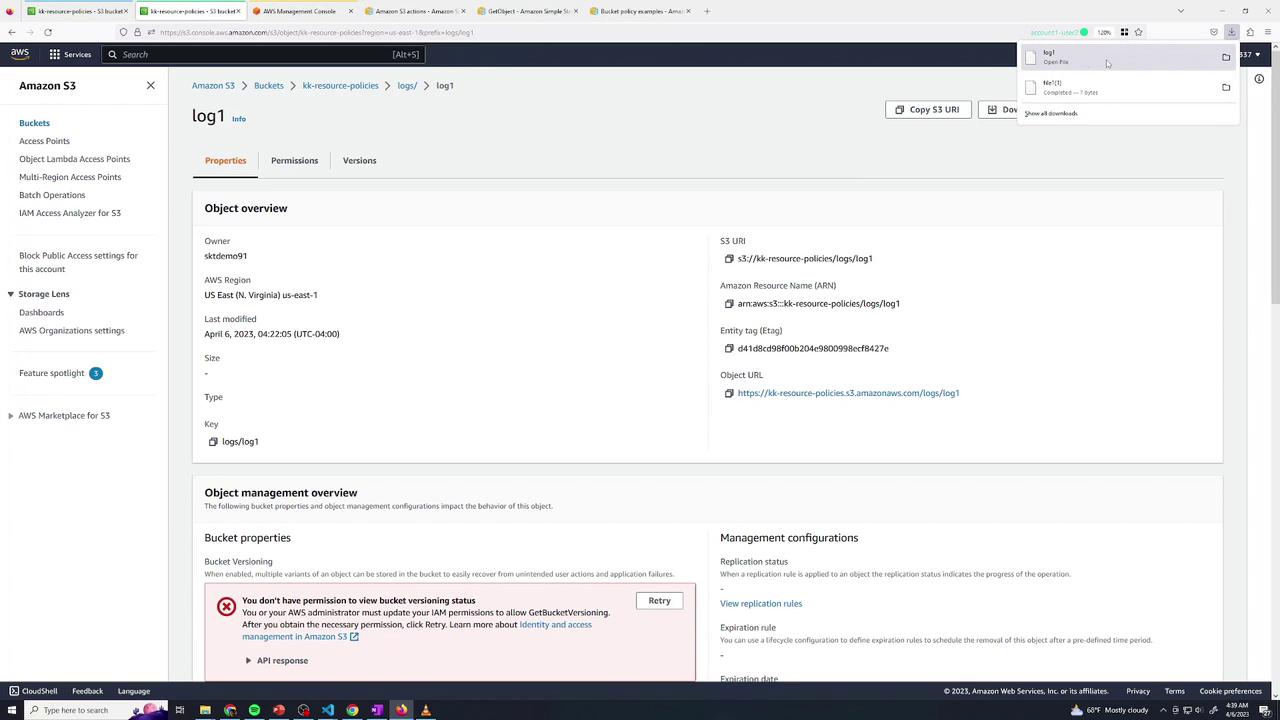
In Green, open logs/log1 → download succeeds.
Attempting to open file1.txt (outside logs/) still yields AccessDenied:
<Error>
  <Code>AccessDenied</Code>
  <Message>Access Denied</Message>
  …
</Error>
4. Grant User 2 Delete Access in traces/
Back in Blue, append another statement:
{
  "Sid": "User2AllowDeleteTraces",
  "Effect": "Allow",
  "Principal": {
    "AWS": "arn:aws:iam::<YOUR_ACCOUNT_ID>:user/user2"
  },
  "Action": "s3:DeleteObject",
  "Resource": "arn:aws:s3:::kk-resource-policies/traces/*"
}
- Deleting
traces/trace1 → Success
- Deleting
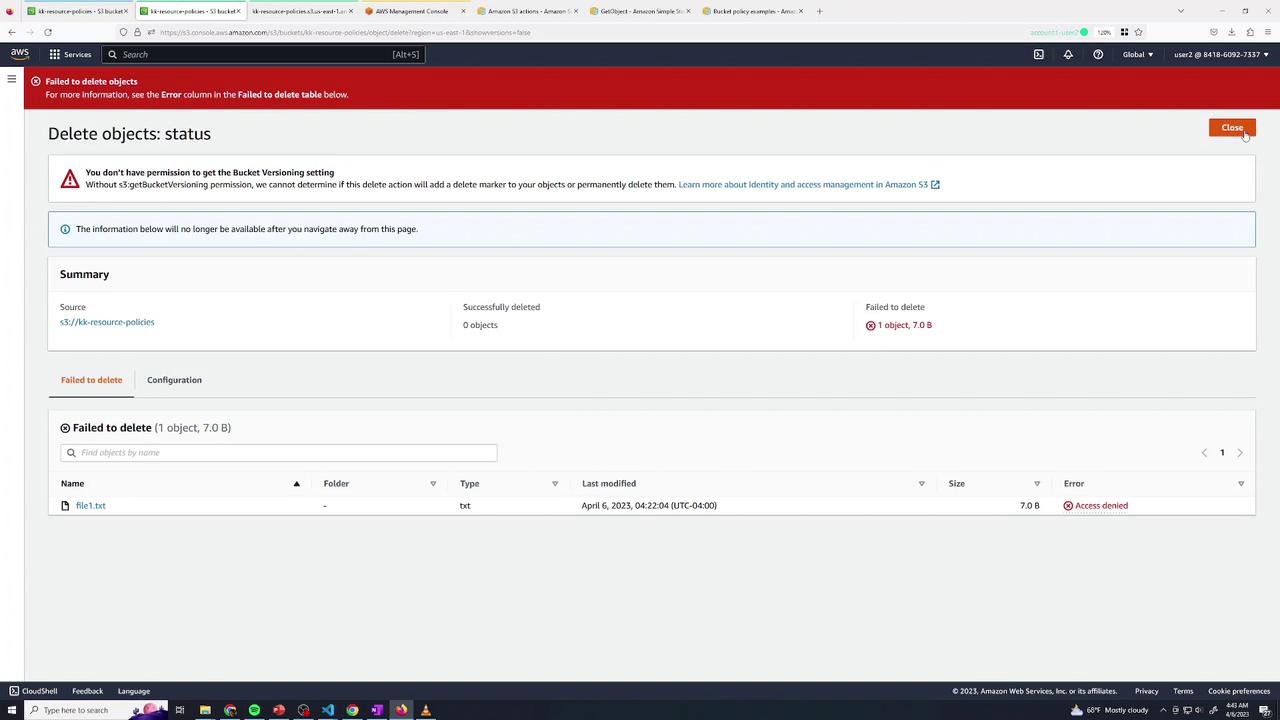
file1.txt → AccessDenied
5. Combining Multiple Actions
You can merge permissions when they apply to the same resource path:
{
  "Sid": "User2GetAndDeleteLogs",
  "Effect": "Allow",
  "Principal": {
    "AWS": "arn:aws:iam::<YOUR_ACCOUNT_ID>:user/user2"
  },
  "Action": [
    "s3:GetObject",
    "s3:DeleteObject"
  ],
  "Resource": "arn:aws:s3:::kk-resource-policies/logs/*"
}
Ensure that all listed actions in one statement target the same ARN pattern.
To expose only the media/ prefix publicly:
- In Permissions, disable “Block public access” (if enforced).
- Add:
{
  "Sid": "AllowPublicMedia",
  "Effect": "Allow",
  "Principal": "*",
  "Action": "s3:GetObject",
  "Resource": "arn:aws:s3:::kk-resource-policies/media/*"
}
media/ is publicly readable.
7. Grant Cross-Account Access (Account 2)
In Yellow (Account 2, User Admin), test listing:
aws s3 ls s3://kk-resource-policies
# → An error occurred (AccessDenied)
{
  "Sid": "AllowAccount2UserAdmin",
  "Effect": "Allow",
  "Principal": {
    "AWS": "arn:aws:iam::<SECOND_ACCOUNT_ID>:user/admin"
  },
  "Action": [
    "s3:ListBucket",
    "s3:GetObject"
  ],
  "Resource": [
    "arn:aws:s3:::kk-resource-policies",
    "arn:aws:s3:::kk-resource-policies/logs/*"
  ]
}
aws s3 ls s3://kk-resource-policies
aws s3 rm s3://kk-resource-policies/file1.txt
aws s3 rm s3://kk-resource-policies/logs/log1
# delete: s3://kk-resource-policies/logs/log1
Summary
You’ve now configured a private S3 bucket and applied these resource policy patterns:
| Scenario | Principal | Actions | Resource |
|---|
| Read-only for User 2 | arn:aws:iam::Acct1:user/user2 | s3:GetObject | kk-resource-policies/logs/* |
| Delete for User 2 | arn:aws:iam::Acct1:user/user2 | s3:DeleteObject | kk-resource-policies/traces/* |
| Combined read & delete | Same as above | s3:GetObject, s3:DeleteObject | kk-resource-policies/logs/* |
| Public read on media/ | * | s3:GetObject | kk-resource-policies/media/* |
| Cross-account list & read | arn:aws:iam::Acct2:user/admin | s3:ListBucket, s3:GetObject | Bucket & logs/* |
Links and References