Static website hosting on Amazon S3 supports only static files. If your site requires server-side processing, consider integrating Amazon EC2, Amazon ECS, or AWS Lambda.
Understanding Static Websites
When a user enters a URL, their browser sends an HTTP GET request to a web server, which responds with files that the browser renders. Common file types include:| File Type | Purpose |
|---|---|
| HTML | Defines the page structure and content. |
| CSS | Styles layout, fonts, colors, and spacing. |
| JavaScript | Adds interactivity and dynamic behavior on the client side. |
| Images & Media | Provides visual and audio assets for the page. |
How Static Hosting Works
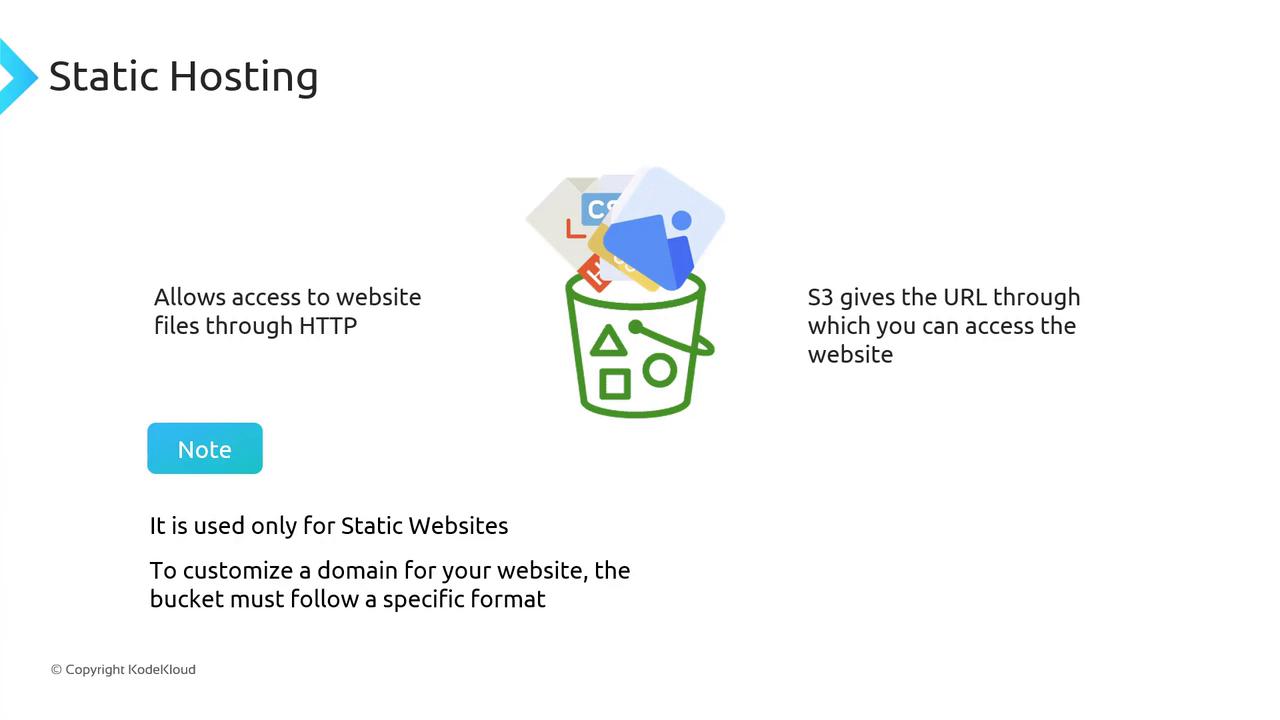
- Upload your site assets (HTML, CSS, JS, images) to an S3 bucket.
- In the bucket Properties, enable Static website hosting.
- Specify your
index.html(and optionalerror.html) documents. - Use the assigned S3 website endpoint to deliver your content.
Pricing Overview
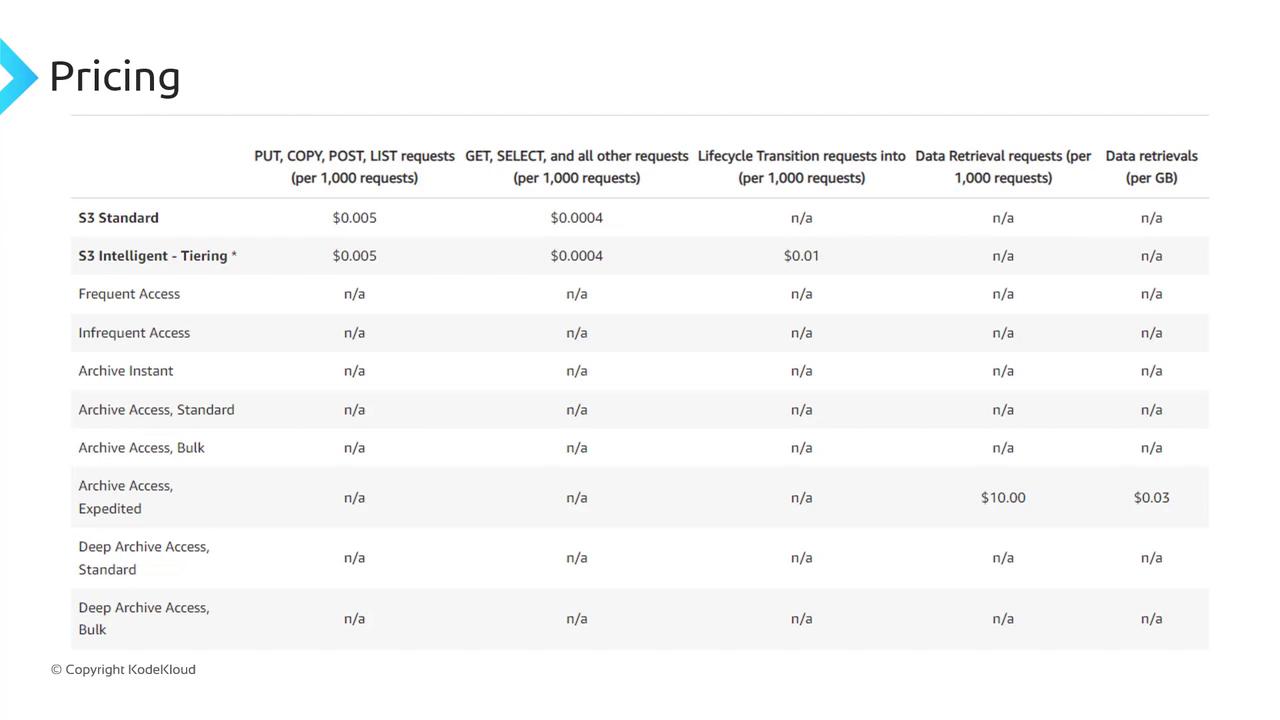
Static hosting on S3 involves standard storage and data transfer fees, plus a small request charge. For example, on S3 Standard, GET requests cost $0.0004 per 1,000 requests.| Cost Component | Pricing (S3 Standard) |
|---|---|
| Storage | Pay per GB stored per month |
| Data Transfer (Out) | Pay per GB transferred out |
| HTTP GET Requests | $0.0004 per 1,000 requests |
Accessing Your Static Site
After enabling static website hosting, S3 assigns an endpoint in this format:Using a Custom Domain
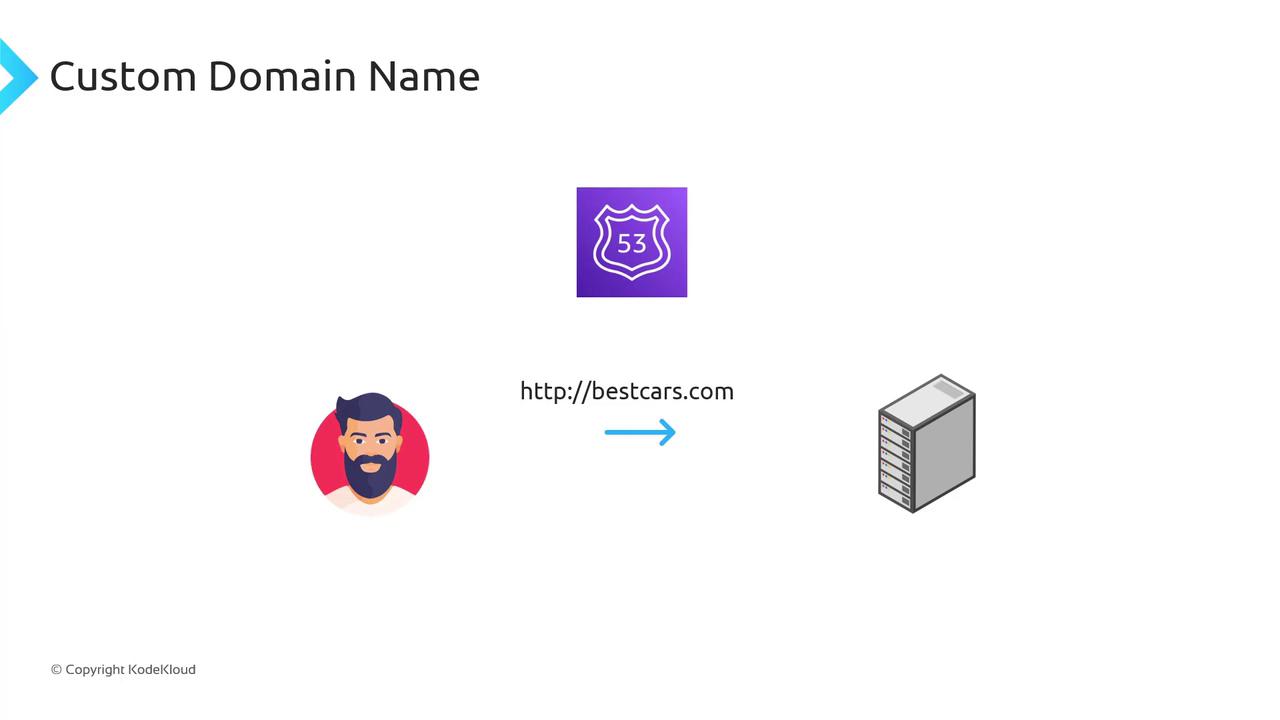
To replace the default S3 URL with your own domain, configure DNS using Amazon Route 53 or another provider. Your bucket name must exactly match the domain you wish to use. For example:- Bucket name:
bestcars.com - Custom domain:
http://bestcars.com
bestcars.com to your S3 website endpoint.
Your S3 bucket name must match your custom domain (
example.com). If they differ, DNS routing will fail and your site will be inaccessible.