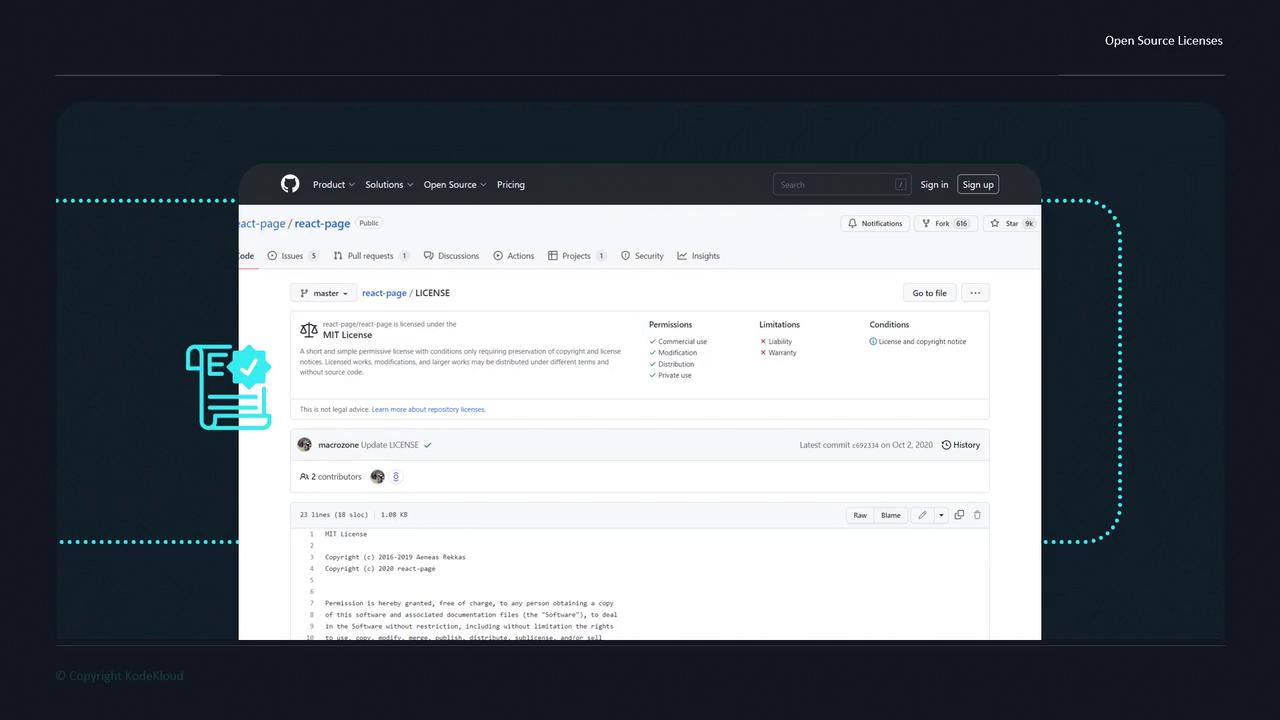
Always include a license file in your repository. Without one, contributors and users risk infringing on your copyright.
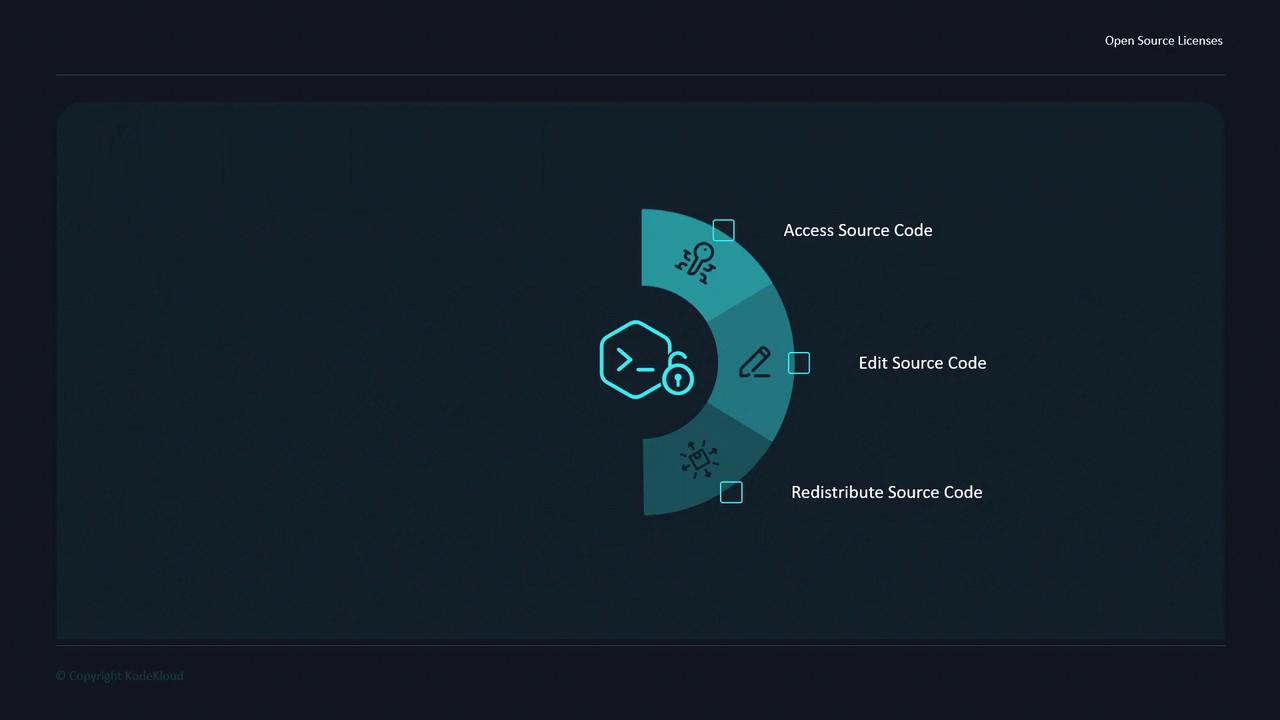
What Makes a Project “Open Source”?
Simply making code publicly accessible doesn’t make it open source. True open source projects must adopt a license that complies with the Open Source Definition. That definition ensures your project remains free to use, modify, and distribute under clear terms.
A license grants legal permission. Popular open source licenses are maintained by standard organizations to ensure consistency and clarity.
Popular Open Source Licenses
| License Name | Key Permissions | Learn More |
|---|---|---|
| MIT License | Commercial use, modification, distribution | MIT License |
| GNU General Public License (GPL) v3 | Copyleft, distribution under same terms | GPL v3 |
| Apache License 2.0 | Patent grant, redistribution | Apache 2.0 |
| BSD 2-Clause (“Simplified BSD”) | Redistribution with attribution | BSD 2-Clause |
| Mozilla Public License 2.0 | File-level copyleft, distribution | MPL 2.0 |
Examining a License on GitHub
Let’s explore how React’s team handles licensing. Visit the React GitHub repository and locate theLICENSE file:
- Navigate to the repo and click on LICENSE in the file list.
- You’ll see that React uses the MIT License.
- The sidebar also provides a quick summary of permissions and conditions.