This article discusses the importance of verifying Ansible playbooks to prevent errors and ensure reliable software updates in production environments.
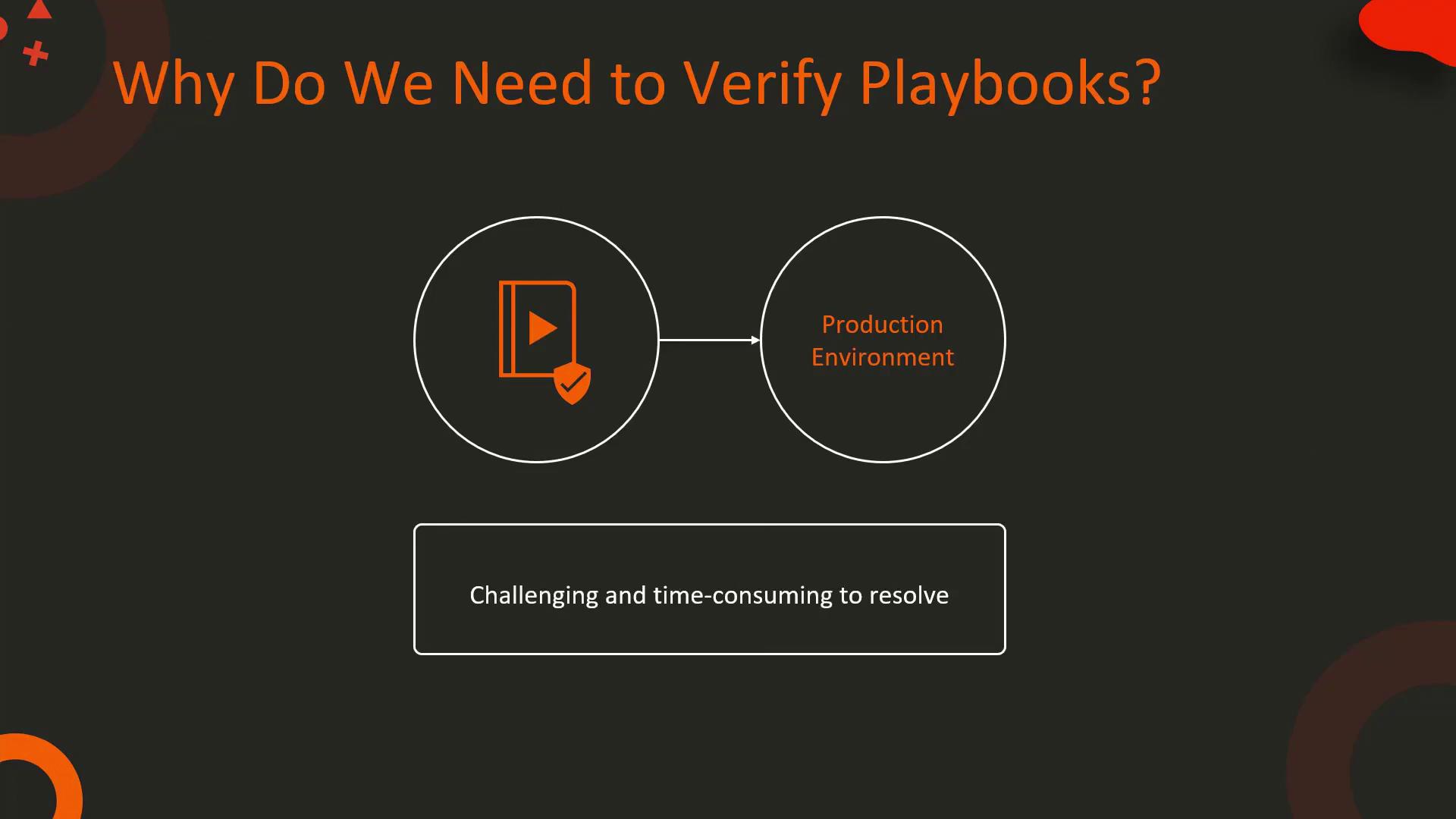
Deploying critical software updates across hundreds of servers can be a daunting task. Imagine writing an Ansible playbook to automate this update and running it immediately in production, only to discover an unnoticed error that shuts down essential services. This scenario highlights the importance of verifying playbooks before they are executed in production.Verifying playbooks acts as a rehearsal, allowing you to catch and correct errors or unexpected behaviors in a controlled environment. Skipping this step could lead to system downtime, data loss, or other critical issues that are far more difficult to resolve.
By verifying your playbooks, you ensure they behave exactly as expected when applied to production systems. This process not only maintains stability and reliability but also saves valuable time and prevents potential headaches.Let’s explore the different modes available in Ansible for verifying your playbooks.
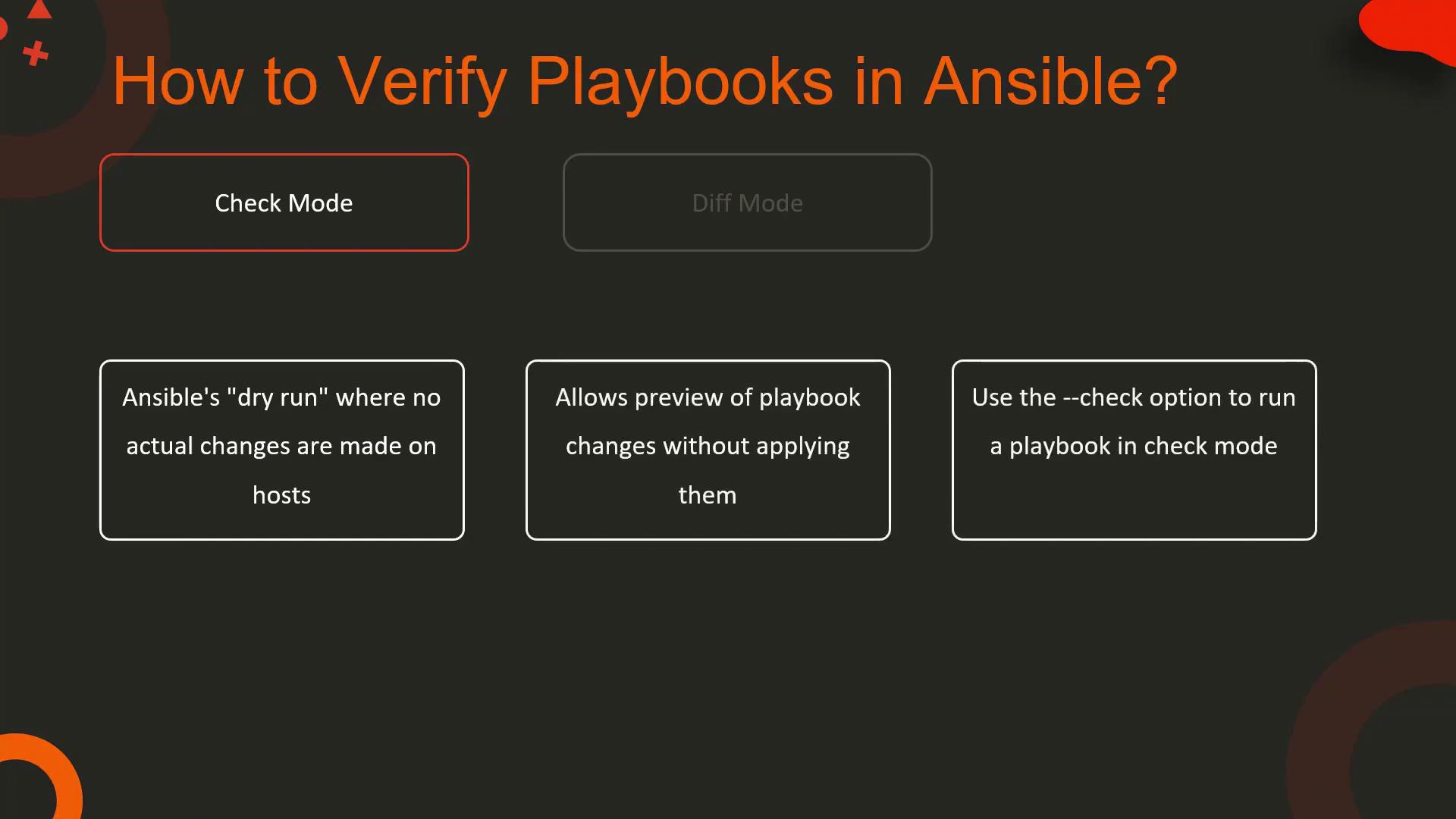
Ansible’s check mode is a dry-run feature that simulates the execution of your playbook without making any changes to the hosts. It clearly shows what changes would be made if the playbook were executed in a live environment. To run a playbook in check mode, simply add the --check option.
Not all modules support check mode. Tasks using unsupported modules will be skipped, so always verify module compatibility.
For example, consider a simple playbook saved as install_nginx.yml that installs the Nginx web server. Running it in check mode would look like this:
In the output, Ansible indicates that it would change the state of the web server by installing Nginx. However, because the playbook is run in check mode, no actual changes are applied.
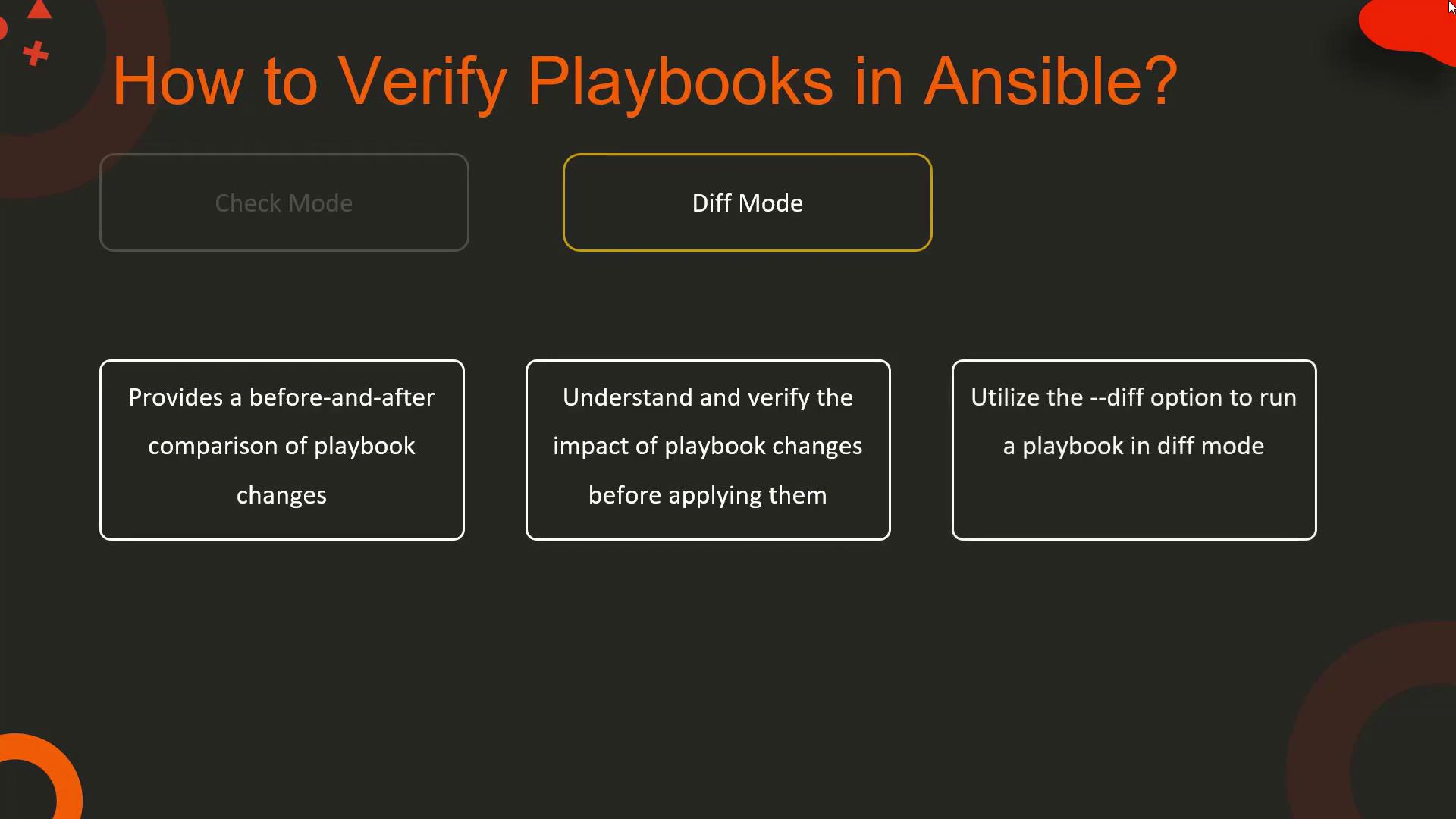
Diff mode provides a before-and-after comparison by showing the differences between the current system state and the state after applying the playbook. This feature is especially useful when you need to understand precisely what changes will be made.To enable diff mode, include the --diff option when running your playbook.
Consider a playbook saved as configure_nginx.yml that enforces a specific configuration line within a file. Running the playbook with both check and diff modes will provide detailed insights into any changes:
Copy
Ask AI
$ ansible-playbook configure_nginx.yml --check --diffPLAY [webservers] *********************************************************************TASK [Gathering Facts] ****************************************************************ok: [webserver1]TASK [Ensure the configuration line is present] ***************************************---- before: /etc/nginx/nginx.conf (content)+++ after: /etc/nginx/nginx.conf (content)@@ -20,3 +20,4 @@ # some existing configuration lines # more existing configuration lines #+client_max_body_size 100M;changed: [webserver1]PLAY RECAP *********************************************************************webserver1 : ok=2 changed=1 unreachable=0 failed=0 skipped=0 rescued=0 ignored=0
In the diff output, the line prefixed with a plus sign shows what would be added to /etc/nginx/nginx.conf if the playbook were executed.
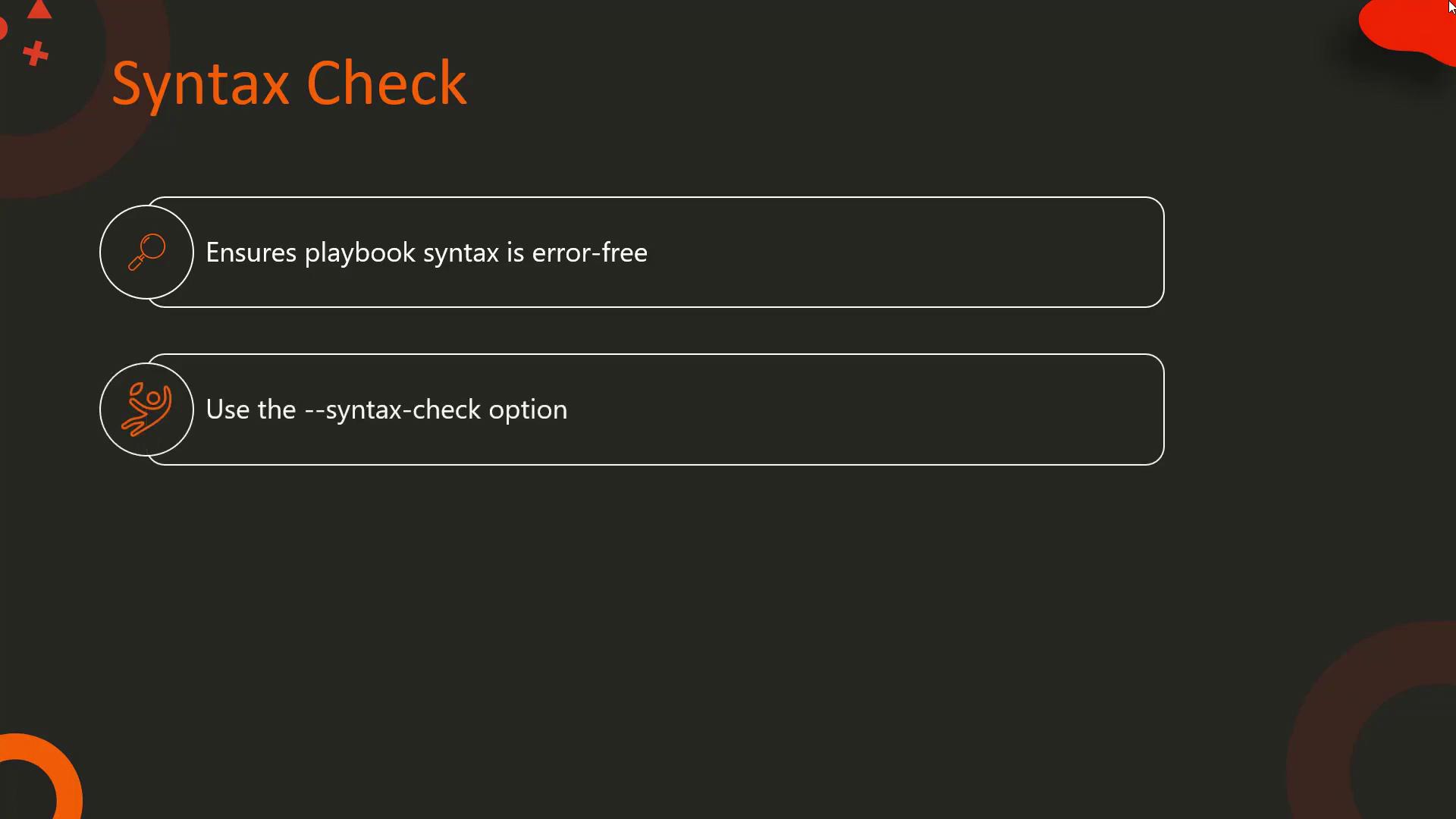
Before executing any playbook, it’s essential to ensure that your YAML syntax is correct. Ansible offers a syntax check mode which quickly validates your playbook, catching potential syntax errors early. Use the --syntax-check option to perform this verification.
Consider the following playbook saved as configure_nginx.yml:
Copy
Ask AI
---- hosts: webservers tasks: - name: Ensure the configuration line is present lineinfile: path: /etc/nginx/nginx.conf line: 'client_max_body_size 100M;' become: yes
The output confirms that the playbook’s syntax is correct. Now, if you accidentally remove the colon after lineinfile, running the syntax check again will produce an error:
Copy
Ask AI
$ ansible-playbook configure_nginx.yml --syntax-checkERROR! Syntax Error while loading YAML. did not find expected keyThe error appears to be in '/path/to/configure_nginx.yml': line 5, column 9, but maybe elsewhere in the file depending on the exact syntax problem.The offending line appears to be:lineinfile path: /etc/nginx/nginx.conf ^ here
This error message clearly indicates where the syntax issue is, making it straightforward to correct the mistake before executing the playbook.By leveraging check mode, diff mode, and syntax checks, you can confidently ensure that your Ansible playbooks will execute as intended, maintaining the stability and reliability of your production environment. Happy automating, and we’ll see you in the next lesson!