This article explains the enableServiceLinks parameter in Kubernetes and its impact on environment variable injection in pods.
In this lesson, we dive into the Kubernetes pod specification parameter called enableServiceLinks. This parameter, although not frequently encountered by beginners, is crucial for controlling how service-related environment variables are injected into your pods. Below, you’ll find a detailed explanation and a real-world scenario that demonstrates the effect of this setting.
While developing an application and writing the Kubernetes manifest, I initially tested the configuration in my development namespace. Everything worked as expected:
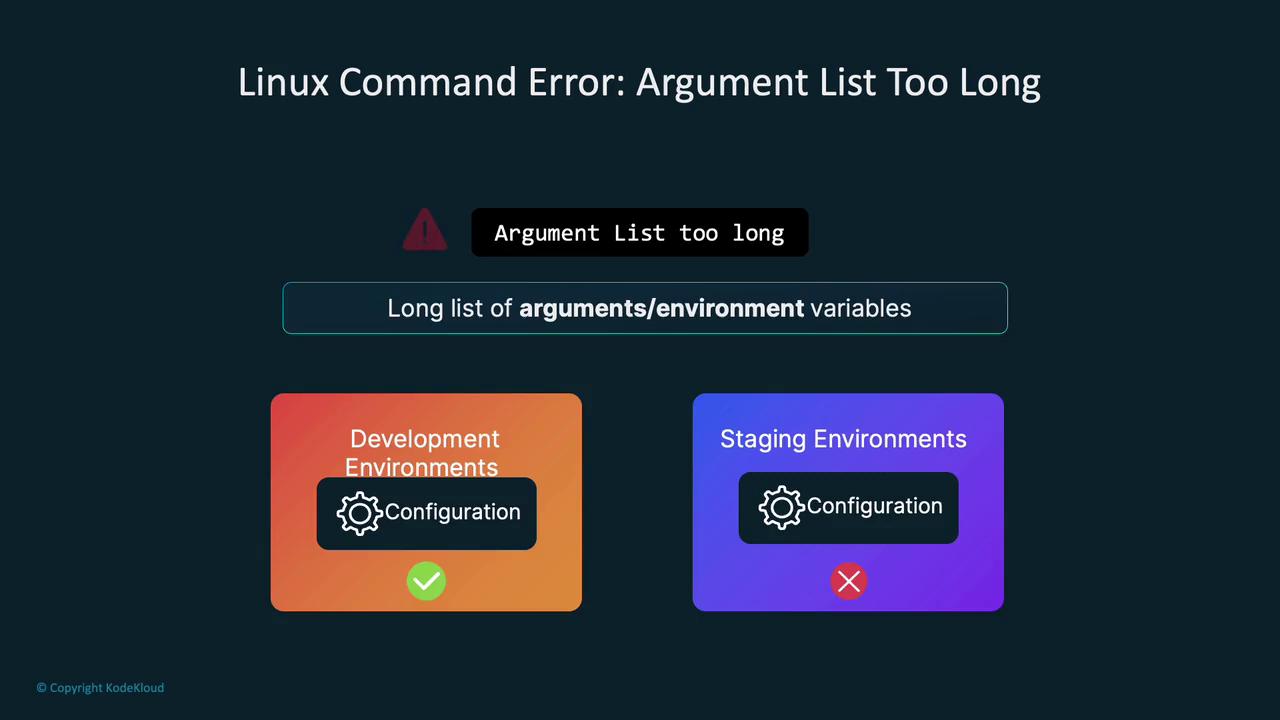
However, upon deploying the same manifest to the staging namespace, the application began crashing. The only difference was the namespace—the manifest remained unchanged. Container logs revealed the following error:
Copy
Ask AI
standard_init_linux.go:228: exec user process caused: argument list too long
This error is common on Linux when a process is provided with an excessively long list of arguments, which in this case was due to a large number of environment variables injected into the pod. Although my application did not originally require many environment variables, the staging namespace had numerous additional services, leading to the buildup of excessive environment variables.
Kubernetes automatically injects environment variables for every service in the namespace into each pod, ensuring that pods can discover and connect with services without relying solely on DNS.
To diagnose the problem, I recreated both the staging and development namespaces. After starting a shell in the container and executing a simple print command, I discovered a lengthy list of environment variables in the staging namespace. These included variables such as DevOps, Auth, API, ML Pipeline, Recommendations, and Security, corresponding to other applications running in that namespace.For instance, the staging namespace had many service-related environment variables:
This comparison highlights how the default behavior of Kubernetes leads to the accumulation of environment variables, which can cause issues such as the “argument list too long” error.
When a new pod starts, let’s say for Service D, Kubernetes injects environment variables from existing services (A, B, and C) into that pod. For example, the logging application in such a scenario might show the following output when running:
Copy
Ask AI
printenv | grep LO
This command outputs several logging-related variables:
Such injected information enables applications to connect to services without DNS queries. However, in environments with thousands of services, the cumulative length of environment variables can become unmanageable.
A side-by-side comparison between development and staging environments might look like this:
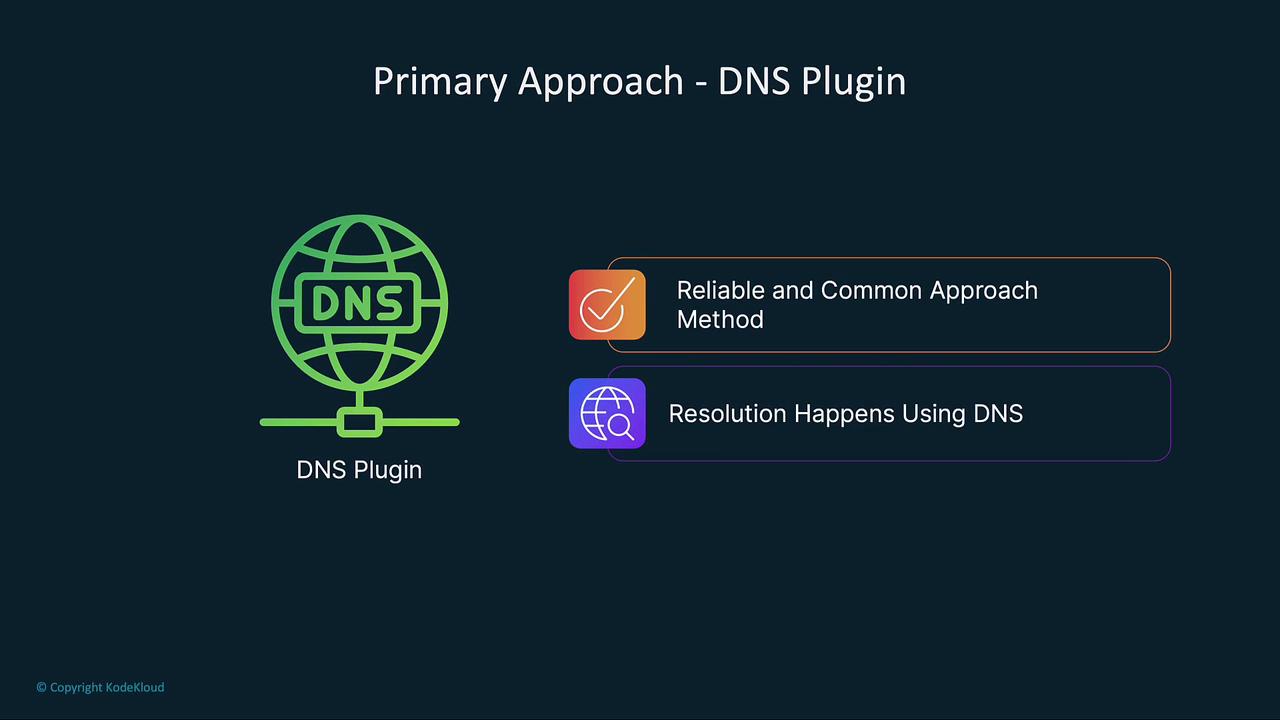
Since we use CoreDNS in production, the automatically injected environment variables are redundant. Kubernetes provides an option to disable this behavior by setting enableServiceLinks to false in your pod specification. This prevents the injection of unrelated service environment variables, addressing issues like the “argument list too long” error.Below is an example of a deployment manifest with enableServiceLinks disabled:
After applying this updated manifest, your new pods will no longer include the extraneous service environment variables. Verify this by executing a print command within the pod:
The enableServiceLinks parameter is enabled by default, leading to the injection of environment variables for every service in the namespace. When using a DNS plugin like CoreDNS, disable this behavior by setting enableServiceLinks to false to prevent potential errors.
In summary, enableServiceLinks controls how Kubernetes injects service environment variables into your pods. By setting enableServiceLinks to false, you can improve resource efficiency and avoid errors like “argument list too long,” especially when many services coexist in the same namespace. Leveraging DNS via CoreDNS for service discovery is a best practice that renders these environment variables unnecessary.Happy deploying, and see you in the next article!