- Keep secrets out of version control
- Reuse the same configurations across environments
- Simplify CI/CD with remote execution
Never commit sensitive data (API keys, credentials, or tokens) directly in your
.tf files. Always mark secrets as Sensitive in Terraform Cloud.Workspace Variables vs. Organization Variable Sets
Terraform Cloud offers two scopes for storing variable values:| Variable Scope | Defined At | Sensitivity Support | Applies To | Typical Use Case |
|---|---|---|---|---|
| Workspace Variables | Single workspace | Yes | One workspace only | AWS credentials, DB passwords |
| Organization Variable Sets | Organization level | Yes | Multiple workspaces | Shared cloud provider tokens |
Workspace Variables
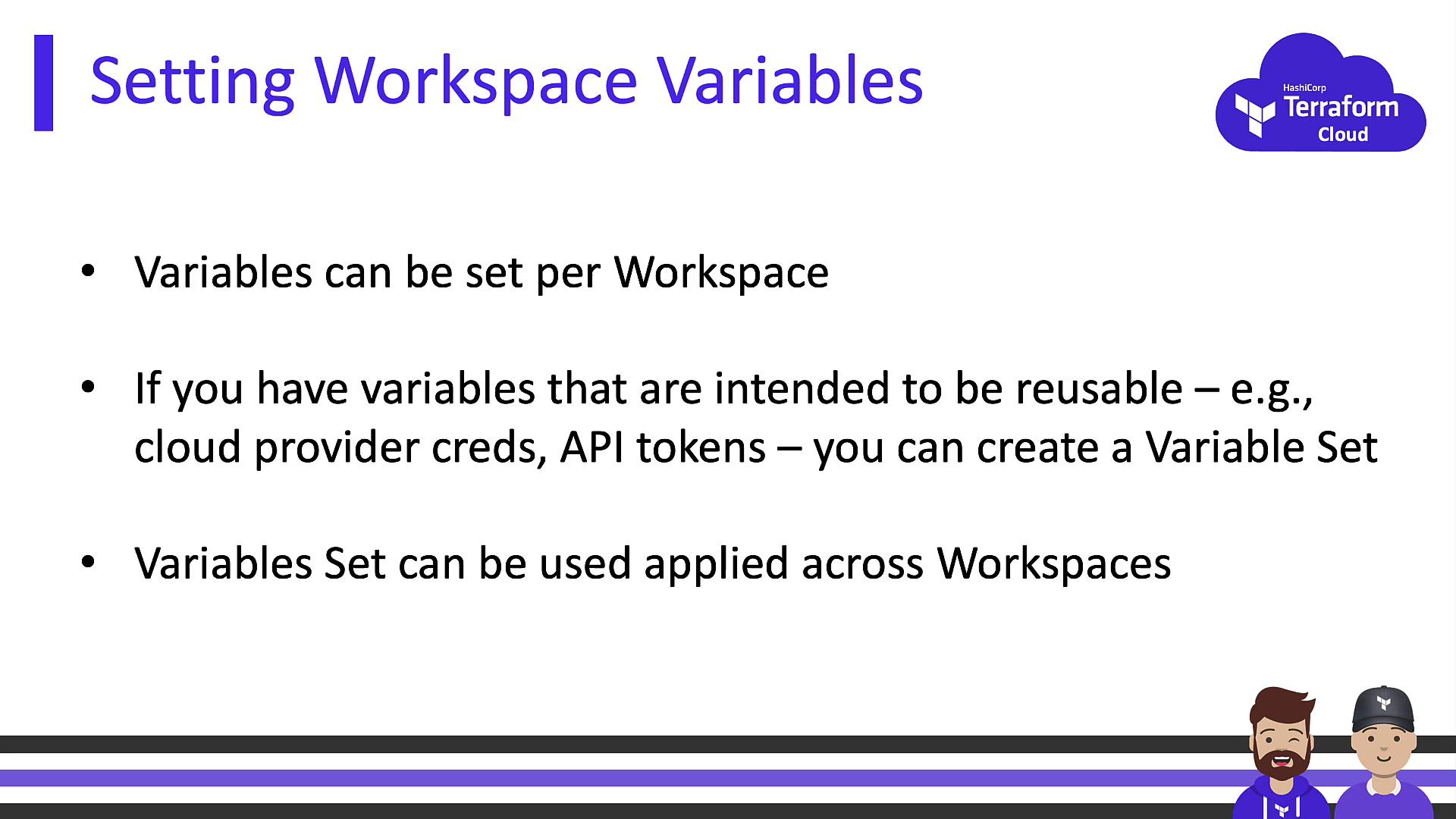
- Scoped to an individual workspace.
- Can be flagged Sensitive to hide in UI, CLI output, and logs.
- Ideal for per-environment secrets like
aws_access_key_id.
Organization Variable Sets
- Defined at the organization level for reuse.
- Supports both Terraform input variables and environment variables.
- Workspaces must opt in to inherit the set.
- Perfect for credentials or settings shared by multiple projects.
Input Variables vs. Environment Variables
Terraform Cloud recognizes two types of variables:| Variable Type | Reference in HCL | Common Examples |
|---|---|---|
| Terraform Input Variable | var.<name> | var.subscription_id, var.db_connection |
| Environment Variable | <NAME> env var | AWS_ACCESS_KEY_ID, TF_LOG, GOOGLE_CRED |
string, number, list, and map.
Setting Variables Locally
Even with remote execution, you can still supply values from your workstation:*.auto.tfvars in your working directory:
Using
terraform.auto.tfvars lets you track non-sensitive defaults in Git while still overriding them via the CLI or workspace UI.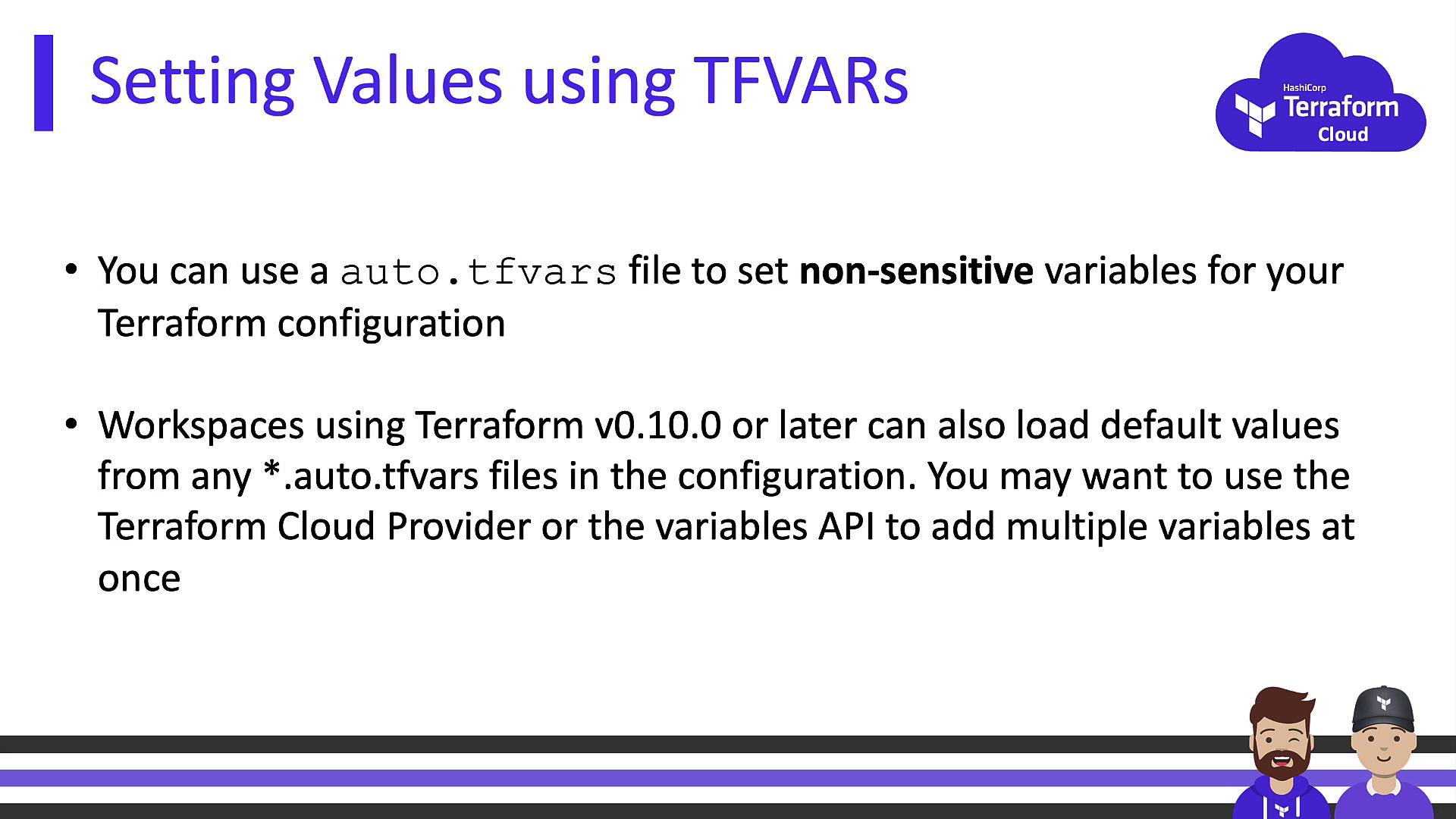
Variable Precedence
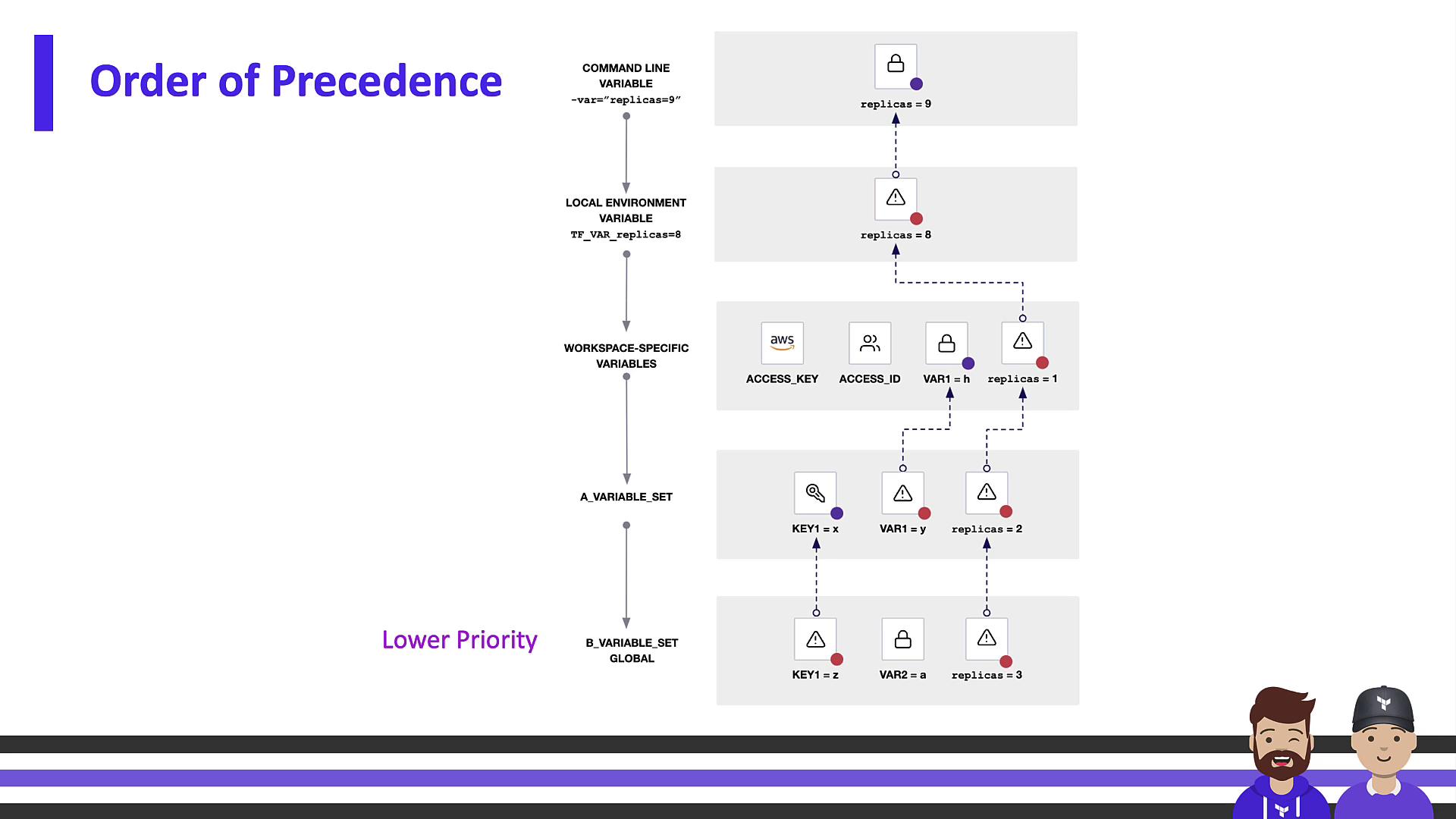
When a variable exists in multiple locations, Terraform applies values based on this hierarchy (highest → lowest):- CLI flags (
-varor-var-file) - Workspace UI variables
- Organization Variable Sets
- Auto-loaded
*.auto.tfvarsfiles
auto.tfvars defaults.

Best Practices & Recommendations
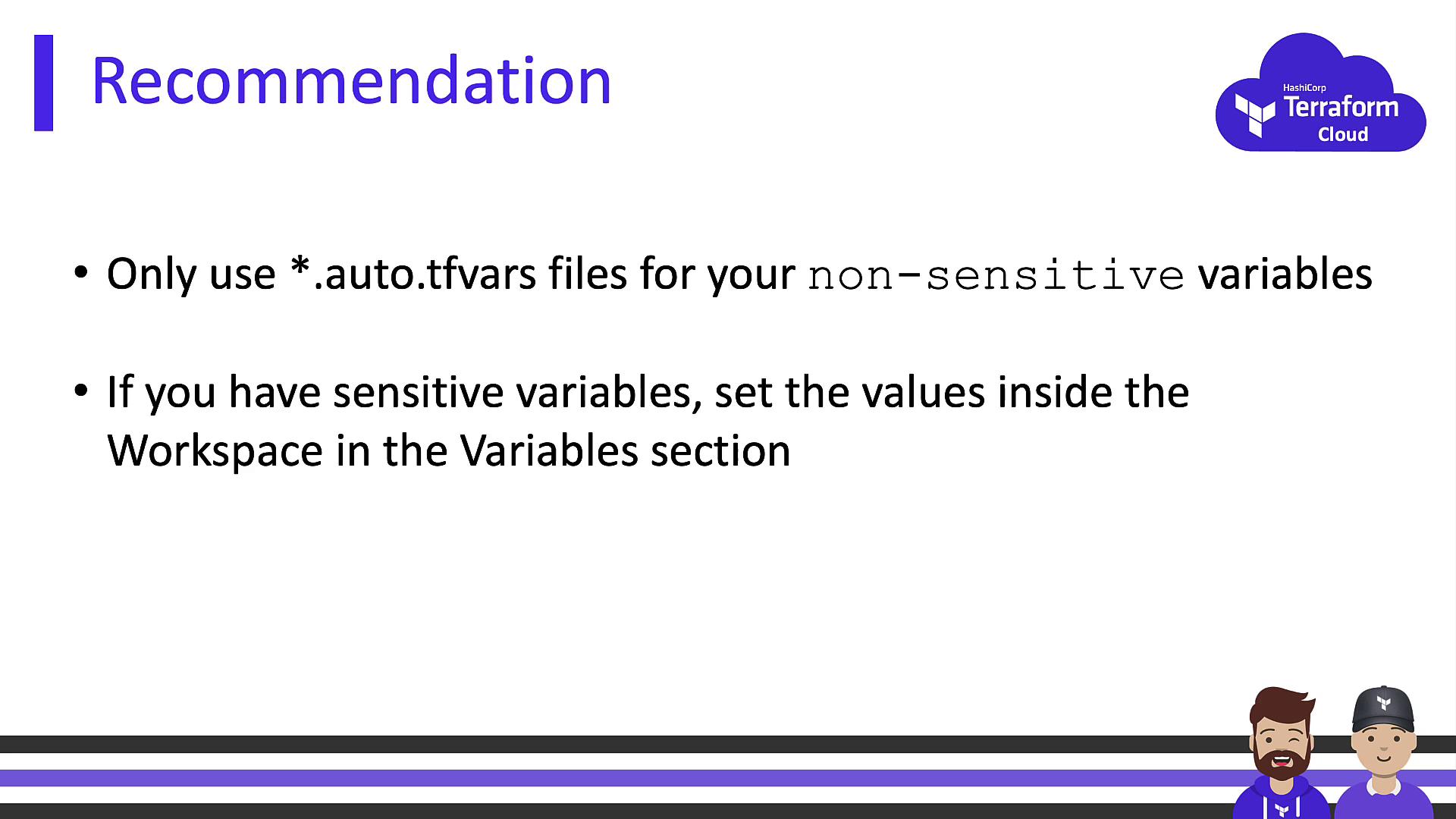
- Store non-sensitive defaults in
*.auto.tfvarsfiles and commit them to Git. - Keep sensitive values in Terraform Cloud—either at the workspace level or via Organization Variable Sets.
- Regularly rotate credentials and audit workspace variable access.