This article explores the Jenkinsfile for the Solar System application, detailing pipeline stages for testing, building, and deploying updates.
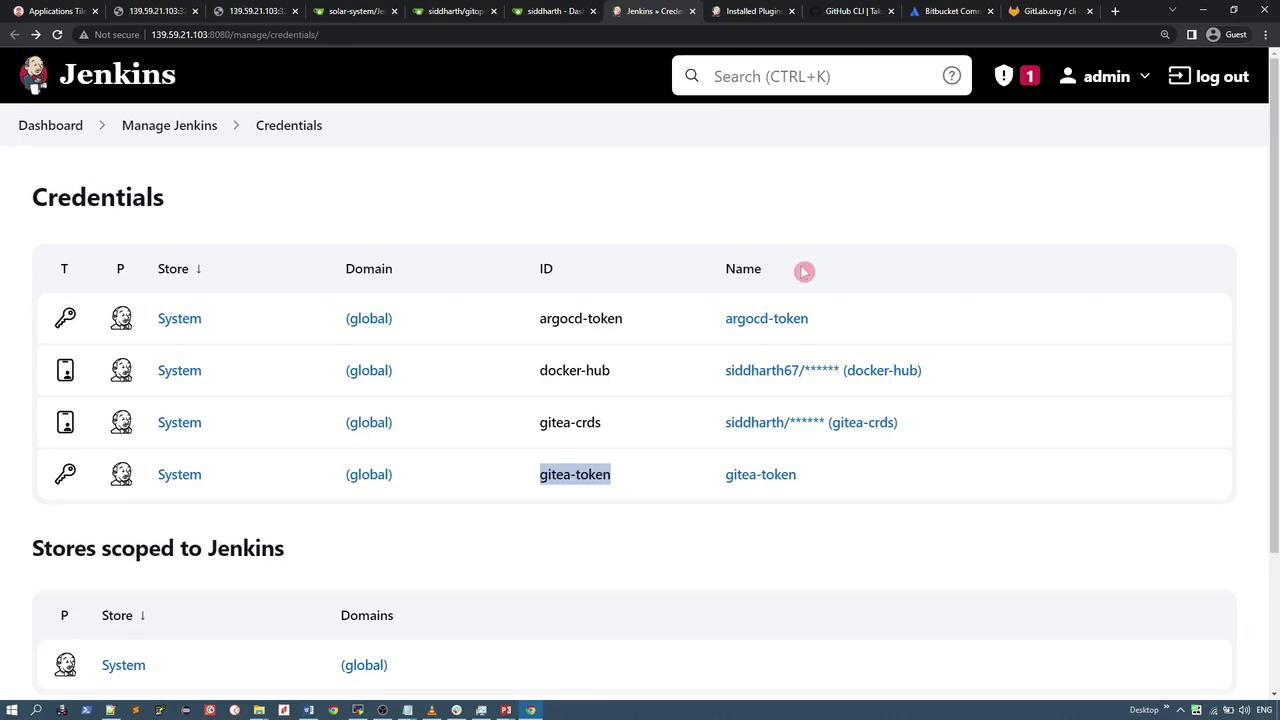
In this lesson, we’ll explore the Jenkinsfile used by the Solar System application. The walkthrough covers the various pipeline stages—from running unit tests and building a Docker image to updating a GitOps repository and raising a pull request for deploying updated Kubernetes manifests.The pipeline leverages several environment variables such as the application name, version (a combination of the Jenkins build ID and Git commit), Docker Hub repository credentials, and tokens for ArgoCD and Gitea.Below is an example Jenkinsfile outlining these processes:
Copy
Ask AI
pipeline { agent any environment { NAME = "solar-system" VERSION = "${env.BUILD_ID}-${env.GIT_COMMIT}" IMAGE_REPO = "siddharth67" ARGOCD_TOKEN = credentials('argocd-token') GITEA_TOKEN = credentials('gitea-token') } stages { stage('Unit Tests') { steps { echo 'Implement unit tests if applicable.' echo 'This stage is a sample placeholder' } } stage('Build Image') { steps { sh 'docker build -t ${NAME} .' sh 'docker tag ${NAME}:latest ${IMAGE_REPO}/${NAME}:${VERSION}' } } stage('Push Image') { steps { withDockerRegistry([credentialsId: 'docker-hub', url: ""]) { sh 'docker push ${IMAGE_REPO}/${NAME}:${VERSION}' } } } stage('Clone/Pull Repo') { steps { script { if (fileExists('gitops-argocd')) { echo 'Repository exists. Pulling latest changes.' dir('gitops-argocd') { sh 'git pull' } } else { echo 'Repository does not exist - Cloning repo' sh 'git clone -b feature-gitea http://139.59.21.103:3000/siddharth/gitops-argocd' } } } } stage('Update Manifest') { steps { dir('gitops-argocd/jenkins-demo') { // The sed command updates the image tag in the Kubernetes deployment YAML. // Ensure the search string matches the existing image value. sh 'sed -i "s#siddharth67/planets:[^ ]*#${IMAGE_REPO}/${NAME}:${VERSION}#g" deployment.yaml' sh 'cat deployment.yaml' } } } stage('Commit & Push') { steps { dir('gitops-argocd/jenkins-demo') { sh 'git config --global user.email "[email protected]"' sh 'git remote set-url origin http://[email protected]:3000/siddharth/gitops-argocd' sh 'git checkout feature-gitea' sh 'git add -A' sh 'git commit -am "Updated image version for Build - $VERSION"' sh 'git push origin feature-gitea' } } } stage('Raise PR') { steps { // Execute the shell script to raise a pull request via the Gitea REST API. sh 'bash pr.sh' } } }}
Ensure that environment variables and credentials are correctly configured in Jenkins to enable smooth execution of the pipeline.
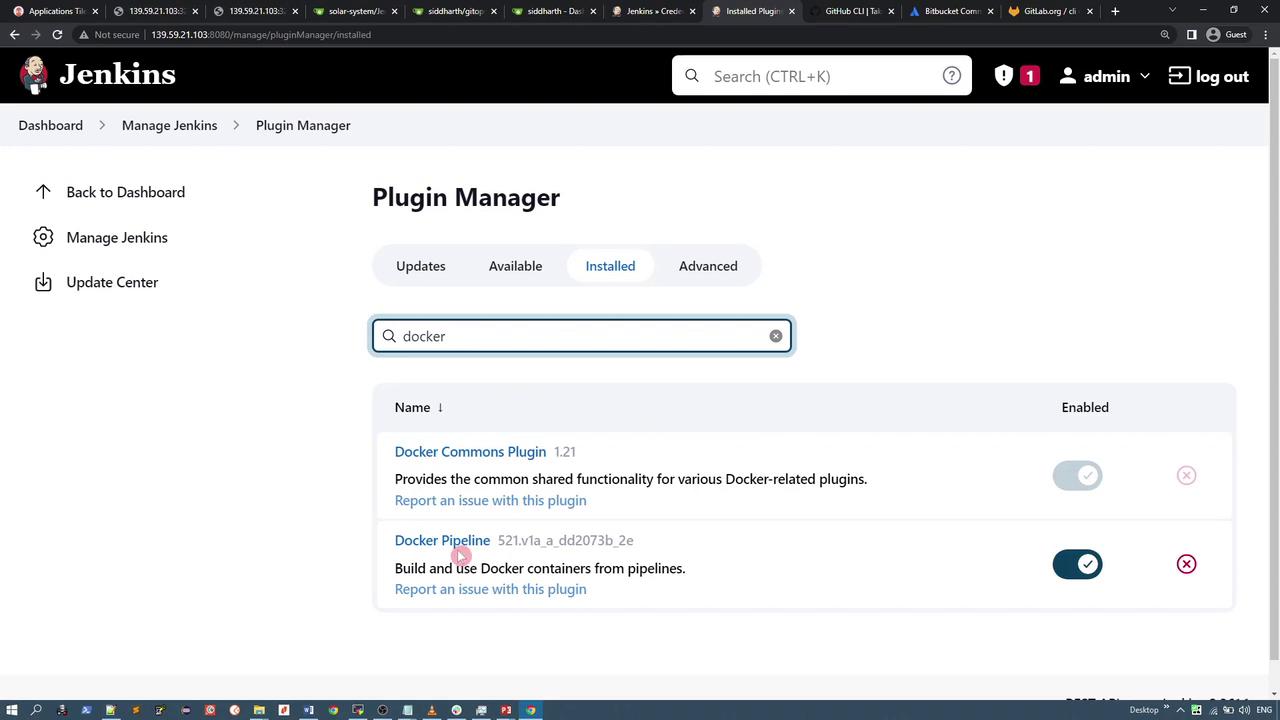
The pipeline utilizes the Docker Pipeline plugin. In the “Push Image” stage, the withDockerRegistry wrapper provides Docker Hub credentials to tag and push the image securely.
After building and pushing the Docker image, the pipeline manages the GitOps repository which contains the Kubernetes manifest files. The repository, named gitops-argocd, typically holds a directory called jenkins-demo, which contains a deployment YAML file resembling the example below:
The “Clone/Pull Repo” stage checks if the repository already exists. If present, the pipeline performs a git pull to update it; if not, it clones the repository.
Updating the Deployment Manifest and Raising a Pull Request
Once the repository is up-to-date, the “Update Manifest” stage modifies the deployment YAML file using a sed command to update the image version. Following this change, the pipeline commits the update and pushes it to the feature-gitea branch.The final “Raise PR” stage triggers a shell script (pr.sh) that uses a REST API call to Gitea to automatically create a pull request. Below is an example of the curl command used within the script:
Copy
Ask AI
echo "Opening a Pull Request"curl -X 'POST' \ 'http://139.59.21.103:3000/api/v1/repos/siddharth/gitops-argocd/pulls' \ -H 'accept: application/json' \ -H "authorization: $ARGOCD_TOKEN" \ -H 'Content-Type: application/json' \ -d '{ "assignee": "siddharth", "assignees": [ "siddharth" ], "base": "main", "body": "Updated deployment specification with a new image version.", "head": "feature-gitea", "title": "Updated Solar System Image"}'echo "Success"
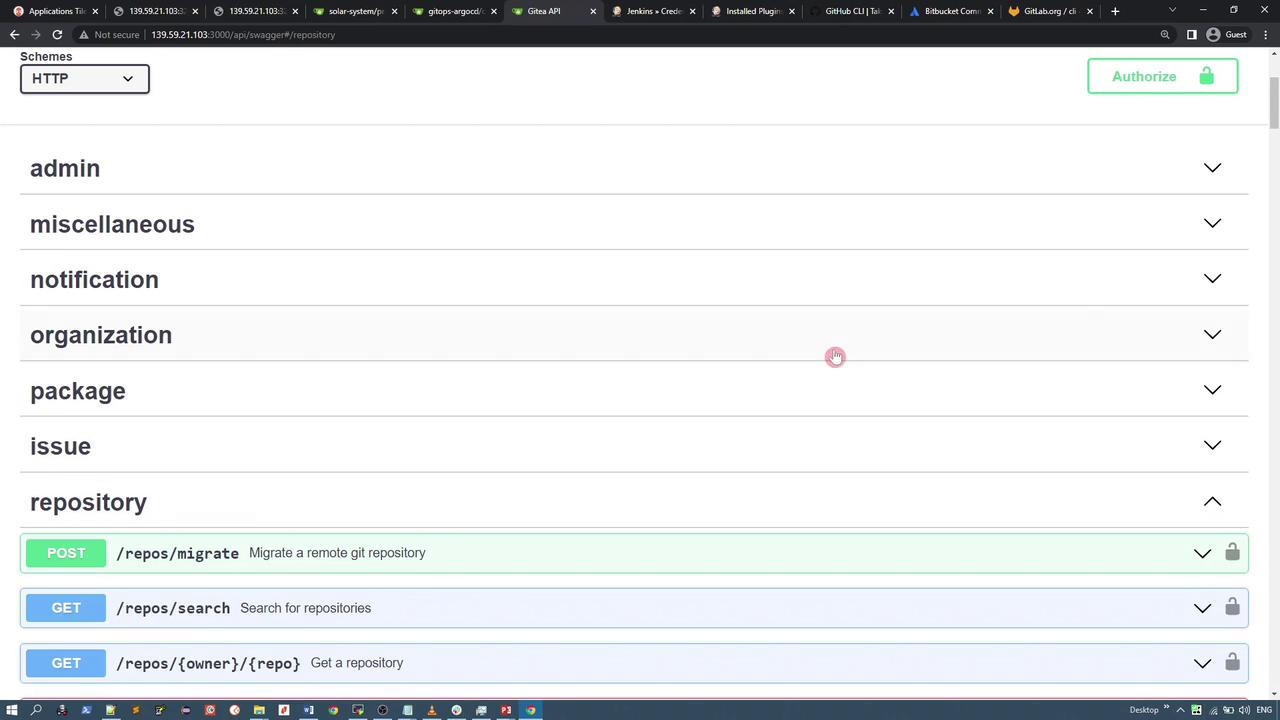
Gitea provides a comprehensive suite of REST APIs that you can explore via its Swagger interface. For example, to search repositories, you can use the following GET request:
The response returns repository details in JSON format. For complete information on creating pull requests and other functionalities, refer to Gitea’s Swagger documentation:
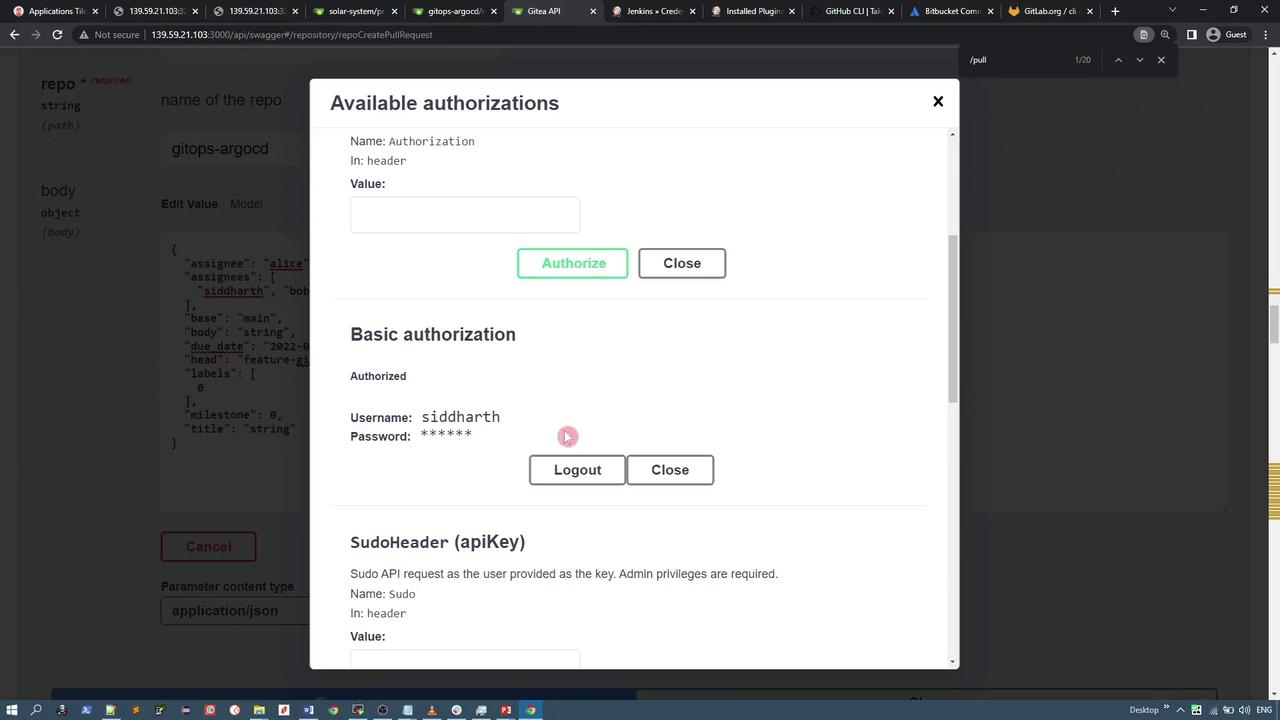
When using the Swagger UI, you might encounter a lock icon next to an API call. Click it to provide your authentication details (such as your Gitea token). An example interface for API authorization is shown below: