

Table of Contents
- Account Options
- Benefits and Free Tier Details
- Step-by-Step: Personal GCP Account Creation
- Cleanup Best Practices
- References
Account Options
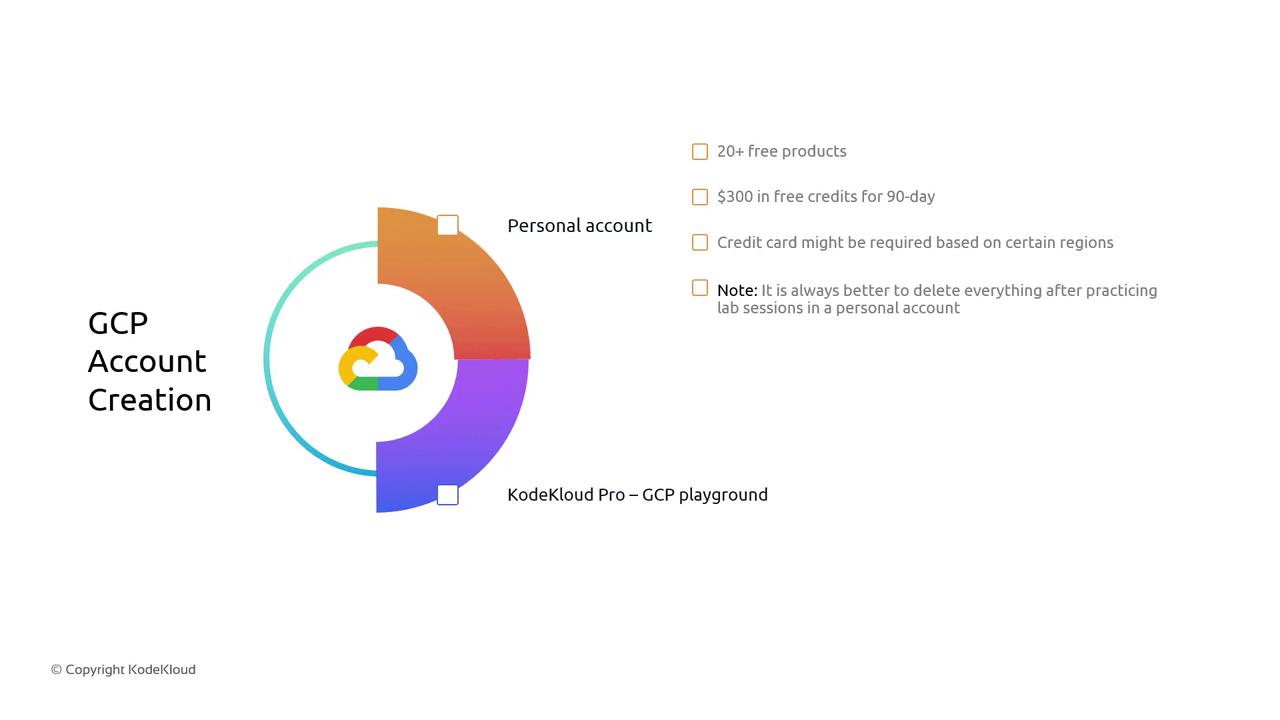
You have two ways to get started with GCP:| Option | Description | Ideal For |
|---|---|---|
| Personal GCP Account (Free) | New users get $300 USD in free credits (valid 90 days) and access to over 20 always-free products. | Individuals preparing for certifications, POCs, or learning |
| KodeKloud Pro’s GCP Playground | Preconfigured environment with ample resources specifically tailored for training and labs. | Students, professionals on KodeKloud Pro |
KodeKloud Pro’s Playground provides ephemeral environments. Resources reset after each lab, so you don’t need to worry about manual cleanup.
Benefits and Free Tier Details
When you sign up for a personal GCP account:- $300 USD free credit valid for 90 days
- 20+ always-free products out of 92 total GCP services
- Access to core services like Compute Engine, Cloud Storage, BigQuery, and more
After your $300 USD credit or 90 days expire, any running services will incur standard GCP rates. Always delete unused resources to avoid billing surprises.
Step-by-Step: Personal GCP Account Creation
Follow these steps to create your own GCP account:- Navigate to the Google Cloud Console Sign-up page.
- Log in with your existing Google account or create a new one.
- Follow the on-screen prompts:
- Enter personal information and billing details.
- Verify your identity; a credit card is required in some regions.
- Accept the terms of service and select the free trial offer.
- Once completed, you’ll see your GCP dashboard with $300 credit balance.
Cleanup Best Practices
To prevent unexpected charges:- List all active resources:
- Delete or stop resources when not in use:
- Review your Billing page regularly:
- Check current spend
- Set up budget alerts under Billing > Budgets & alerts