Welcome back! In this task, we’ll set up and test our Flask application on your local machine before pushing it to our GitHub repository. We’ll use VS Code for development, write the application code, declare dependencies, and containerize with Docker.

Prerequisites


1. Update the README

Open README.md in VS Code and add a clear project title and description:
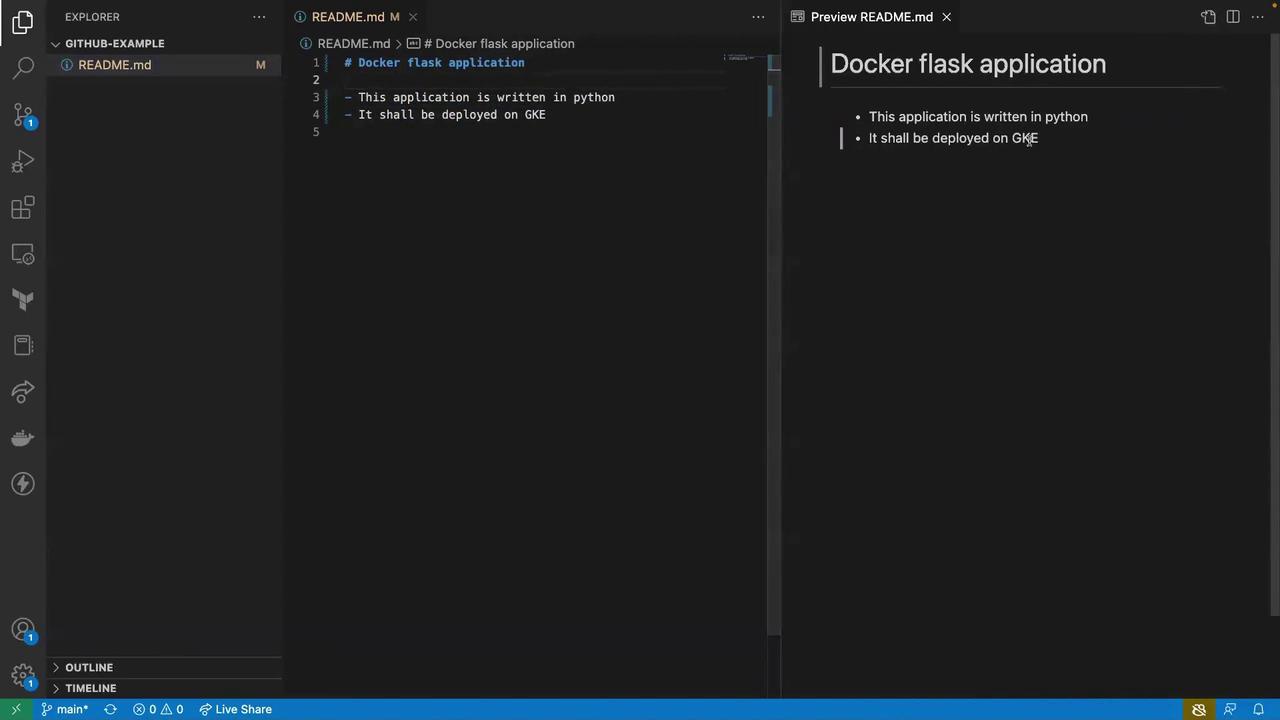
A simple Python Flask application containerized with Docker.  
This app will later be deployed on Google Kubernetes Engine (GKE).
Use VS Code’s Markdown Preview (⌘+Shift+V / Ctrl+Shift+V) to verify formatting.
The image shows a Visual Studio Code interface with a README.md file open, describing a Docker Flask application written in Python to be deployed on GKE. The file is displayed in both markdown and preview modes.

2. Project File Structure

FilePurpose
README.mdOverview and setup instructions
app.pyFlask application entrypoint
requirements.txtPython dependencies
DockerfileDocker container build instructions

3. Create the Flask Application

Create app.py at the project root with the following code:
from flask import Flask

app = Flask(__name__)

@app.route('/')
def hello_world():
    return 'Hello, Simple Flask application'
This defines a basic web server with one route (/) that returns a greeting.

4. Specify Dependencies

In requirements.txt, list your Python packages:
Flask
This tells pip which libraries to install inside the container.

5. Write the Dockerfile

Create Dockerfile and add:
FROM python:3.8-slim-buster

WORKDIR /app

COPY requirements.txt requirements.txt
RUN pip3 install --no-cache-dir -r requirements.txt

COPY . .

CMD ["python3", "-m", "flask", "run", "--host=0.0.0.0"]
Key steps:
  • Use a lightweight Python base image
  • Copy and install dependencies
  • Copy application code
  • Expose Flask on all network interfaces
If Flask does not auto-detect app.py, you can set the environment variable:
ENV FLASK_APP=app.py
or change the CMD to:
CMD ["python3", "app.py"]

Next Steps

With your files in place (README.md, app.py, requirements.txt, Dockerfile), you’re ready to build and run the Docker image locally:
docker build -t flask-app:local .
docker run -p 5000:5000 flask-app:local
Visit http://localhost:5000 to verify the “Hello, Simple Flask application” message.