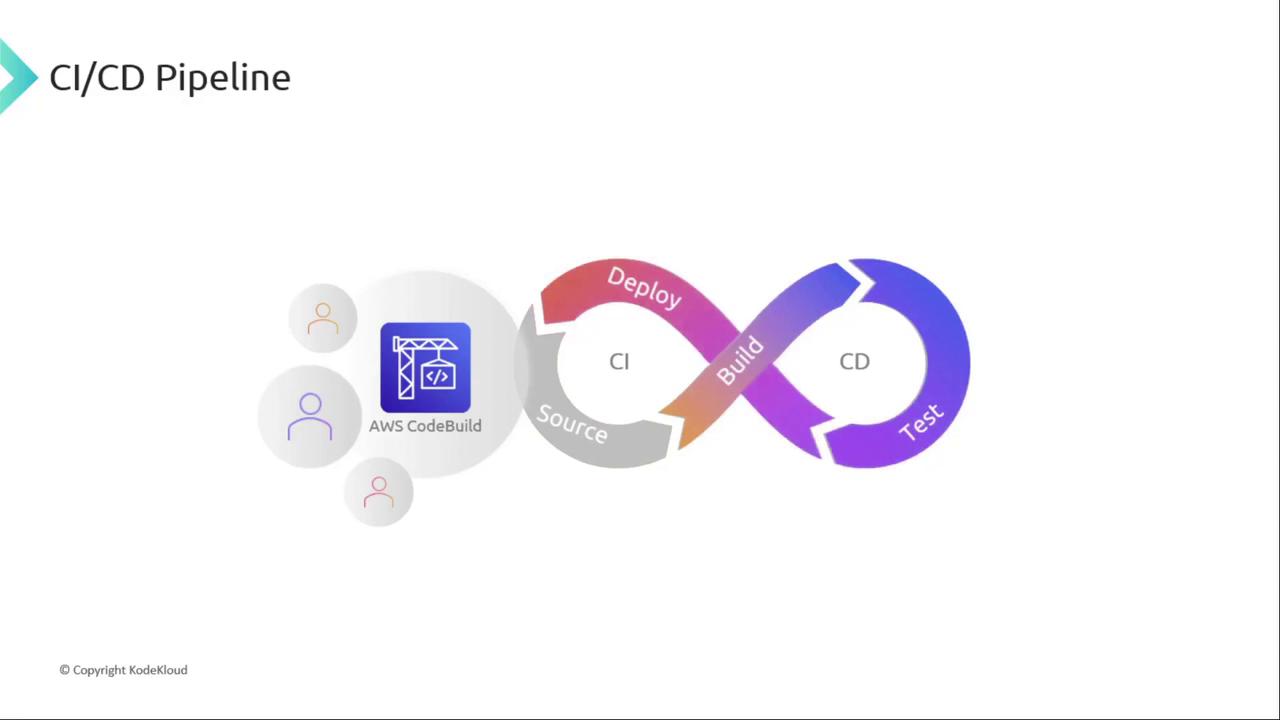
Welcome to this lesson on AWS CodeBuild. In this module, we’ll explore how CodeBuild fits into the Build phase of your CI/CD pipeline, automating compilation, testing, and artifact generation. By integrating CodeBuild, you can achieve a fully managed, scalable build process that feeds seamlessly into Continuous Deployment.
The image illustrates a CI/CD pipeline with stages labeled Source, Build, Test, and Deploy, featuring AWS CodeBuild. It includes an infinity loop symbolizing continuous integration and delivery.

Why Choose AWS CodeBuild?

AWS CodeBuild is a serverless, fully managed build service that scales with your workload. Key advantages include:
  • Fully managed: No need to provision or maintain build servers.
  • Scalable: Run multiple builds in parallel without limits.
  • Secure: Leverage AWS IAM for permissions and AWS KMS for artifact encryption.
You’re billed only for the compute minutes consumed by your builds, making CodeBuild cost-effective for fluctuating workloads.
The image is a split screen with the left side listing features like "Fully managed," "Scalable," and "IAM," and the right side displaying the AWS CodeBuild logo with a crane and code symbol.

Supported Source Repositories

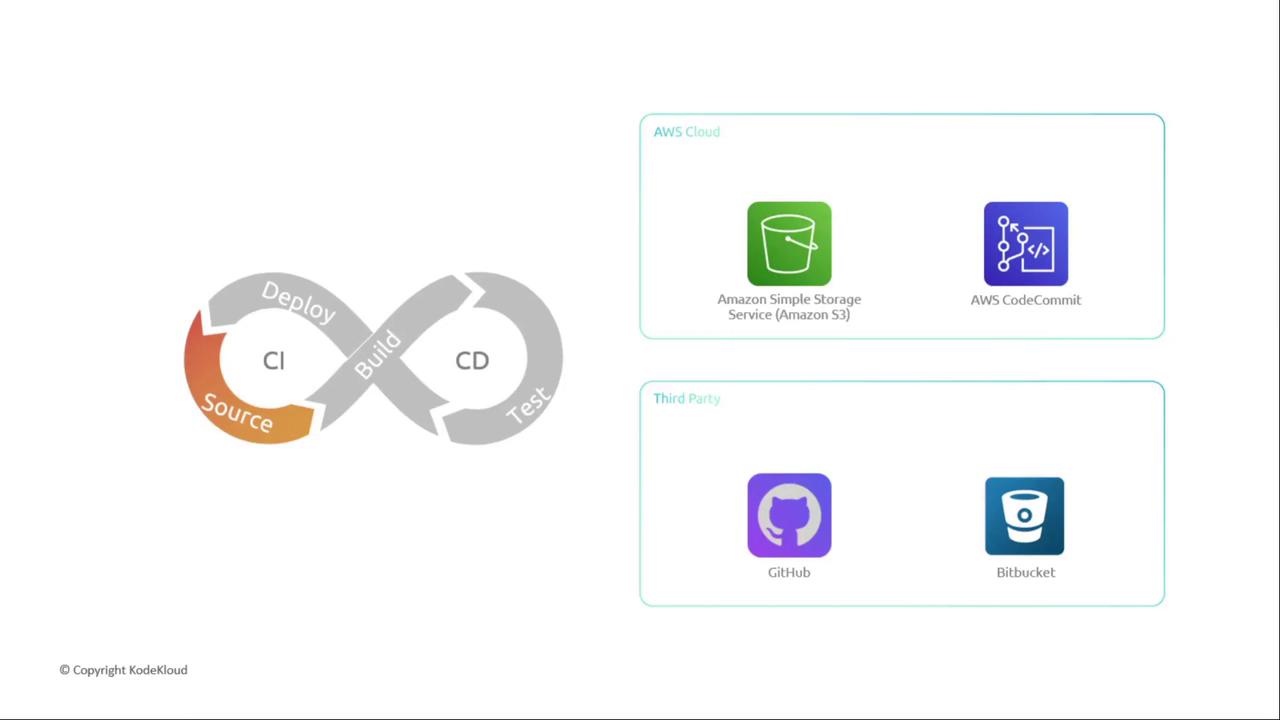
CodeBuild integrates with popular source providers:
Resource TypeLinkDescription
Amazon S3https://aws.amazon.com/s3/Store build inputs and outputs
AWS CodeCommithttps://aws.amazon.com/codecommit/Managed Git repositories
GitHubhttps://github.comPublic & private code hosting
Bitbuckethttps://bitbucket.orgAtlassian’s Git platform
The image shows a DevOps CI/CD pipeline diagram with stages labeled Source, Build, Test, and Deploy, alongside icons for AWS Cloud services (Amazon S3, AWS CodeCommit) and third-party services (GitHub, Bitbucket).

Integrating or Replacing Jenkins

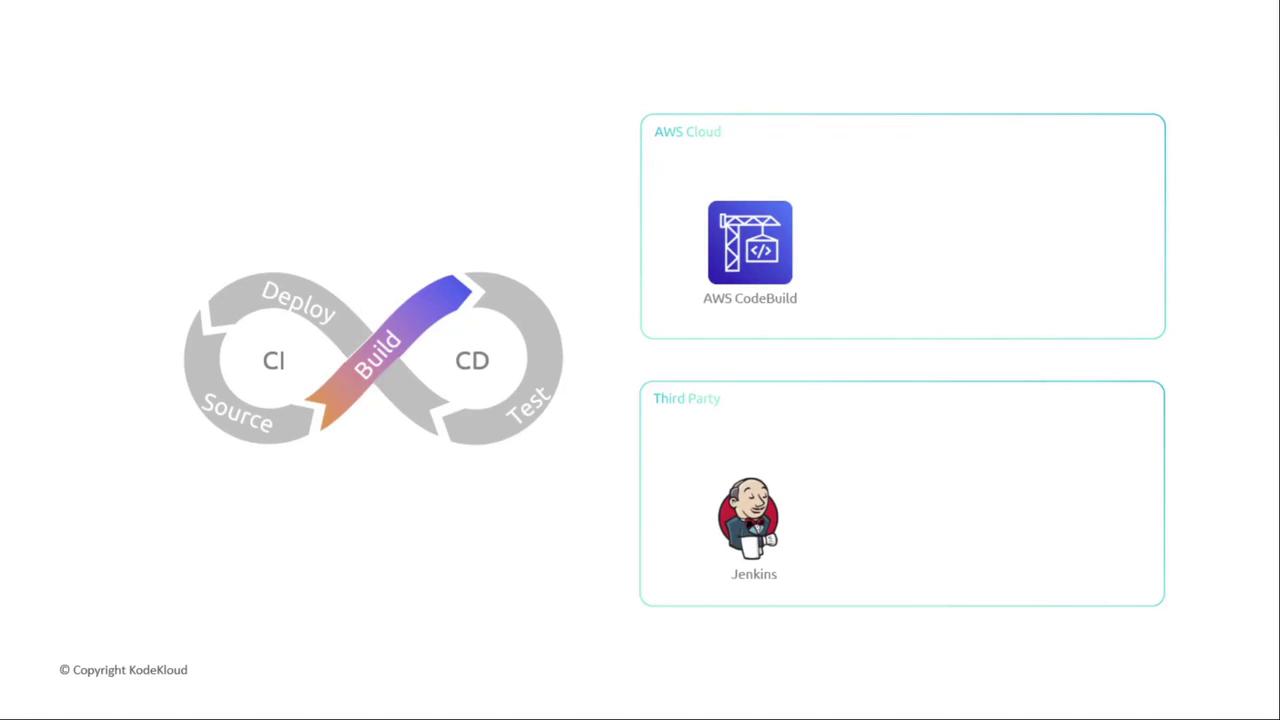
If you use Jenkins, you can either:
  1. Replace Jenkins entirely with CodeBuild for an all-AWS solution.
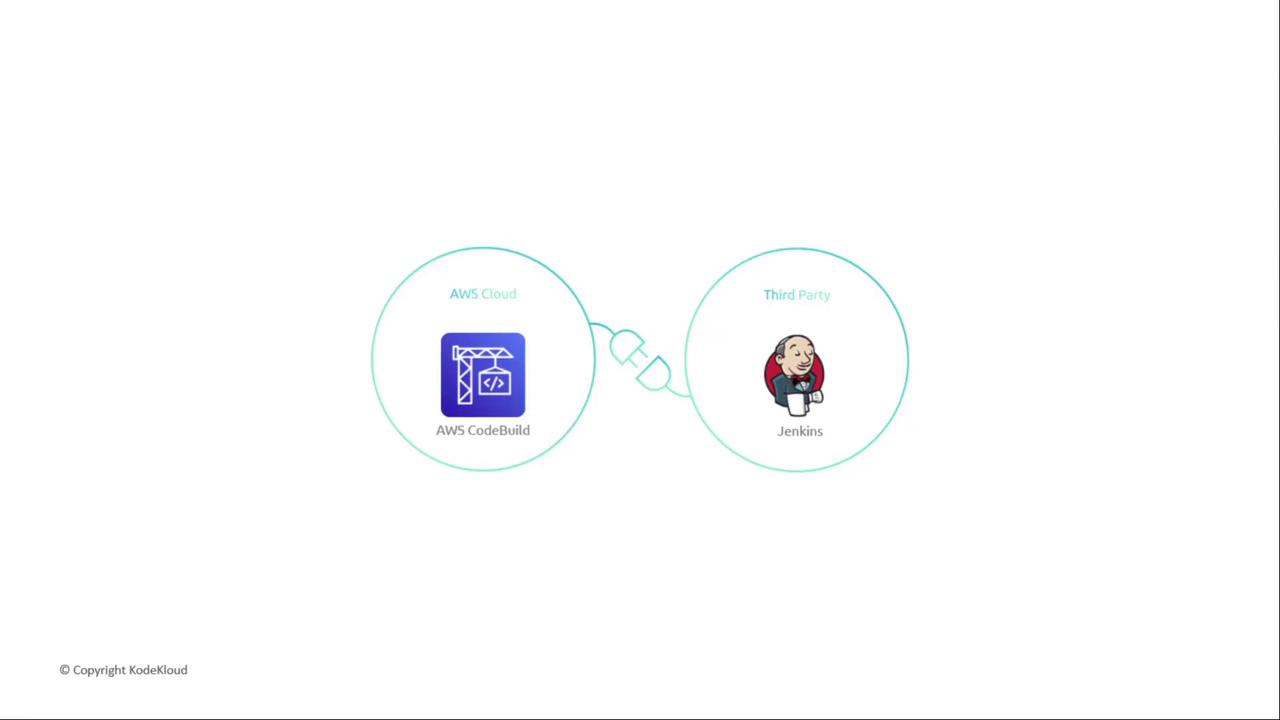
  2. Integrate Jenkins and CodeBuild by installing the AWS CodeBuild plugin, offloading build jobs to CodeBuild while maintaining existing pipelines.
The image shows a DevOps lifecycle diagram with stages labeled Source, Build, Test, and Deploy, alongside logos for AWS CodeBuild and Jenkins.

Feature Comparison

AspectAWS CodeBuildJenkins
HostingServerless, fully managed by AWSRequires self-managed servers or agents
ScalabilityAutomatic, parallel buildsManual scaling of worker nodes
SecurityIAM roles & KMS encryptionPlugin-based or custom configuration
EcosystemNative AWS integrationsLarge plugin ecosystem, external to AWS
The image shows a comparison between AWS CodeBuild and Jenkins, with AWS CodeBuild labeled as part of the AWS Cloud and Jenkins as a third-party tool.
That wraps up our high-level overview of AWS CodeBuild. In the next lesson, we’ll dive into:
  • Configuring CodeBuild projects
  • Writing and customizing buildspec.yml files
  • Optimizing build environments for performance
Stay tuned!