CICD Pipeline with Code Commit Code Build and Code Deploy
Build stage with AWS CodeBuild
This article explains how to use AWS CodeBuild in a CI/CD pipeline for building, testing, and packaging applications.
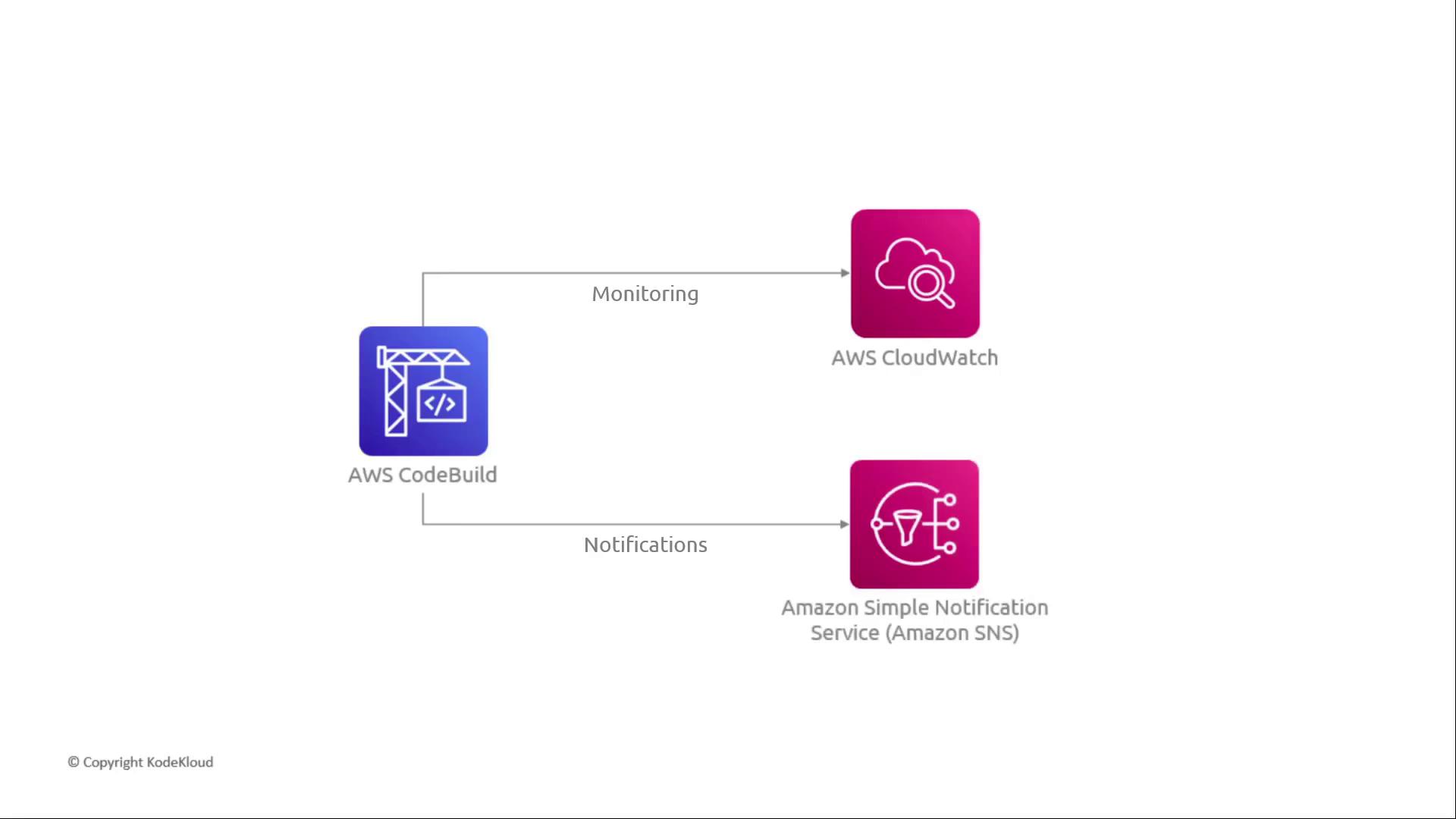
In a CI/CD pipeline, the build stage compiles source code, runs tests, and packages artifacts. AWS CodeBuild is a fully managed build service that integrates seamlessly with AWS CodePipeline, scaling on demand and only charging you for build minutes used.
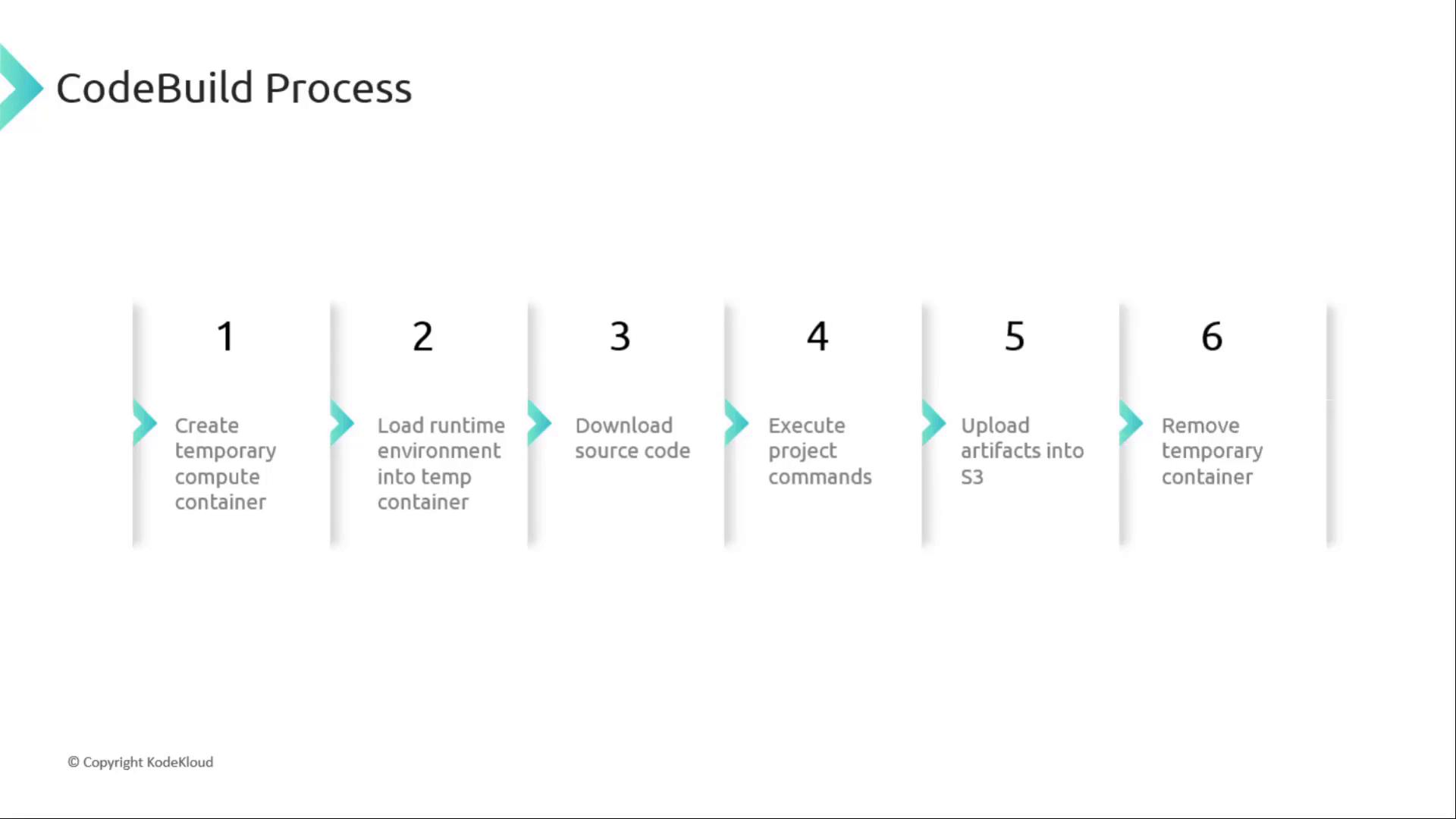
When you trigger a build, CodeBuild orchestrates the following steps:
Provision a temporary compute container based on your project settings.
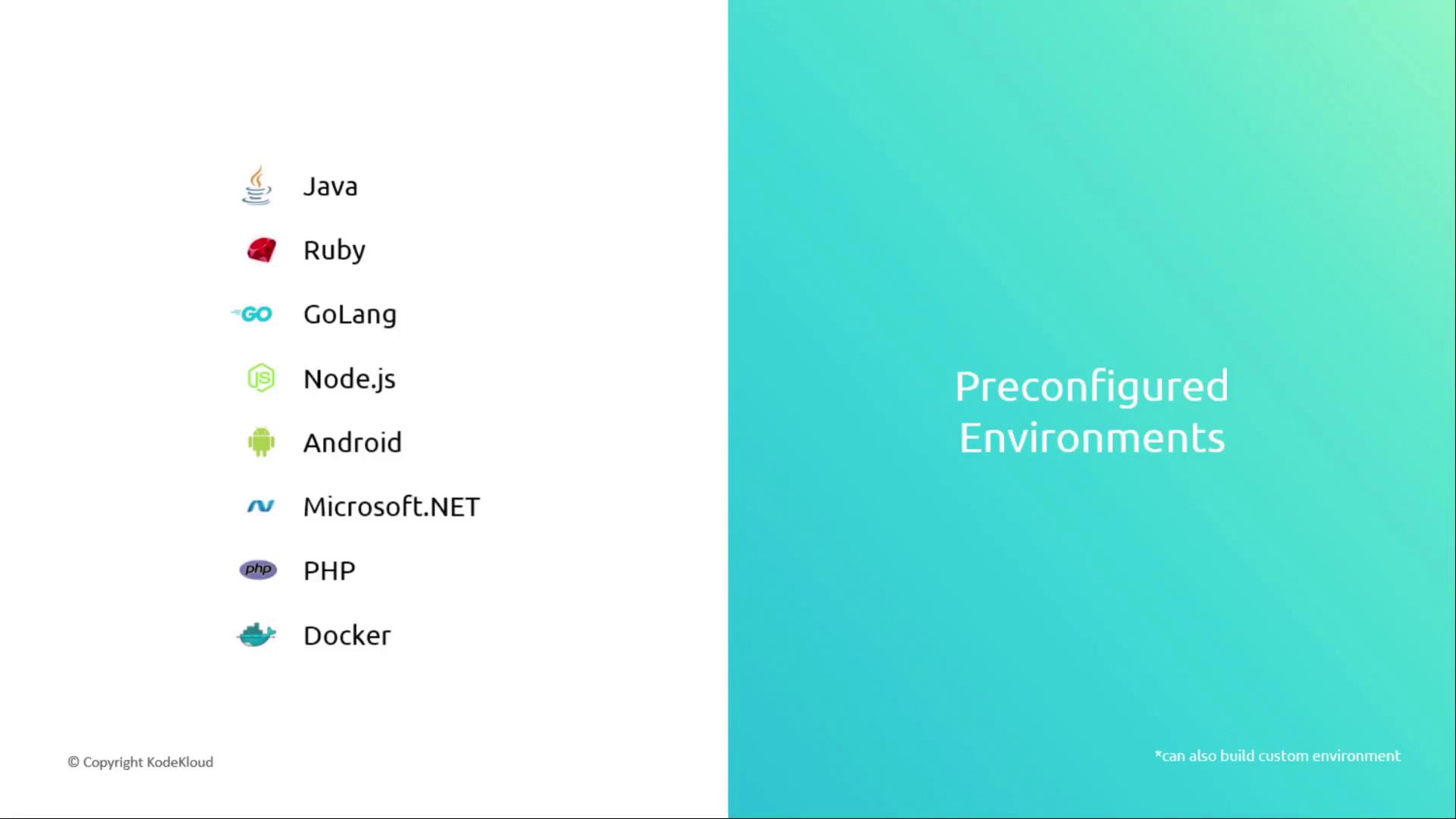
Initialize the specified runtime environment.
Download your source code from the configured repository.
Execute lifecycle commands defined in buildspec.yml.
Upload build artifacts to Amazon S3 or your chosen destination.
Tear down the temporary container.
Here’s a sample buildspec.yml:
Copy
Ask AI
version: 0.2phases: install: commands: - echo Installing dependencies... - npm install build: commands: - echo Running unit tests... - npm test - echo Building production bundle... - npm run buildartifacts: files: - 'build/**/*' discard-paths: yes base-directory: build
Avoid printing sensitive values (API keys, secrets) directly in build logs. Use AWS Secrets Manager or Parameter Store and inject them as environment variables.
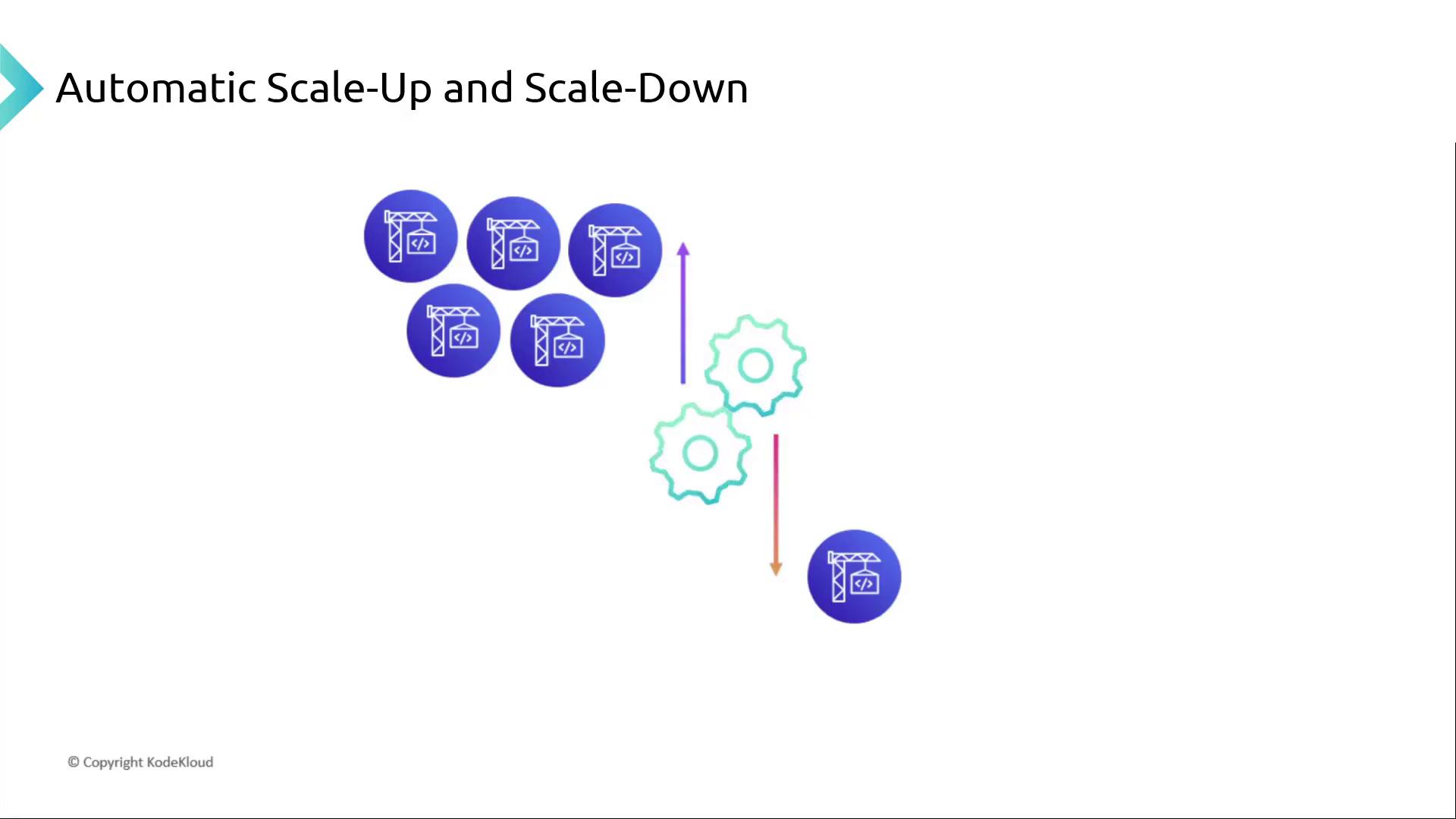
AWS CodeBuild automatically adjusts the number of build containers to match your concurrent jobs. There’s no provisioning or server management—just pay for the time your builds run.