This article covers AI development tools, project planning, environment setup, and building a Python application with a React frontend for image optimization.
Congratulations on completing this lesson!In this session, we explored a variety of AI development tools such as BlackboxAI, Tabnine, ChatGPT, and Cursor. We discussed the benefits and concerns associated with generative AI, and highlighted effective strategies to overcome common challenges.
We began by using ChatGPT to draft our software requirements, develop user stories, and export them to Azure DevOps (or any other preferred tool). Alongside this, we built documentation and crafted component diagrams to clearly illustrate the architecture and design of our project.
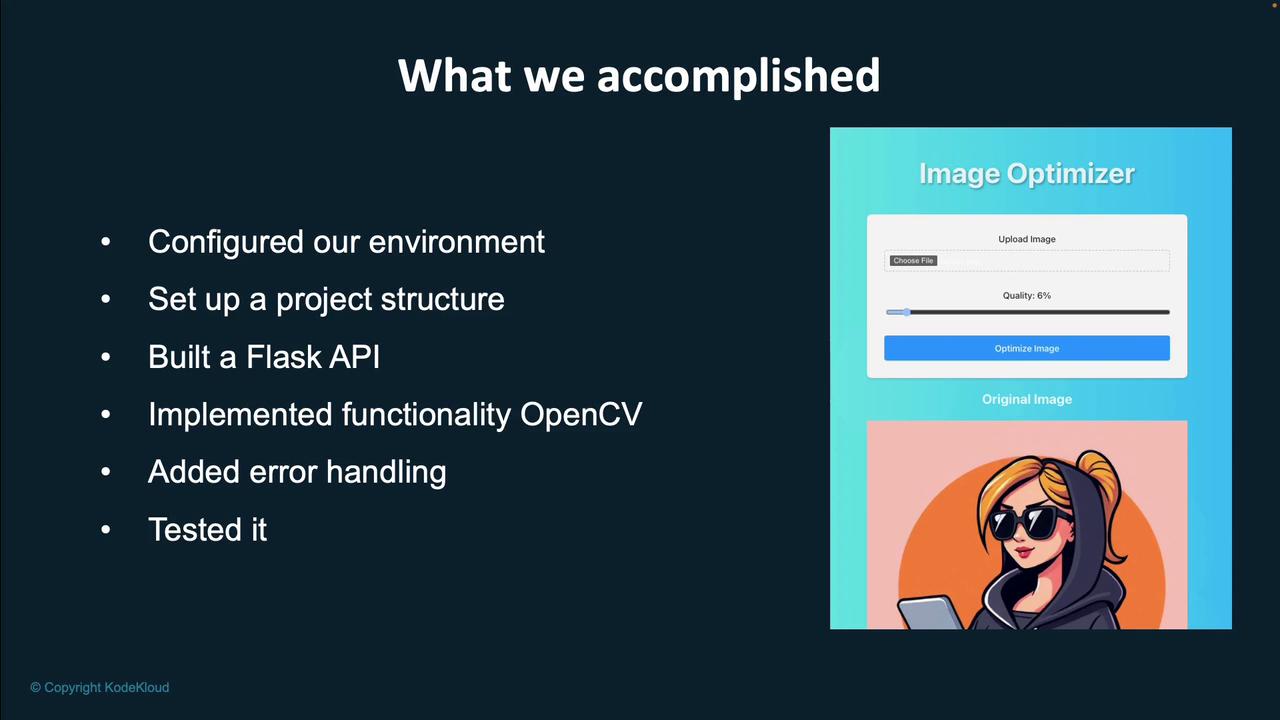
After planning, we turned our focus to setting up the development environment for our Python application. This setup included:
Configuring the project structure
Building a Flask API
Integrating OpenCV for enhanced functionality
Implementing robust error handling
Conducting thorough testing of the application
Next, we built a frontend for our application. In this phase, we developed a React application with a user-friendly interface that enables users to upload and compress images. The frontend was seamlessly connected to the Flask API endpoint, allowing us to test the full workflow and prepare the project for public release.
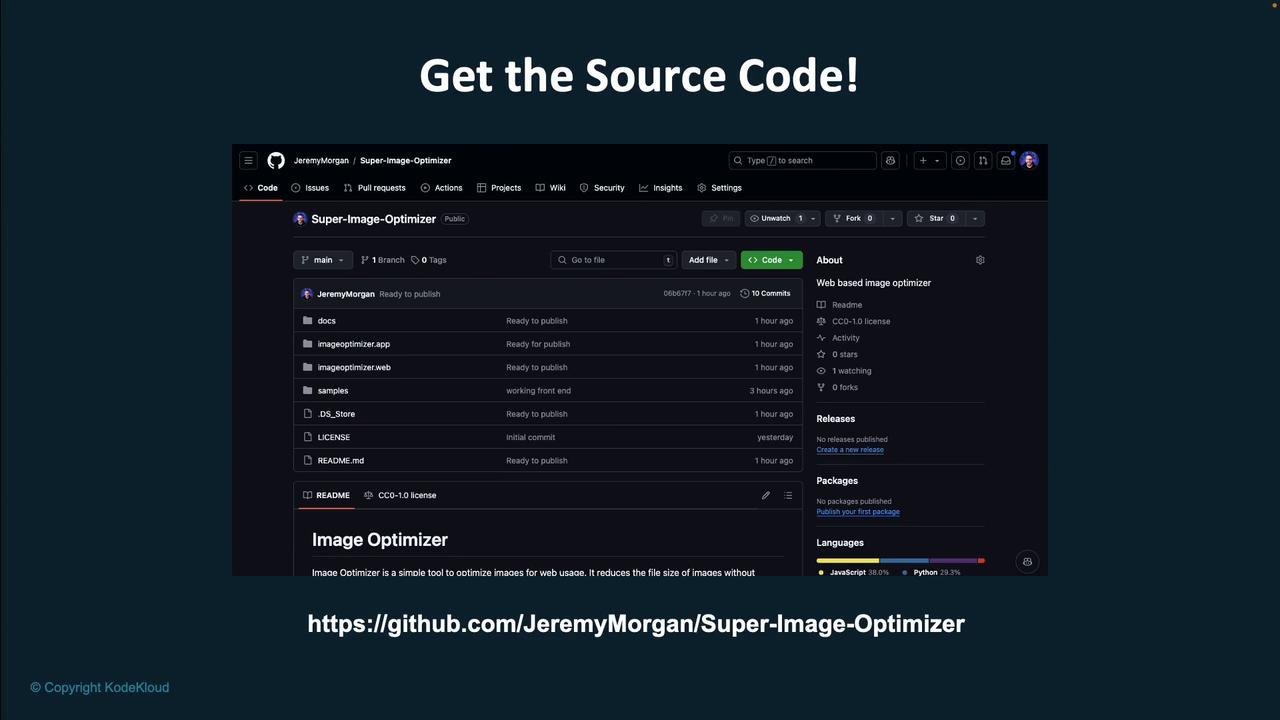
For those interested in a deeper dive or further modifications, the complete source code is available on GitHub. Check out the repository for all files, commits, and detailed programming language usage.
Please note that if you have faithfully followed the steps, you might notice slight variations in the final output. This is a natural outcome when working with generative AI—it produces statistically similar results that may differ in minor ways. Feel free to experiment with the code and incorporate your own features using generative AI techniques.For more insights and to advance your skills in AI, explore our additional courses on KodeKloud.com, and access our AI Tutor for personalized guidance.Thank you for reading this article, and happy coding!