

Application Initialization
Start by creating your application package with an init.py file. In this file, define a factory function,create_app(), that initializes the Flask application, loads configurations, and registers the routes:
Defining Routes
Next, create aroutes.py file inside your application package. This file defines the URL endpoints. Below is an example that includes a basic homepage route:
/routes endpoint is a useful tool for debugging, as it dynamically lists all the registered routes.
Frontend Template Considerations
Though the primary focus is on building the API, a basic HTML template is included for testing purposes. Create a file namedbase.html (typically located in the app/templates folder):
Configuration File
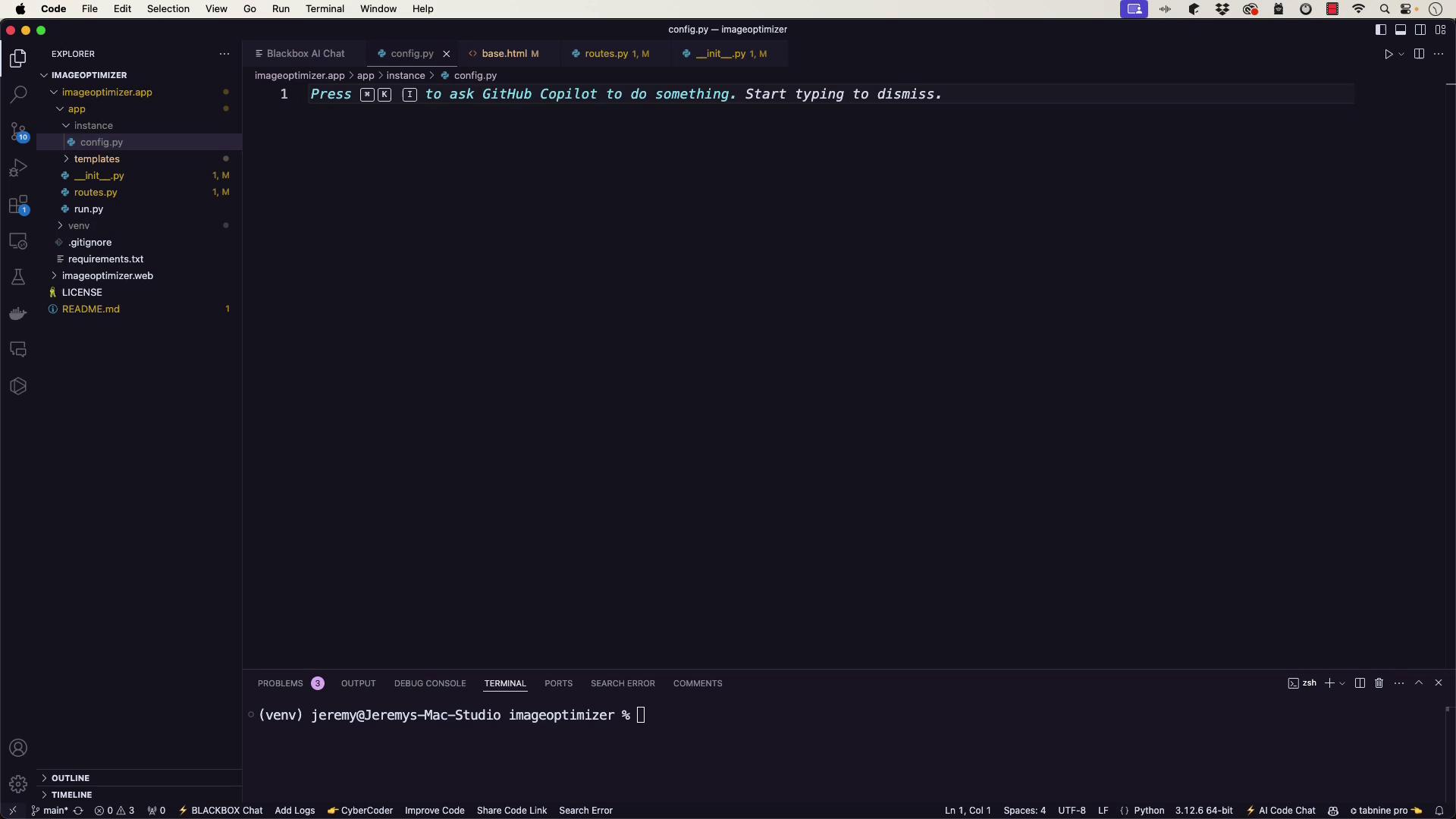
For future development, you can include additional settings in an instance configuration file (config.py). This file allows you to add environment-specific keys and settings as needed.
Note:
Remember to update theSECRET_KEYbefore deploying to production.
Running the Application
To start your Flask application, create arun.py file in the project’s base directory:
Troubleshooting
If you run into issues, review the following troubleshooting tips:-
Error: Could not import ‘run’
Ensure that therun.pyfile is in the base directory and theFLASK_APPenvironment variable is set torun.py. -
404 Not Found on ”/” or “/routes”
Double-check that:- The
routes.pyfile correctly defines the routes. - The
base.htmltemplate exists in the correct templates directory. - Routes are correctly imported within the application context in your init.py file.
- The
/routes endpoint.
Verifying the Setup
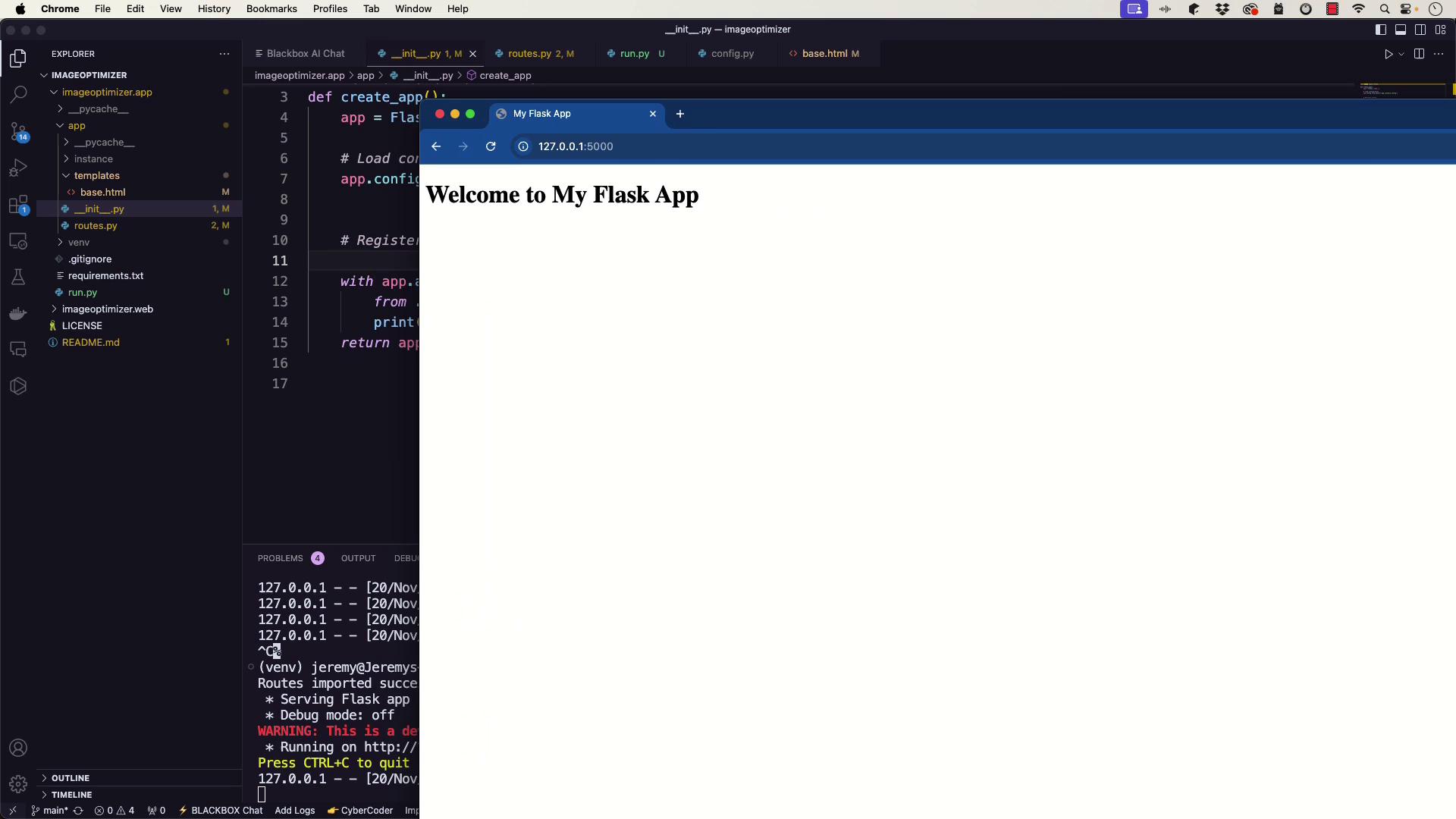
After launching the server, access the homepage and the/routes endpoint:
- The homepage should display the welcome message from
base.html. - The
/routesendpoint should list all registered endpoints, confirming your Flask app’s configuration.
Note:
Verifying the setup by checking these endpoints ensures that your application is running as expected.