

main.py.
The Generated Python Application
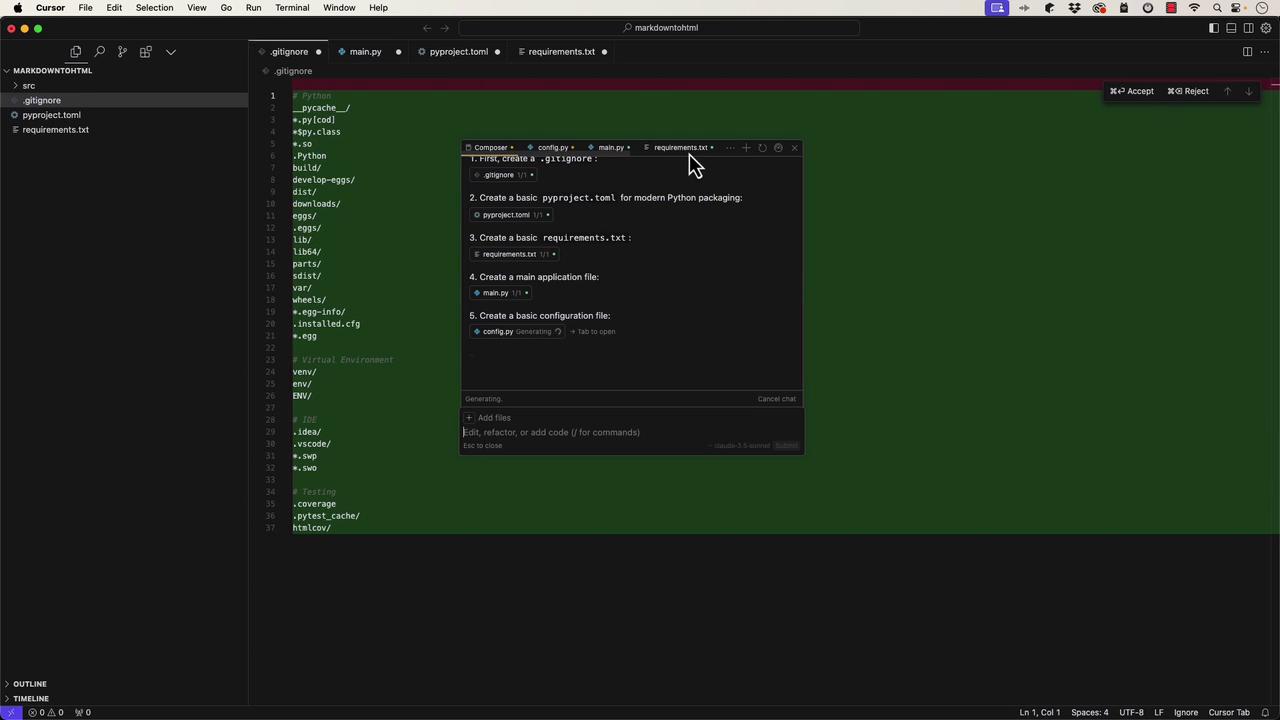
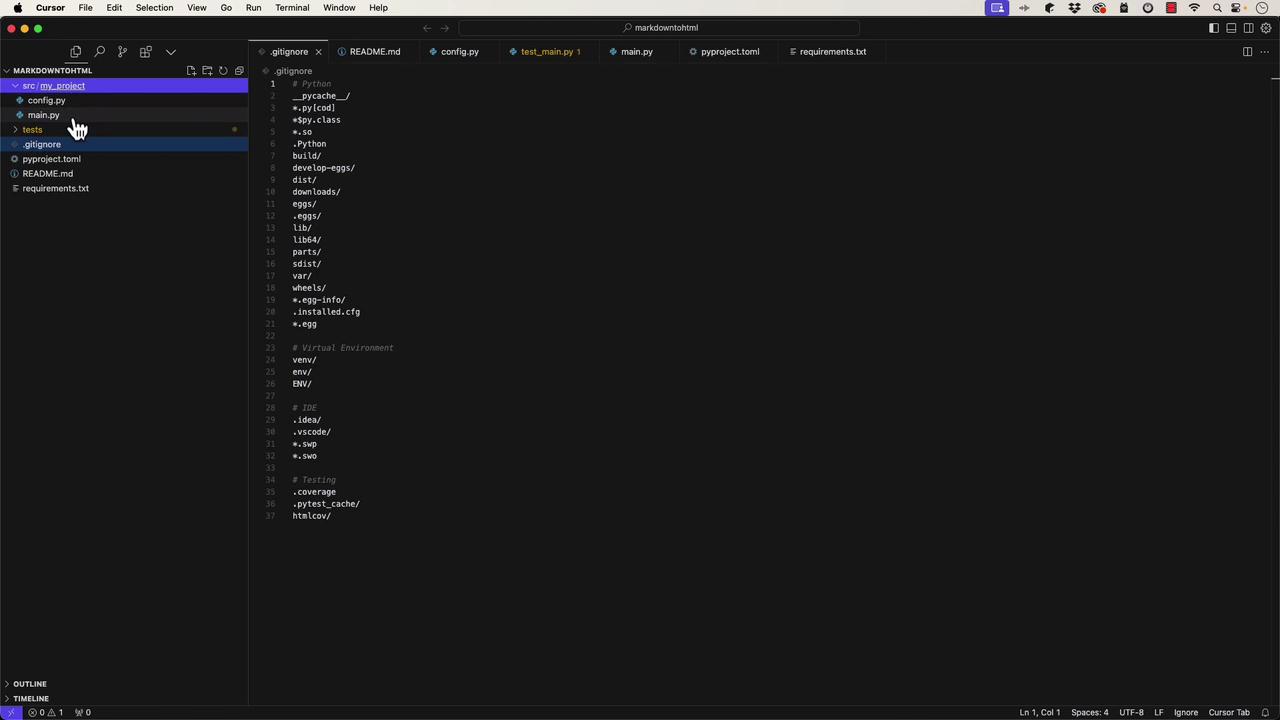
The generatedmain.py file contains a standard Python entry point, featuring a def main function along with an if __name__ == '__main__': check. It also sets up logging automatically:
config.py, is also generated. It uses a dataclass to manage configuration variables such as the API key and debug mode:
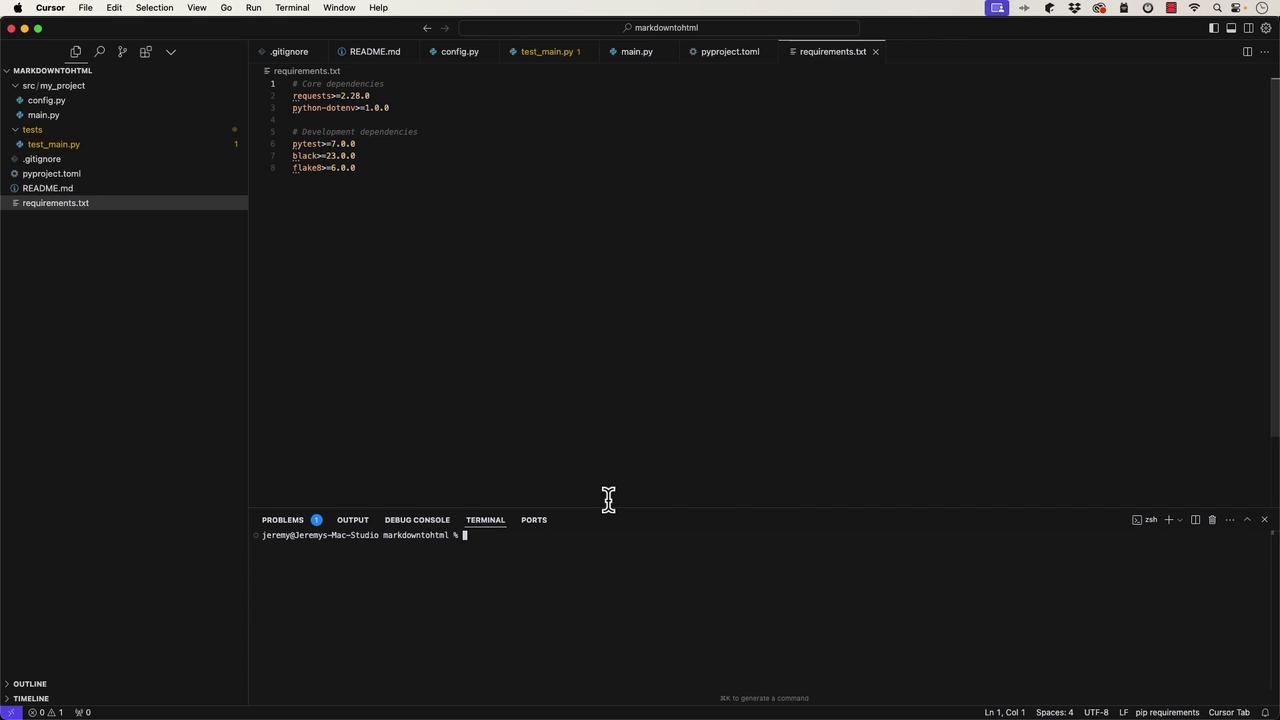
.gitignore file for ignoring file patterns (like virtual environments), a pyproject.toml with metadata and dependency details, and a basic requirements.txt listing both core and development dependencies.
The pyproject.toml file looks like this:
Setting Up and Running the Application
To set up your Python environment, open the terminal and create a virtual environment:src/my_project/main.py, run:
Modifying the Application
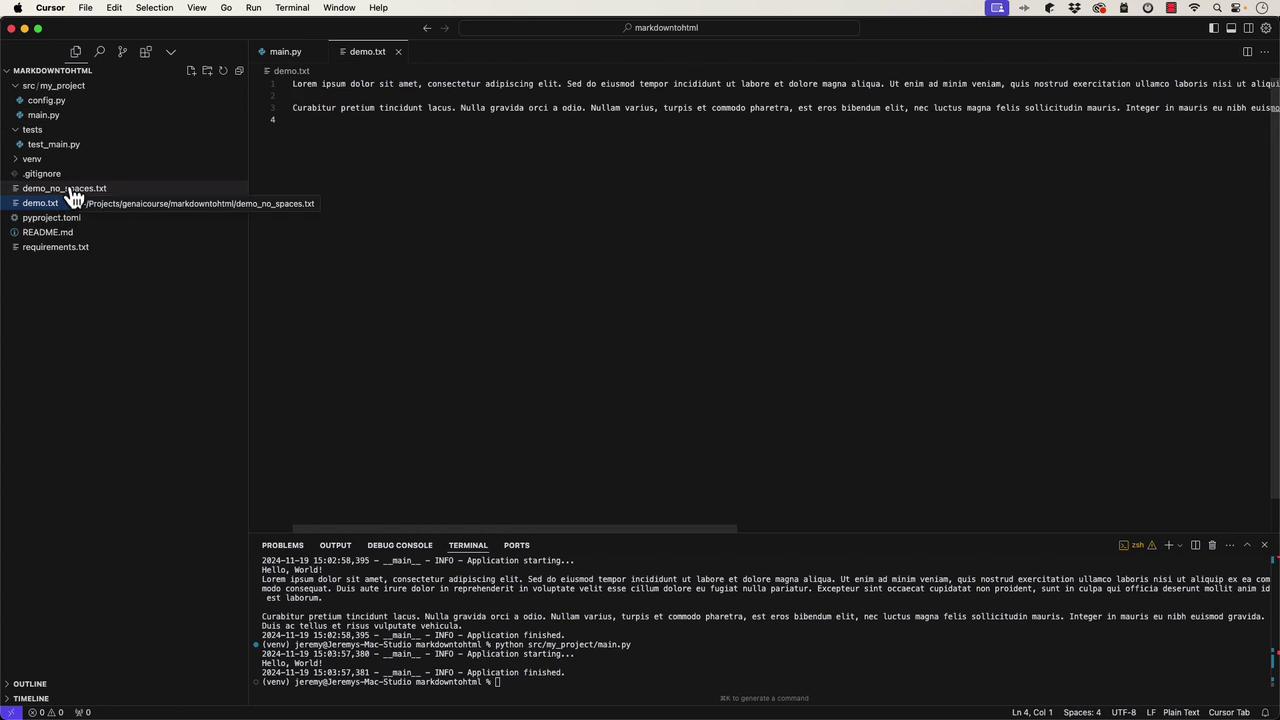
Cursor supports interactive code generation. For example, you can modify your code so that it reads from a text file (demo.txt) and prints its contents line by line. An updated version of main.py might look like this:
demo_no_spaces.txt:
demo.txt has been processed and that demo_no_spaces.txt is created as expected.
Refactoring into Functions and Writing Tests
For better code organization, it’s a good practice to refactor logic into separate functions. In this case, the file processing logic is moved into its own function:tests/test_main.py, you might add tests as follows:
If you encounter issues running tests, ensure your project is structured as a proper Python package (e.g., add empty
__init__.py files) and adjust import statements accordingly. For example: