This article explains how to set up a project structure for a full-stack application using Flask and React.
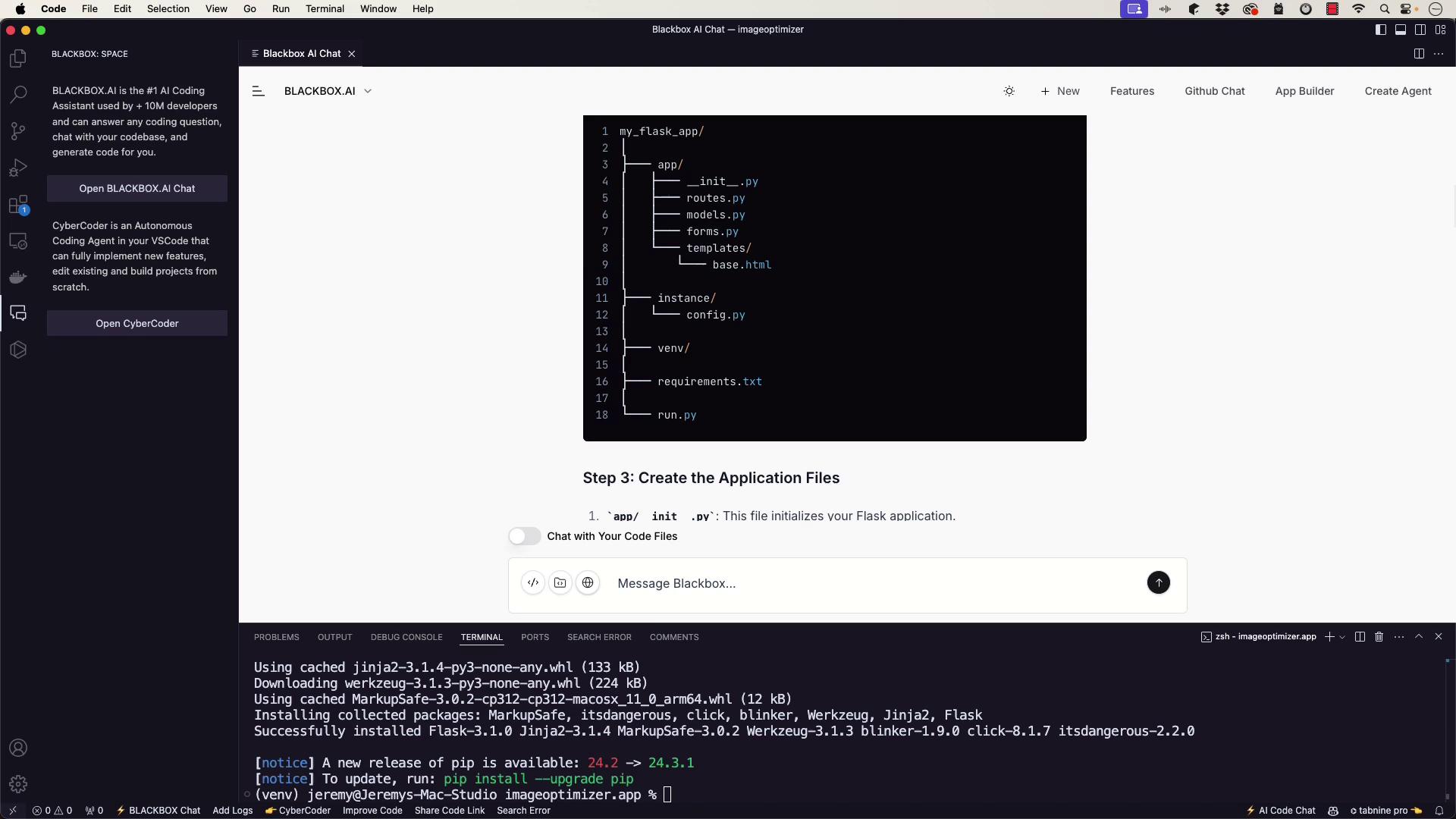
In this lesson, we will configure our project structure for a full-stack application that includes a Flask backend and a React frontend. Proper organization is essential to ensure smooth development and maintenance.In the previous lesson, we set up a virtual environment for the image optimizer. Now, we will remove that existing virtual environment and create a new structure with two primary directories:• imageoptimizer.app – for the Flask backend
• imageoptimizer.web – for the React frontendLet’s start by reorganizing our application folder and setting up the Flask app.
Begin by navigating to your application directory in the terminal:
Copy
Ask AI
(venv) jeremy@Jeremys-Mac-Studio imageoptimizer % cd imageoptimizer.app(venv) jeremy@Jeremys-Mac-Studio imageoptimizer.app %
If you are new to Flask or simply want a quick scaffold, you might consider using an AI-based tool to generate the setup instructions. After entering your project folder, you could prompt:“How do you scaffold a typical Flask application?”You could receive similar commands as output. As part of this setup, create a new virtual environment and install Flask:
Copy
Ask AI
python3 -m venv venvsource venv/bin/activate # On Windows use `venv\Scripts\activate`
Next, use an AI-based tool to provide instructions on setting up the directory structure and initializing your Flask application. Typically, an __init__.py file is created to serve as the application factory. For instance, here’s a snippet demonstrating a simple login form using Flask-WTF:
Additional package installation output may appear as follows:
Copy
Ask AI
Downloading blinker-1.9.0-py3-none-any.whl (8.5 kB)Downloading click-8.1.7-py3-none-any.whl (68 kB)Downloading itsdangerous-2.0.1-py3-none-any.whl (5.1 kB)Downloading MarkupSafe-2.1.1-cp39-cp39-macosx_11_0_arm64.whl (12 kB)Installing collected packages: MarkupSafe, Werkzeug, Jinja2, FlaskSuccessfully installed Flask-2.2.3 Jinja2-3.1.0 MarkupSafe-2.1.1 Werkzeug-2.2.3[notice] A new release of pip is available: 24.2 → 24.3.1[notice] To update, run: pip install --upgrade pip
This AI-assisted scaffolding approach can be very effective, and in our case, we are leveraging a custom AI model for setup instructions, although other models provide similar support.
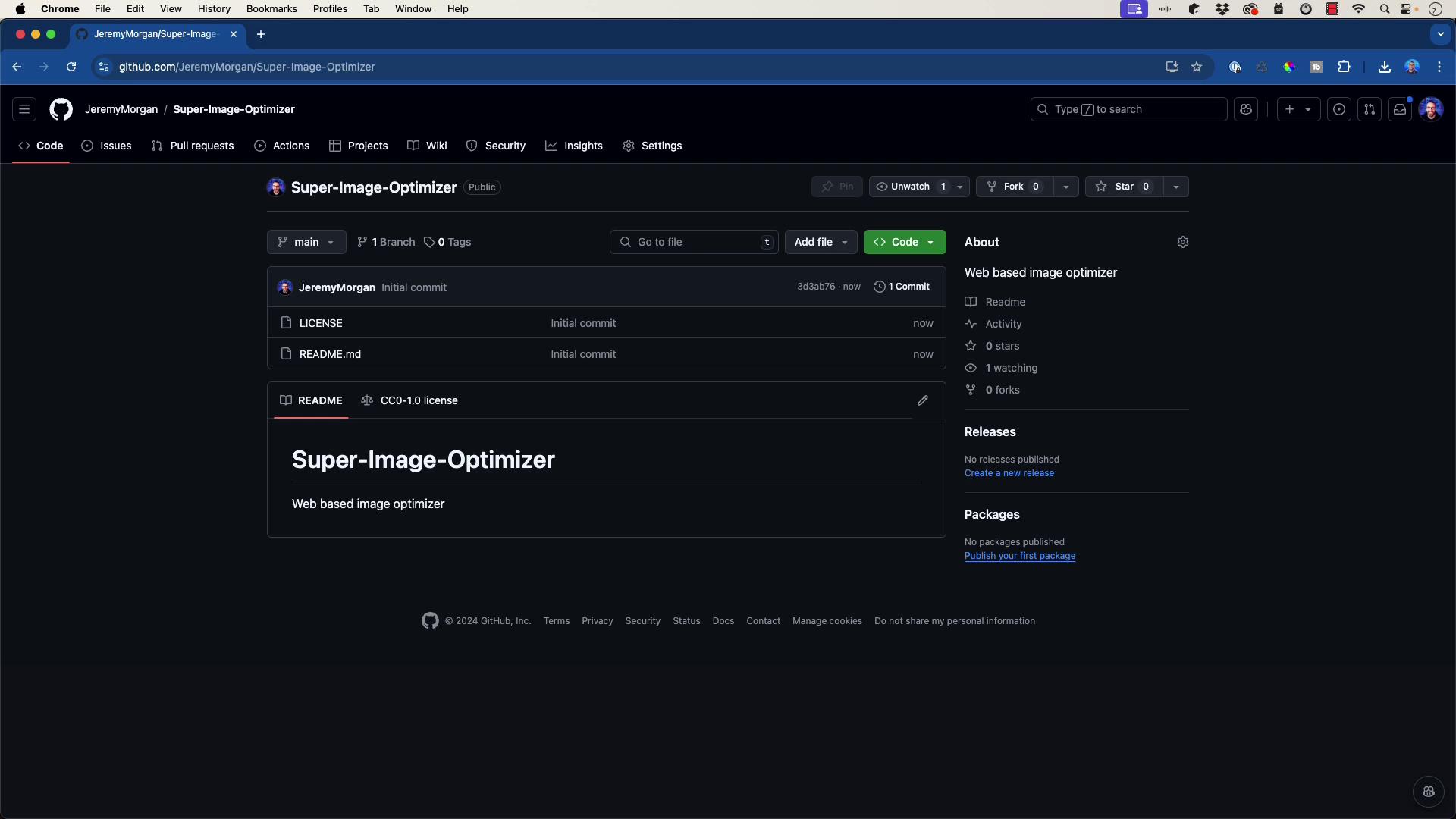
Before committing your files, create a .gitignore file to exclude the virtual environment and other temporary files. An AI tool can help generate a typical .gitignore for a Python Flask application. A sample .gitignore might include:
Copy
Ask AI
venv/__pycache__/*.pycinstance/config.py
After setting up .gitignore, add your files to the repository:
(venv) jeremy@Jeremys-Mac-Studio imageoptimizer % git statusOn branch mainNo commits yetChanges to be committed: (use "git rm --cached <file>..." to unstage) new file: .gitignore new file: imageoptimizer.app/__init__.py new file: imageoptimizer.app/forms.py new file: imageoptimizer.app/models.py new file: imageoptimizer.app/routes.py new file: imageoptimizer.app/run.py new file: imageoptimizer.app/templates/base.html new file: imageoptimizer.app/requirements.txt
Now that our environment is ready and Git is tracking our updates, we will create the Flask application using the application factory pattern. Below is an example of how to set up Flask:
Copy
Ask AI
from flask import Flaskdef create_app(): app = Flask(__name__, instance_relative_config=True) app.config.from_mapping( SECRET_KEY='dev', # Change this in production! ) # Load the instance config, if it exists, and skip during testing try: app.config.from_pyfile('config.py', silent=True) except FileNotFoundError: pass with app.app_context(): from . import routes # Import routes return app
If you are utilizing SQLAlchemy, you may define your models like this:
Copy
Ask AI
# Example of a model using SQLAlchemyfrom flask_sqlalchemy import SQLAlchemydb = SQLAlchemy()class User(db.Model): id = db.Column(db.Integer, primary_key=True) username = db.Column(db.String(80), unique=True, nullable=False)
Similarly, your Flask-WTF forms can be set up as follows:
Keep in mind that some parts of this code might not function correctly on the first try. The intentional errors are meant to represent real-world troubleshooting scenarios when using AI-generated tools.
In the upcoming lesson, we will integrate the Flask API and perform testing to ensure the application operates as expected. We will also troubleshoot and refine the workflow to enhance our development process.Happy coding, and see you in the next lesson!