This article explores while loops in shell scripting, demonstrating their use in a rocket launch script and an infinite menu-driven program.
In this article, we explore the use of while loops in shell scripting with a practical example—a rocket launch script. The initial script is designed to determine the cause of a failure using the rocket debug command when the rocket’s status is “failed.” Below is an example that performs a single status check after liftoff:
The above script demonstrates a basic check. The status command may return one of three states: launching, success, or failed. However, since the rocket might remain in the “launching” state for a few seconds, a single status check might occur too early. This means the script might miss detecting a failure if the rocket is still in the launching phase.
One method to handle this delay is to add multiple nested conditional checks. Consider the following approach:
Copy
Ask AI
mission_name=$1mkdir $mission_namerocket-add $mission_namerocket-start-power $mission_namerocket-internal-power $mission_namerocket-start-sequence $mission_namerocket-start-engine $mission_namerocket-lift-off $mission_namerocket_status=$(rocket-status $mission_name)if [ "$rocket_status" = "launching" ]then sleep 2 rocket_status=$(rocket-status $mission_name) if [ "$rocket_status" = "launching" ] then sleep 2 rocket_status=$(rocket-status $mission_name) if [ "$rocket_status" = "launching" ] then sleep 2 fi fifiif [ "$rocket_status" = "failed" ]then rocket-debug $mission_namefi
While this method works, it is not scalable. If the rocket takes longer to reach a final state, the number of conditional blocks would increase unnecessarily.
A more efficient approach to handle waiting for the rocket to leave the “launching” state is to use a while loop.
A while loop is ideal in scenarios where the number of iterations depends on an unpredictable condition. The following script continuously checks the rocket’s status until it is no longer “launching.” Once the status is updated to “success” or “failed,” the loop terminates, and the script proceeds accordingly.
When you execute this script, it performs the initial rocket launch commands and then enters the while loop. Inside the loop, the script checks every two seconds if the rocket is still launching. Once the status changes, the loop exits, and the script evaluates whether to run the debug command if the rocket has failed.
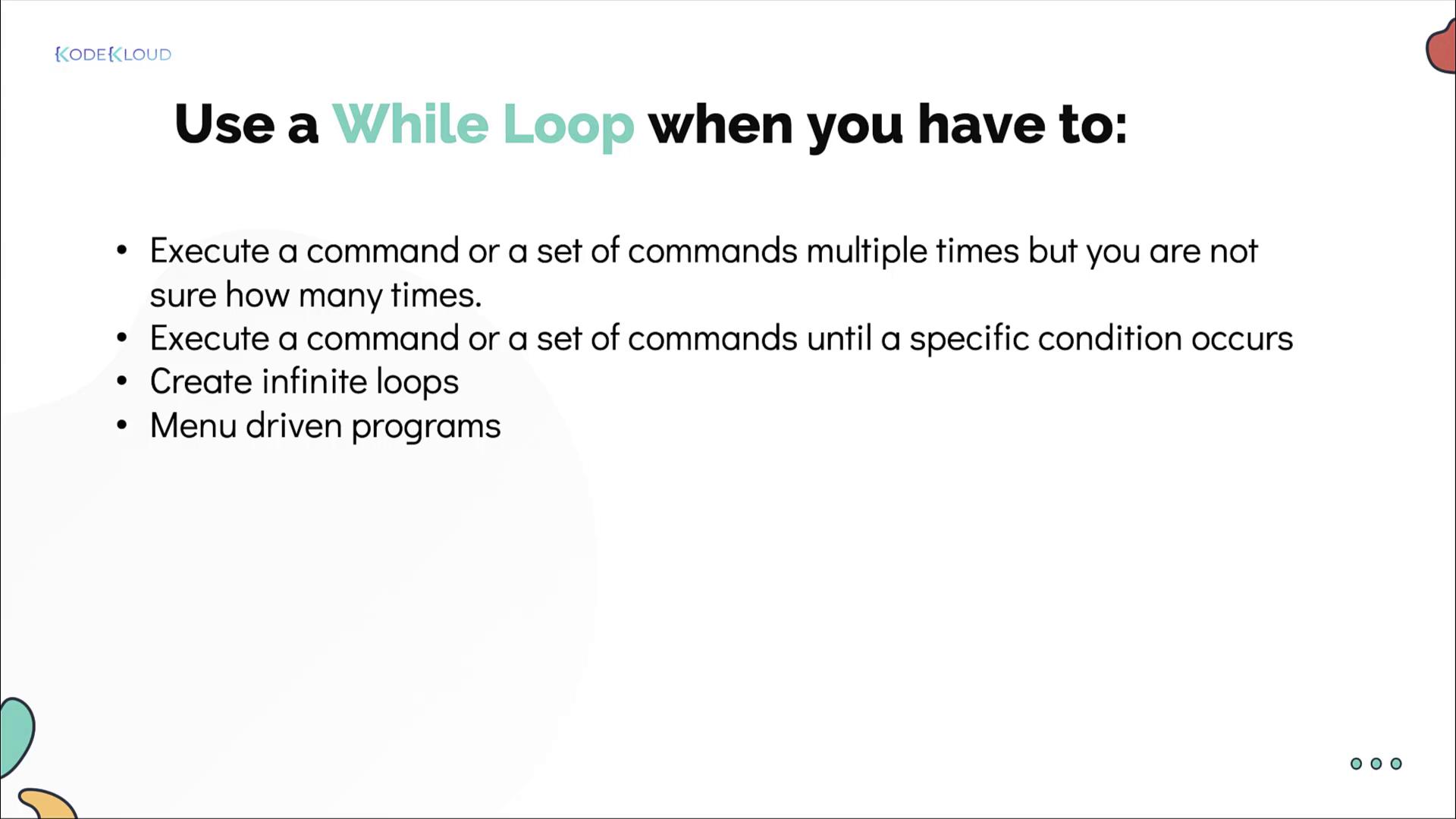
Use a while loop when you need to execute a set of commands repeatedly without knowing in advance how many iterations will be required. This pattern is particularly useful for waiting on processes to complete or creating menu-driven programs.
Below is an example of a while loop used to create an infinite menu-driven program. This script displays a simple menu with options to shutdown, restart, or exit:
Copy
Ask AI
while truedo echo "1. Shutdown" echo "2. Restart" echo "3. Exit Menu" read -p "Enter your choice: " choice if [ "$choice" -eq 1 ] then shutdown now elif [ "$choice" -eq 2 ] then shutdown -r now elif [ "$choice" -eq 3 ] then break else continue fidone
In this script:
The while true loop keeps the menu running indefinitely.
When the user selects:
1: The system immediately shuts down.
2: The system restarts.
3: The loop exits, ending the menu.
If any other input is entered, the continue statement restarts the loop without executing additional commands.
By using while loops in your scripts, you can build more flexible and robust solutions for processes that require repeated execution until a specific condition is met.That’s it for now—practice these examples to master while loops in your shell scripting projects!