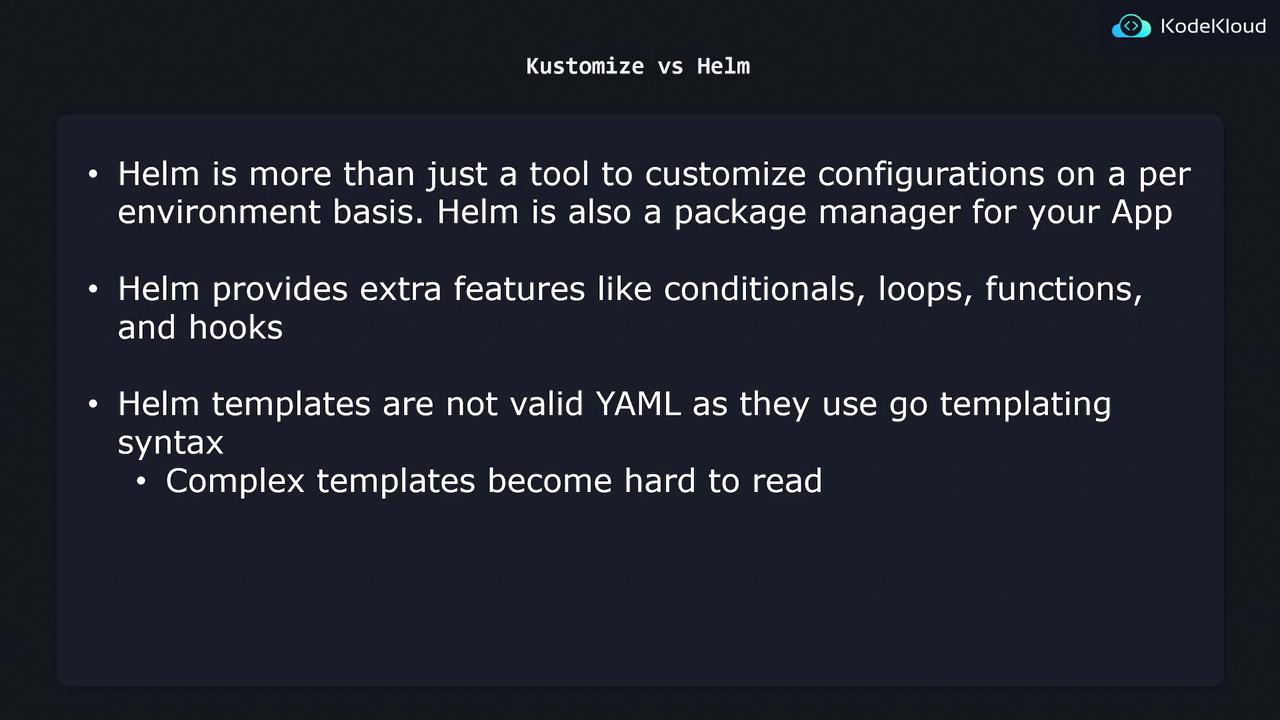
How Helm Works: Go-Templating in YAML
Helm uses Go templates to inject dynamic values into your Kubernetes manifests. Placeholders in the form of{{ .Values.variable }} are replaced at deploy time based on a values.yaml file.
helm install my-app ./chart -f values.yaml, Helm merges the values into the templates, producing valid Kubernetes YAML:
Use
--values (or -f) to specify different environment files, e.g., -f values.prod.yaml.Helm Chart Structure
A typical Helm chart directory might look like:- templates/: Kubernetes manifests with Go templating syntax.
- environments/: Separate
values.*.yamlfiles for each environment.
Feature Comparison
| Feature | Helm | Kustomize |
|---|---|---|
| Template Syntax | Go templates ({{ }}) | Pure YAML overlays and patches |
| Conditional Logic & Loops | ✔️ Supports if, range, custom functions | ❌ Not supported |
| Packaging & Versioning | ✔️ Full-fledged chart packaging, dependencies, hooks | ❌ No built-in packaging |
| Valid YAML Before Rendering | ❌ Not valid until helm template runs | ✔️ Always valid YAML |
| Native Kubernetes Integration | ✔️ Widely adopted, independent CLI | ✔️ Built into kubectl |
Complex Helm charts with extensive logic can become hard to read and maintain. Ensure you document templates and values clearly.
Trade-offs: When to Use Each Tool
-
Use Helm if
• You need advanced templating (conditionals, loops, custom functions)
• You want packaging, versioning, and chart dependencies
• You require lifecycle hooks (e.g., pre-install, post-upgrade) -
Use Kustomize if
• You prefer pure YAML without an extra rendering step
• You want easy-to-read overlays and patches
• Your customization needs are straightforward (e.g., changing images, labels)