kustomization.yaml file for managing Kubernetes manifests with Kustomize. We’ll cover directory setup, key fields, building overlays, and deploying your customized resources.
Ensure you have Kustomize installed and available in your
PATH. You can verify with:Directory Structure
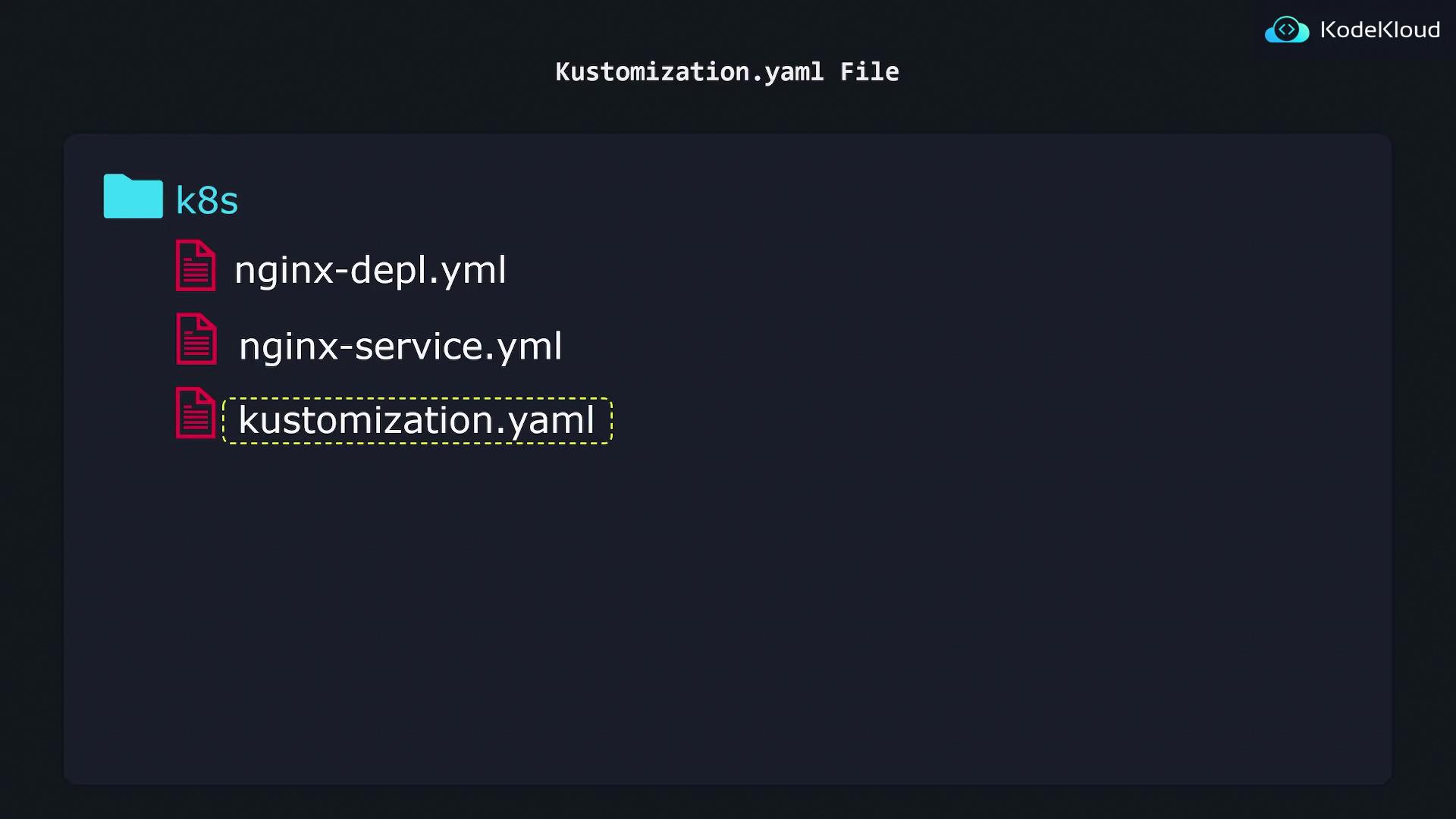
Place your manifests andkustomization.yaml in a folder (e.g., k8s/). Only the kustomization.yaml file is processed directly—other YAMLs are referenced as resources.
kustomization.yaml Fields
Here are the core sections you’ll use most often:| Field | Purpose | Example |
|---|---|---|
| resources | Lists input Kubernetes YAML manifests | - nginx-deployment.yaml |
| commonLabels | Adds identical labels to every resource in build | company: KodeKloud |
Configuring Resources and Labels
Create or updatekustomization.yaml with your manifests and desired transformations:
- resources: Relative paths to each manifest file.
- commonLabels: A map of labels automatically injected into all output resources.
Keep your file names consistent (e.g.,
nginx-service.yaml vs. nginx-service.yml) to avoid missing resources during kustomize build.Generating Customized Manifests
Run the following command from the parent directory:- Reads
k8s/kustomization.yaml. - Imports listed resources.
- Applies
commonLabelsand other transformations. - Emits the merged YAML to stdout.
Sample Output
company: KodeKloud. You can apply this directly to your cluster: