In this tutorial, you’ll learn how to apply common Kustomize transformers—labels, annotations, name prefixes/suffixes, namespaces, and image updates—across your Kubernetes manifests. We’ll use a simple API and database example to demonstrate each feature step by step.

Directory Layout

Our project structure separates API and database manifests into their own folders:
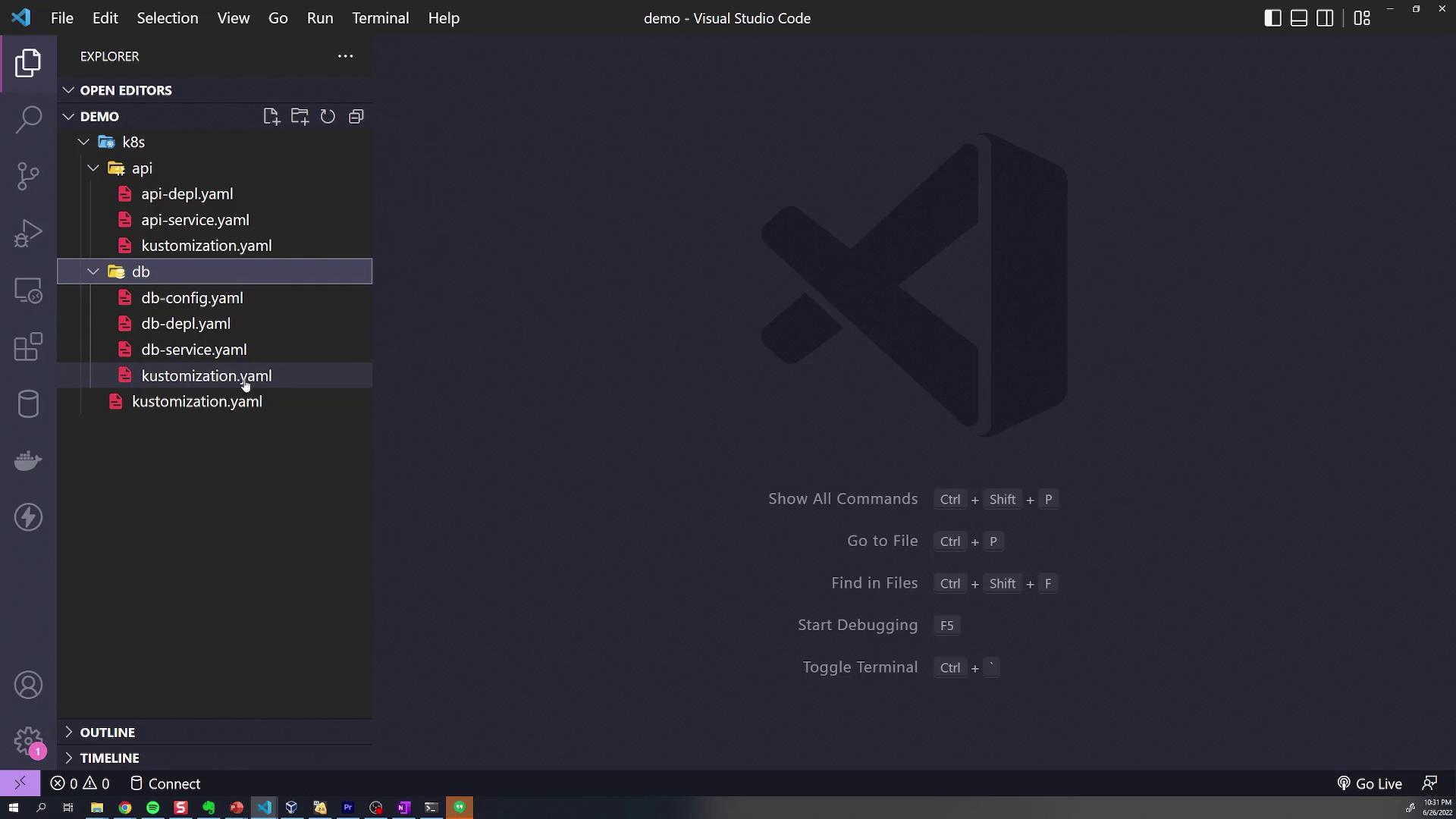
The image shows the Visual Studio Code interface with a project open, displaying a file explorer on the left with YAML files organized under "api" and "db" folders. The main area shows the VS Code logo and some keyboard shortcuts.
k8s/
├── api/
│   ├── api-depl.yaml
│   ├── api-service.yaml
│   └── kustomization.yaml
└── db/
    ├── db-config.yaml
    ├── db-depl.yaml
    ├── db-service.yaml
    └── kustomization.yaml
Each subdirectory’s kustomization.yaml declares its local resources. For example, api/kustomization.yaml:
apiVersion: kustomize.config.k8s.io/v1beta1
kind: Kustomization
resources:
  - api-depl.yaml
  - api-service.yaml
And db/kustomization.yaml:
apiVersion: kustomize.config.k8s.io/v1beta1
kind: Kustomization
resources:
  - db-config.yaml
  - db-depl.yaml
  - db-service.yaml
The root kustomization.yaml aggregates both:
apiVersion: kustomize.config.k8s.io/v1beta1
kind: Kustomization
resources:
  - api/
  - db/

1. Global Labels with commonLabels

To tag all resources with department=engineering, add a commonLabels section at the root:
apiVersion: kustomize.config.k8s.io/v1beta1
kind: Kustomization
resources:
  - api/
  - db/
commonLabels:
  department: engineering
Build the manifests:
kustomize build k8s/
Excerpt of the generated YAML shows the label applied everywhere:
apiVersion: v1
kind: ConfigMap
metadata:
  name: db-credentials
  labels:
    department: engineering
---
apiVersion: v1
kind: Service
metadata:
  name: api-service
  labels:
    department: engineering

2. Scoped Labels in Subdirectories

Labels in a subdirectory only affect its own resources. API folder example (api/kustomization.yaml):
commonLabels:
  feature: api
After rebuilding:
  • API resources include both department=engineering and feature=api.
  • DB resources remain only department=engineering.
Similarly, add feature: db to db/kustomization.yaml:
commonLabels:
  feature: db

3. Assigning a Namespace

To place all resources into a namespace (e.g., debugging), set namespace at the root:
namespace: debugging
Rebuild and notice each resource now has:
metadata:
  namespace: debugging

4. Name Prefixes and Suffixes

Global Prefix

In the root kustomization.yaml:
namePrefix: KodeKloud-
Every resource name is prefixed with KodeKloud-.

Subdirectory Suffixes

  • api/kustomization.yaml:
    nameSuffix: -web
    
  • db/kustomization.yaml:
    nameSuffix: -storage
    
Resulting resource names:
  • name: KodeKloud-api-deployment-web
  • name: KodeKloud-db-deployment-storage

5. Common Annotations

Add commonAnnotations at the root to include annotations globally:
commonAnnotations:
  logging: verbose
Each manifest’s metadata now contains:
annotations:
  logging: verbose

6. Overriding Container Images

Use the images transformer where needed. In db/kustomization.yaml, override the MongoDB image:
images:
  - name: mongo
    newName: postgres
    newTag: "4.2"
Always quote newTag so that it’s parsed as a string by Kustomize.
After building, the DB Deployment spec shows:
spec:
  containers:
    - name: mongo
      image: postgres:4.2
Only the specified image is updated; all other container images remain unchanged.

Kustomize Transformers at a Glance

TransformerScopeExample
commonLabelsGlobal/Subdepartment: engineering
namespaceGlobalnamespace: debugging
namePrefixGlobalKodeKloud-
nameSuffixSubdirectory-web, -storage
commonAnnotationsGloballogging: verbose
imagesDirectoryOverride mongo to postgres:4.2

Next, try these transformers hands-on to see how they simplify your Kubernetes deployments.