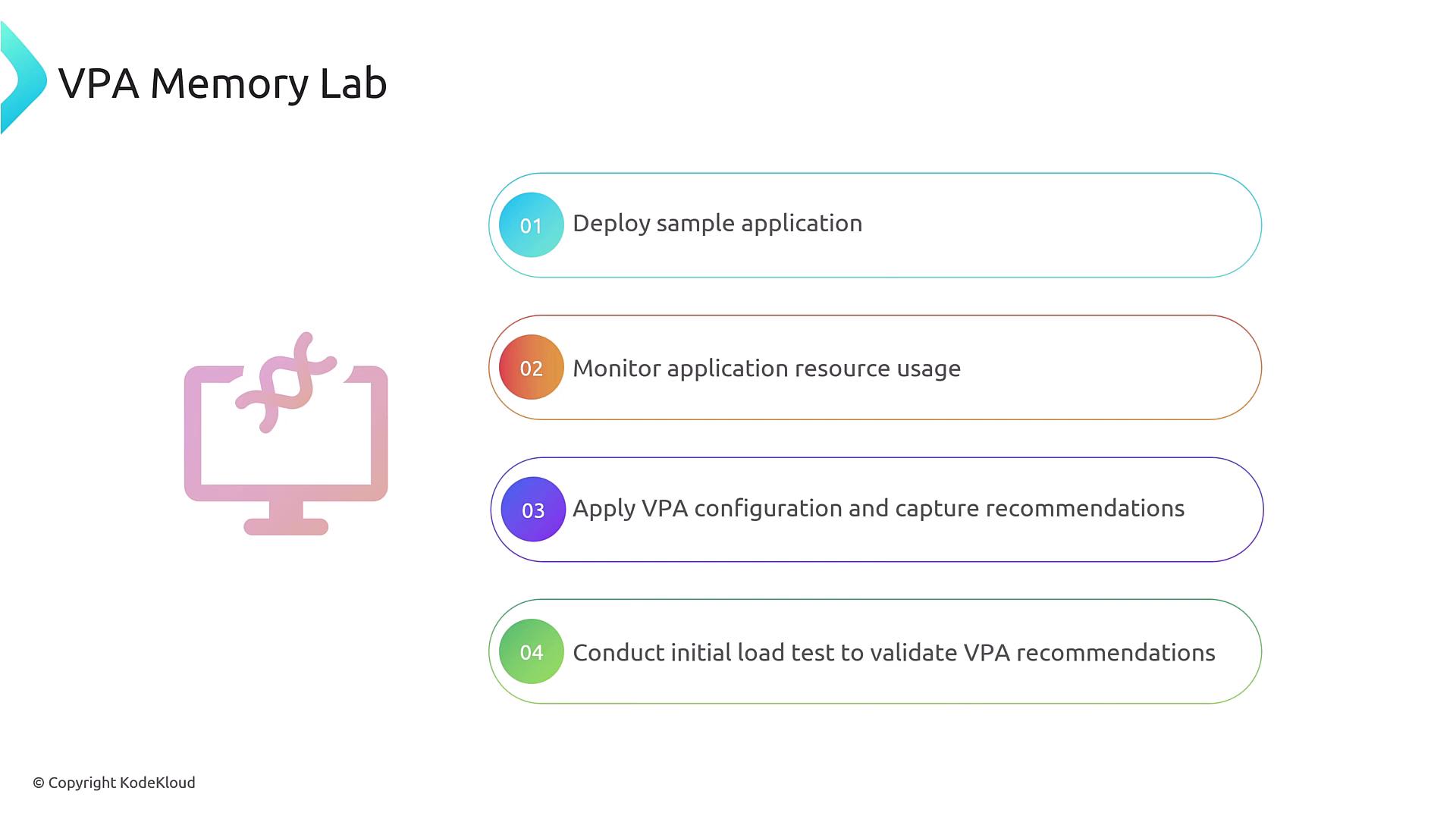
Welcome to the VPA Memory Lab! In this tutorial, you’ll deploy a sample Flask application on Kubernetes, monitor its memory usage, configure a Vertical Pod Autoscaler (VPA), generate load, and review VPA memory recommendations. By the end, you’ll understand how VPA adjusts resource requests to match real-world demand.
Step 1: Deploy the Sample Flask Application Apply the deployment and service manifest:
kubectl apply -f vpa-testing.yml
Expected output:
deployment.apps/flask-app created
service/flask-app-service created
Confirm the pods are running:
NAME                        READY   STATUS    RESTARTS   AGE
flask-app-b85fc57d4-kmsdl   1/1     Running   0          2m
flask-app-b85fc57d4-zn77q   1/1     Running   0          2m
Step 2: Check Current Resource Usage Before load testing, inspect CPU and memory usage:
NAME                        CPU(cores)   MEMORY(bytes)
flask-app-b85fc57d4-g2n7n   1m           19Mi
flask-app-b85fc57d4-mq6kb   1m           19Mi
Metric Description Command CPU Usage Current CPU consumption per pod kubectl top podMemory Usage Current memory consumption per pod kubectl top pod
Step 3: Apply the VPA Configuration Create a VPA manifest (vpa-memory.yaml) to manage memory requests for your Flask deployment:
apiVersion : autoscaling.k8s.io/v1 kind : VerticalPodAutoscaler metadata : name : flask-app spec : targetRef : apiVersion : apps/v1 kind : Deployment name : flask-app updatePolicy : updateMode : "Off" resourcePolicy : containerPolicies : - containerName : '*' controlledResources : [ "memory" ] minAllowed : memory : 150Mi maxAllowed : memory : 1000Mi
The updateMode: Off setting prevents VPA from automatically updating pods. You’ll receive recommendations only.
Apply the VPA manifest:
kubectl apply -f vpa-memory.yaml
verticalpodautoscaler.autoscaling.k8s.io/flask-app created
Initial VPA Recommendation Check the initial memory recommendation:
kubectl get vpa flask-app -o yaml
status : conditions : - type : RecommendationProvided status : "True" lastTransitionTime : "2025-01-15T08:10:03Z" recommendation : containerRecommendations : - containerName : flask-app lowerBound : memory : 262144k target : memory : 262144k uncappedTarget : memory : 262144k upperBound : memory : 1000Mi
Field Meaning lowerBound Minimum request to ensure stability target Ideal request within policy bounds uncappedTarget Recommendation without considering min/max limits upperBound Maximum request allowed by the VPA policy
Step 4: Run a Load Test and Validate Recommendations Generate load against your Flask application:
Once the load test completes, retrieve the updated VPA recommendation:
kubectl get vpa flask-app -o yaml
status : recommendation : containerRecommendations : - containerName : flask-app lowerBound : memory : 262144k target : memory : "511772K" uncappedTarget : memory : "511772K" upperBound : memory : 1000Mi
Notice that target has increased to meet higher memory demands under load. If the uncappedTarget exceeds your upperBound , you can:
After validating recommendations, you can switch updateMode to Auto or Recreate to let VPA apply changes automatically.
Links and References