

Pod Priority
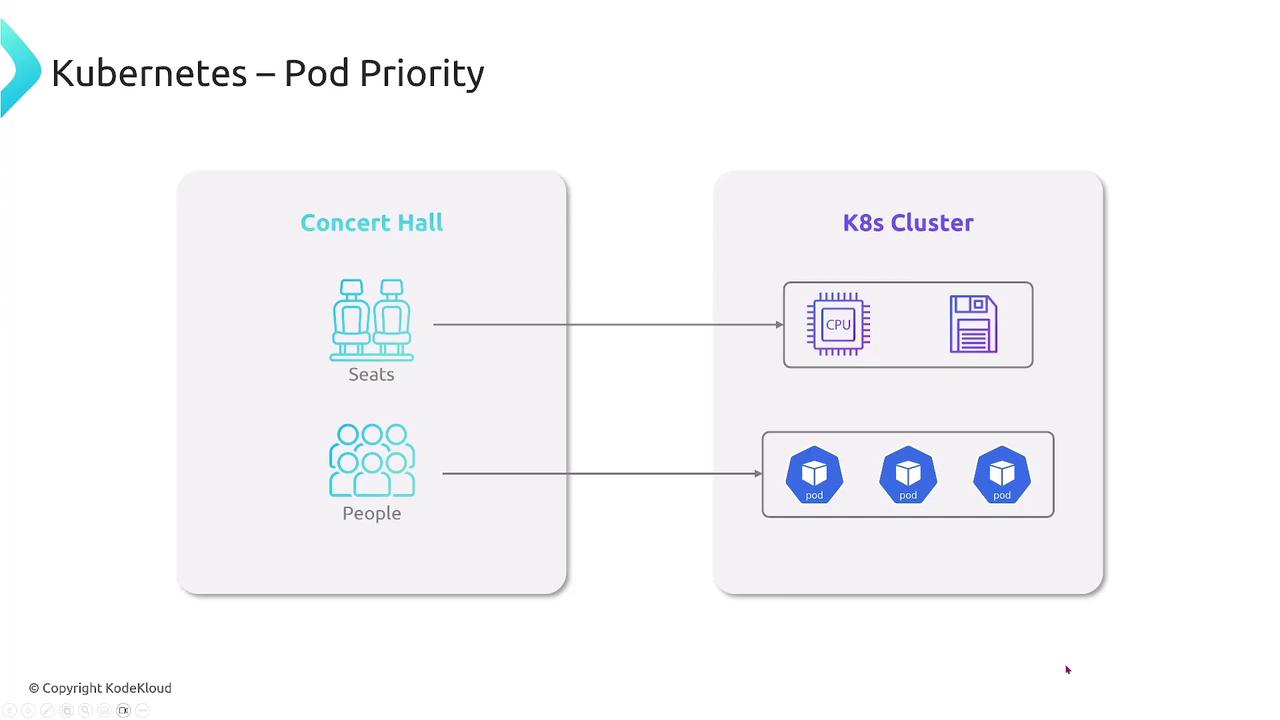
Consider a concert hall with limited seats and attendees such as VIPs, general guests, and staff. When seats run out, you want VIPs and staff to be guaranteed a spot. In Kubernetes, CPU and memory are finite “seats,” and Pods are the “attendees.” Assigning priorities ensures your most important services always run.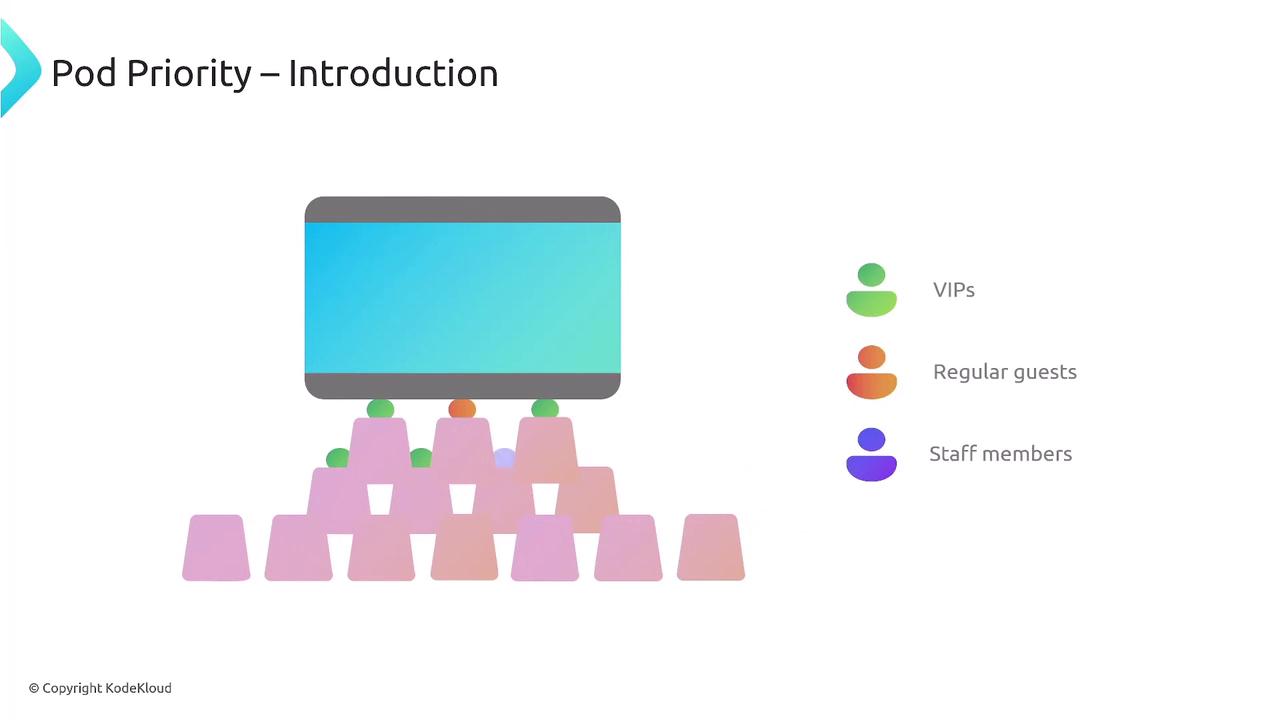
People = Pods (applications)
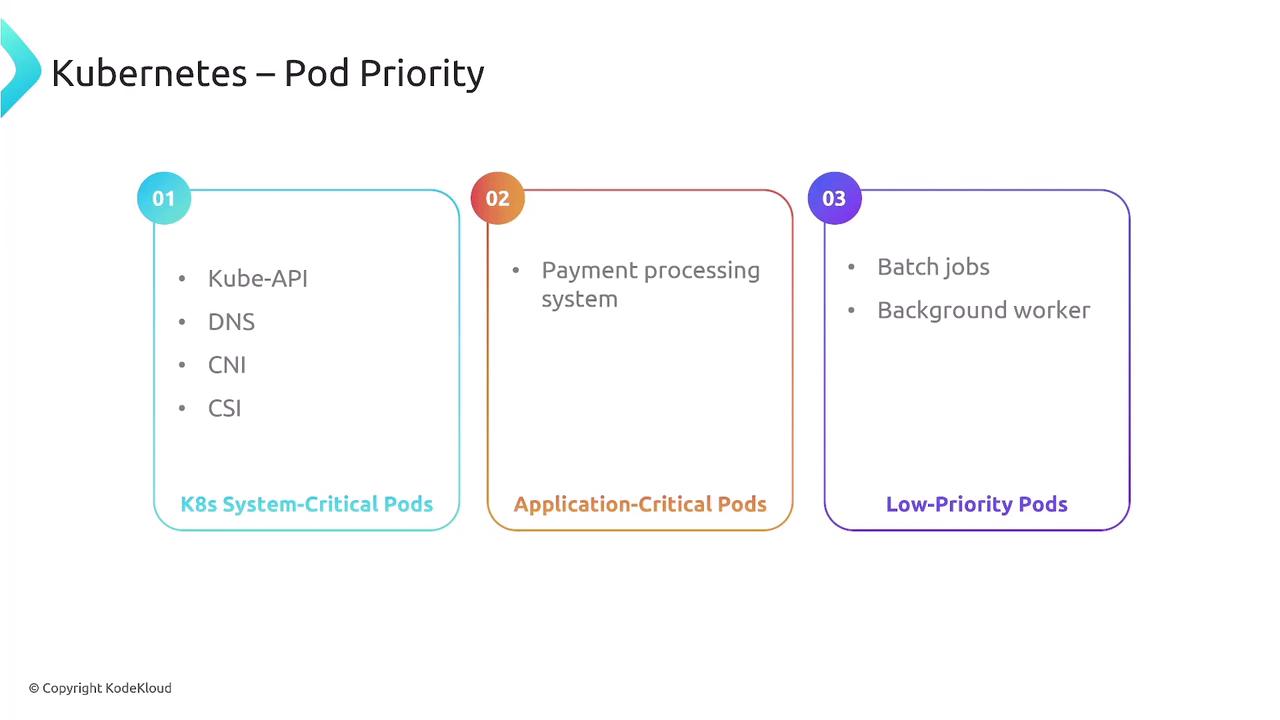
- System-critical Pods (e.g., kube-apiserver, kube-scheduler)
- Application-critical Pods (e.g., payment-processing, order API)
- Low-priority Pods (e.g., batch jobs, CI tasks)
Preemption
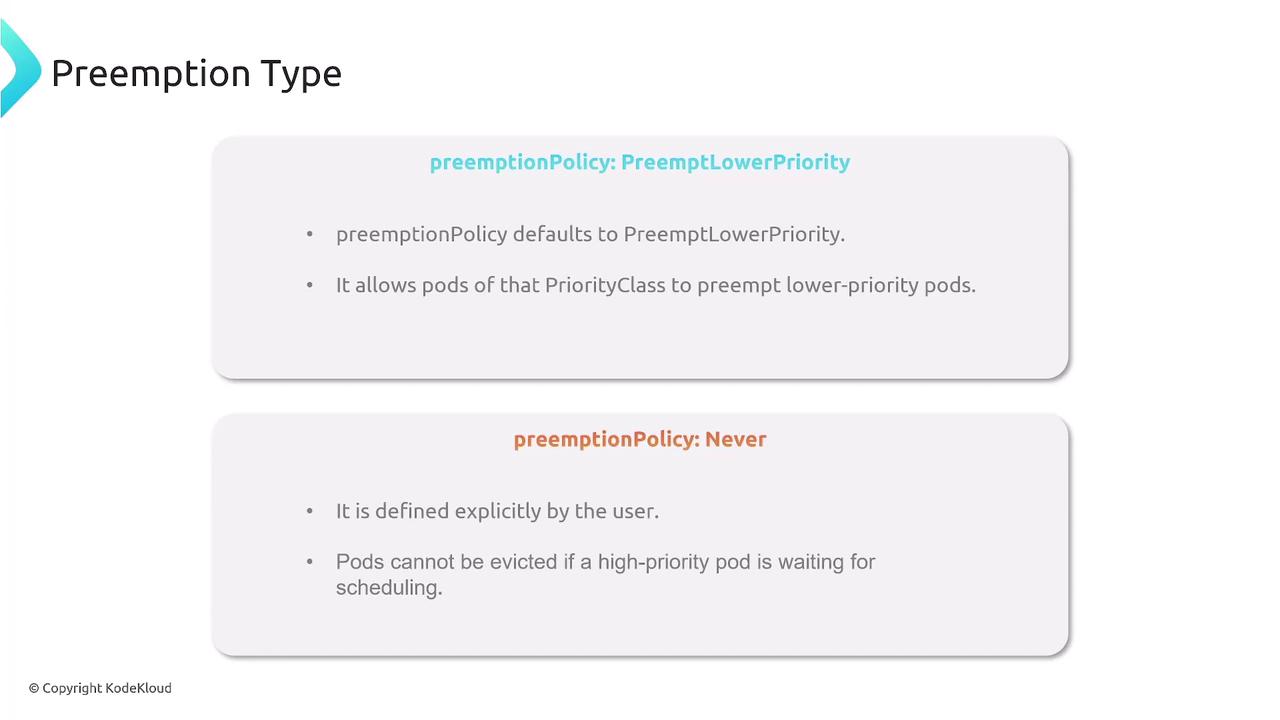
When a VIP arrives and the hall is full, a regular guest may be asked to give up their seat. Kubernetes preemption evicts lower-priority Pods to make room for higher-priority ones.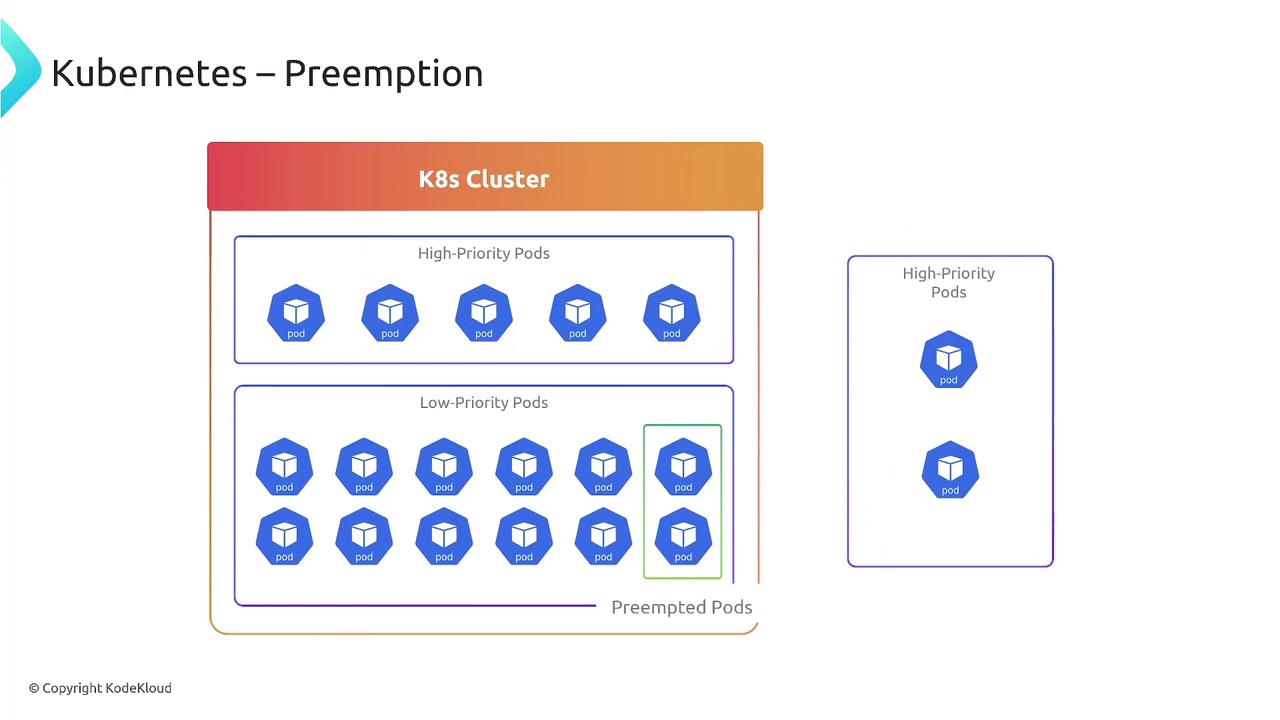
| Policy | Behavior |
|---|---|
| PreemptLowerPriority | Evict lower-priority Pods to schedule this Pod (default) |
| Never | Prevent this Pod from being preempted by any higher-priority Pod |
Defining Priority Classes
Priority classes assign a numeric weight to Pods. Higher values mean higher scheduling priority. Create a high-priority class:If you do not specify a
PriorityClass, Pods default to priority 0.Assigning Priority to Pods and Deployments
AddpriorityClassName in your Pod or Deployment spec to apply a priority class:
Pod example:
Default System Priority Classes
Kubernetes ships with built-in priority classes for system Pods: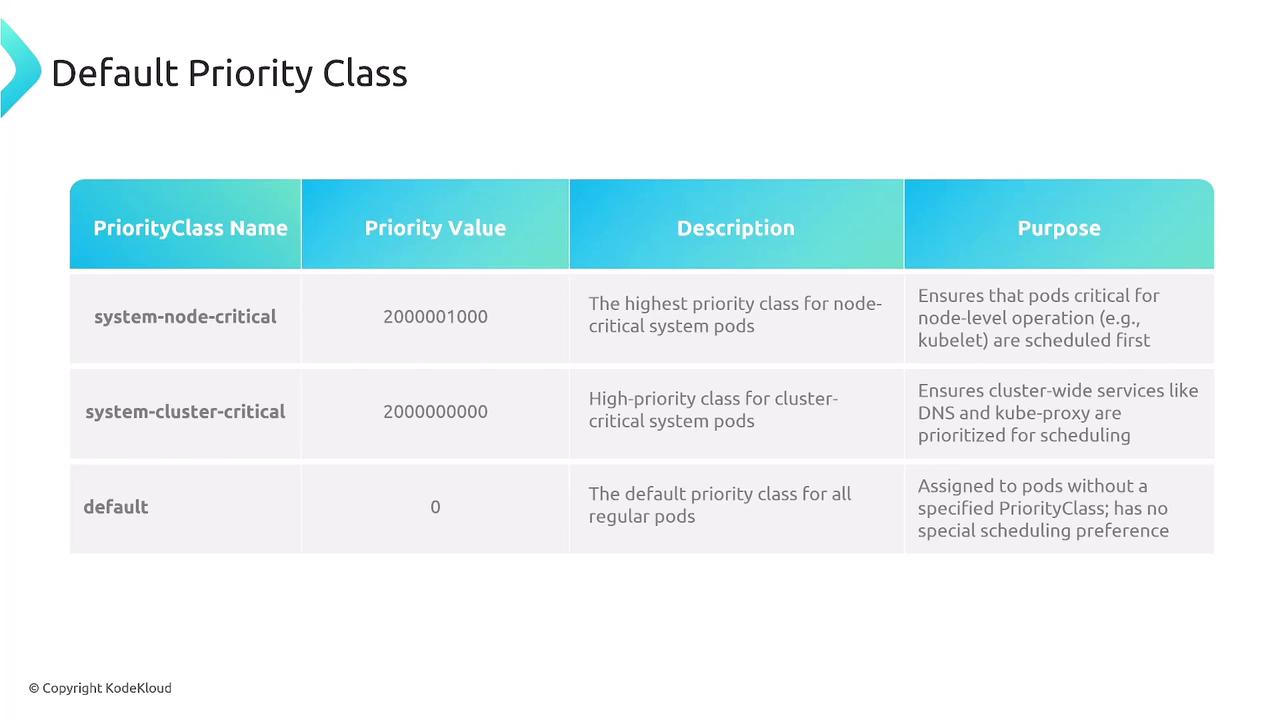
- system-node-critical: Pods essential for node health.
- system-cluster-critical: Pods essential for cluster services.
- No
priorityClassName→ priority0.
Controlling Pod Preemption
To make a Pod immune from eviction, setpreemptionPolicy: Never:
Using
preemptionPolicy: Never can lead to resource starvation for higher-priority workloads. Apply with caution.preemptionPolicy: Never are protected from eviction.