

Downloading and Unpacking Promtail
Follow these steps on each node to download and extract the Promtail binary:On Node One
-
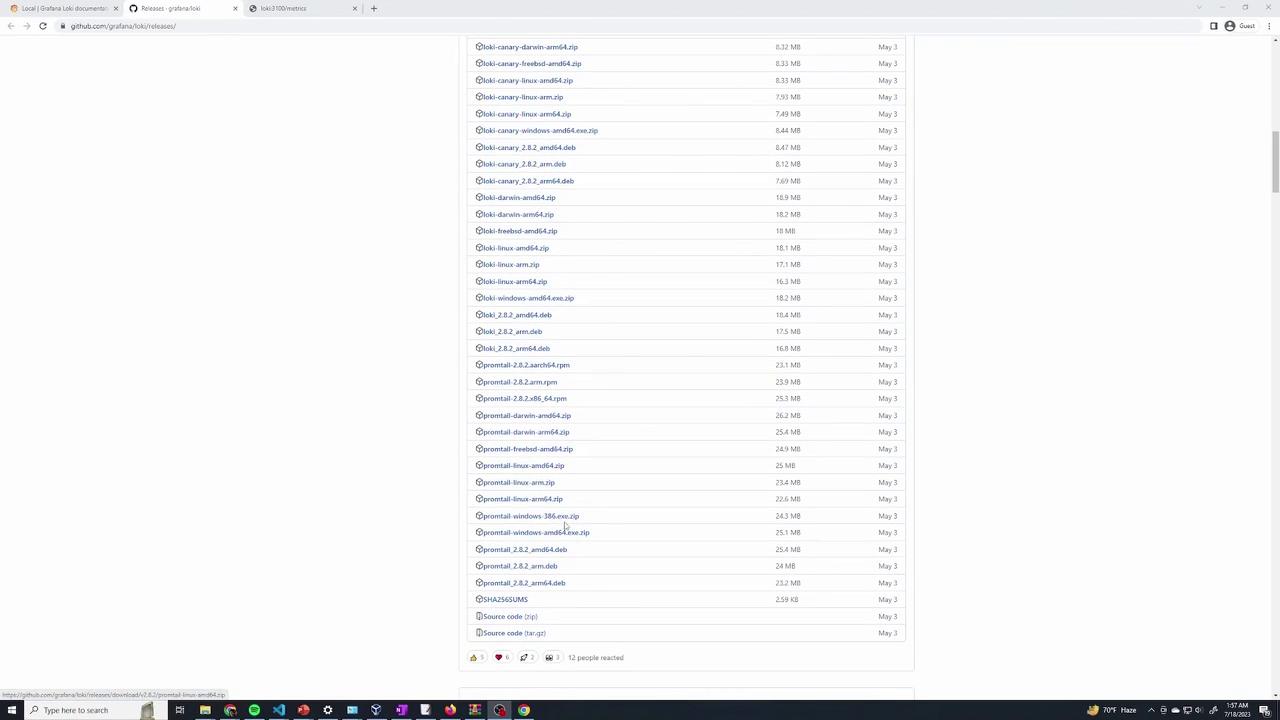
Download the Promtail zip file using
wget: -
List the directory to verify the download:
-
Unzip the downloaded file:
-
Verify the extraction:
On Node Two
Repeat the download and extraction process:-
Download the Promtail zip file:
-
Verify the download with a directory listing:
-
Extract the archive:
-
Confirm the extraction:
If you encounter an error on node two regarding the absence of the Then, rerun the unzip command.
unzip command, install it using:Obtaining the Promtail Configuration File
Promtail requires a configuration file to determine how logs are collected and where to send them. Follow these steps on your node:-
Download the example configuration file from GitHub:
-
Open the configuration file for review:
Customizing the Configuration
Review the key sections of the configuration:- Server: Sets Promtail’s HTTP listening port.
- Positions: Specifies the file to store the last read positions of logs.
- Clients: Defines the Loki server endpoint. Change
localhostto the actual IP address or hostname of your Loki server. - Scrape Configs: Determines which log files are monitored. In the example, all files in
/var/logending with"log"are collected.
Running Promtail
To start Promtail using your configuration file, execute the following command on each node. Make sure you are in the directory containing both the Promtail binary and the configuration file.-
Run Promtail:
If Promtail fails to access certain log files due to permission issues (common for system logs), run Promtail with
sudo:/var/log/kern.log and /var/log/syslog are being tailed: