

- GKE cluster modes of operation
- Cluster accessibility and management
- Scaling and upgrading strategies
- Monitoring and logging with Cloud Operations
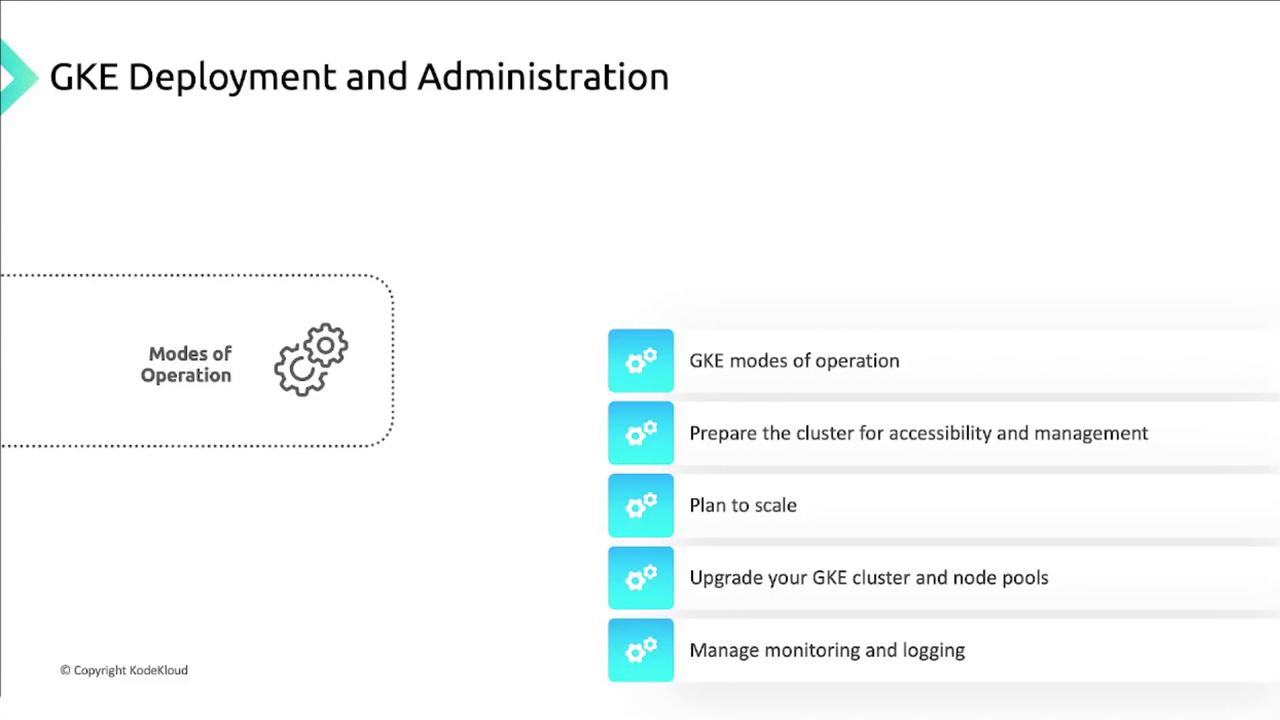
What You’ll Learn
| Topic | Description |
|---|---|
| GKE Modes of Operation | Compare Autopilot, Standard, and private clusters |
| Cluster Preparation | Configure networking, IAM, and security |
| Scaling & Upgrades | Implement cluster autoscaling, node auto-provisioning, and version upgrades |
| Monitoring & Logging | Leverage Cloud Operations to monitor, alert, and visualize cluster performance |
| Hands-On Labs | Create clusters, install kubectl, and apply labels/tags |
GKE combines Google’s infrastructure with open-source Kubernetes, enabling you to focus on applications rather than managing control planes.
Learn more in the GKE Documentation.
Learn more in the GKE Documentation.
Detailed Topics
-
GKE Cluster Modes of Operation
Explore the differences between Standard, Autopilot, and Private clusters, and determine which mode aligns with your organizational needs. -
Preparing Your Cluster
- Configure networking (VPC, firewall rules)
- Set up IAM roles and policies
- Enable private endpoint and master authorized networks
-
Scaling and Upgrading
- Cluster Autoscaling
- Node Auto-Provisioning
- Rolling and surge upgrades for both clusters and node pools
-
Monitoring and Logging
Integrate with the Cloud Operations suite to track metrics, set alerts, and visualize logs.
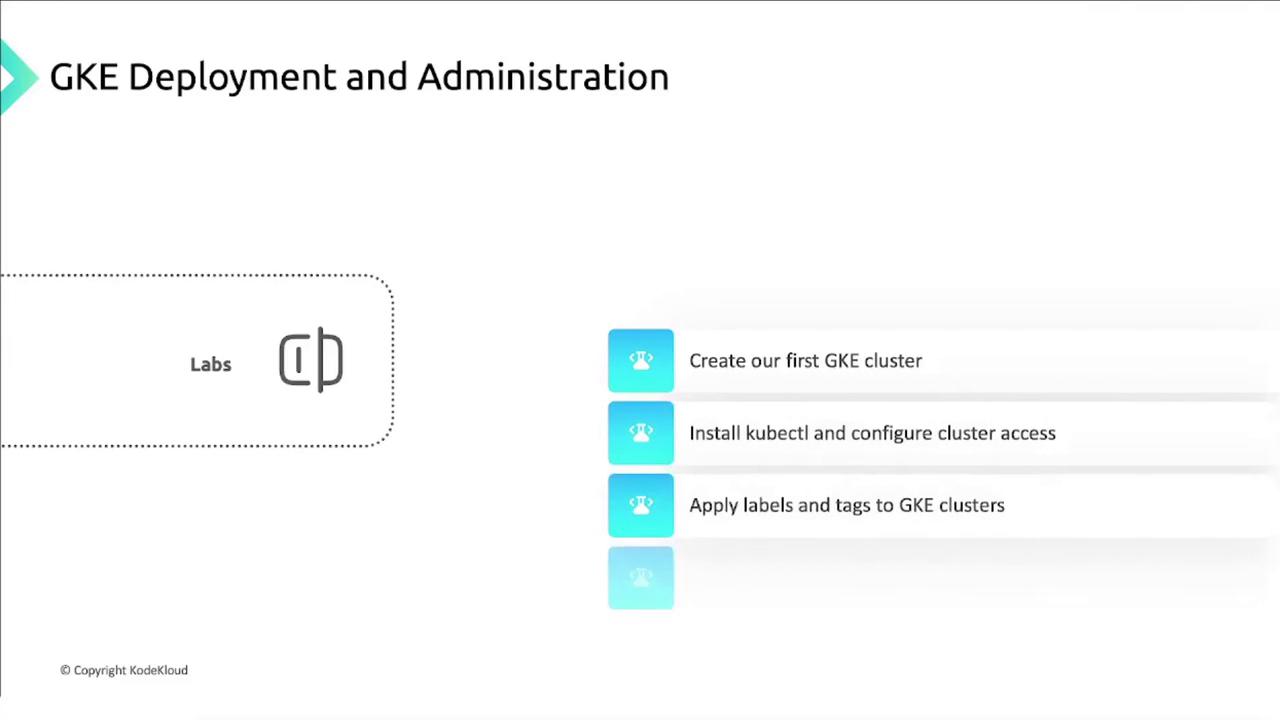
Hands-On Lab Exercises
- Create a GKE Cluster
- Install kubectl
- Apply Labels and Tags