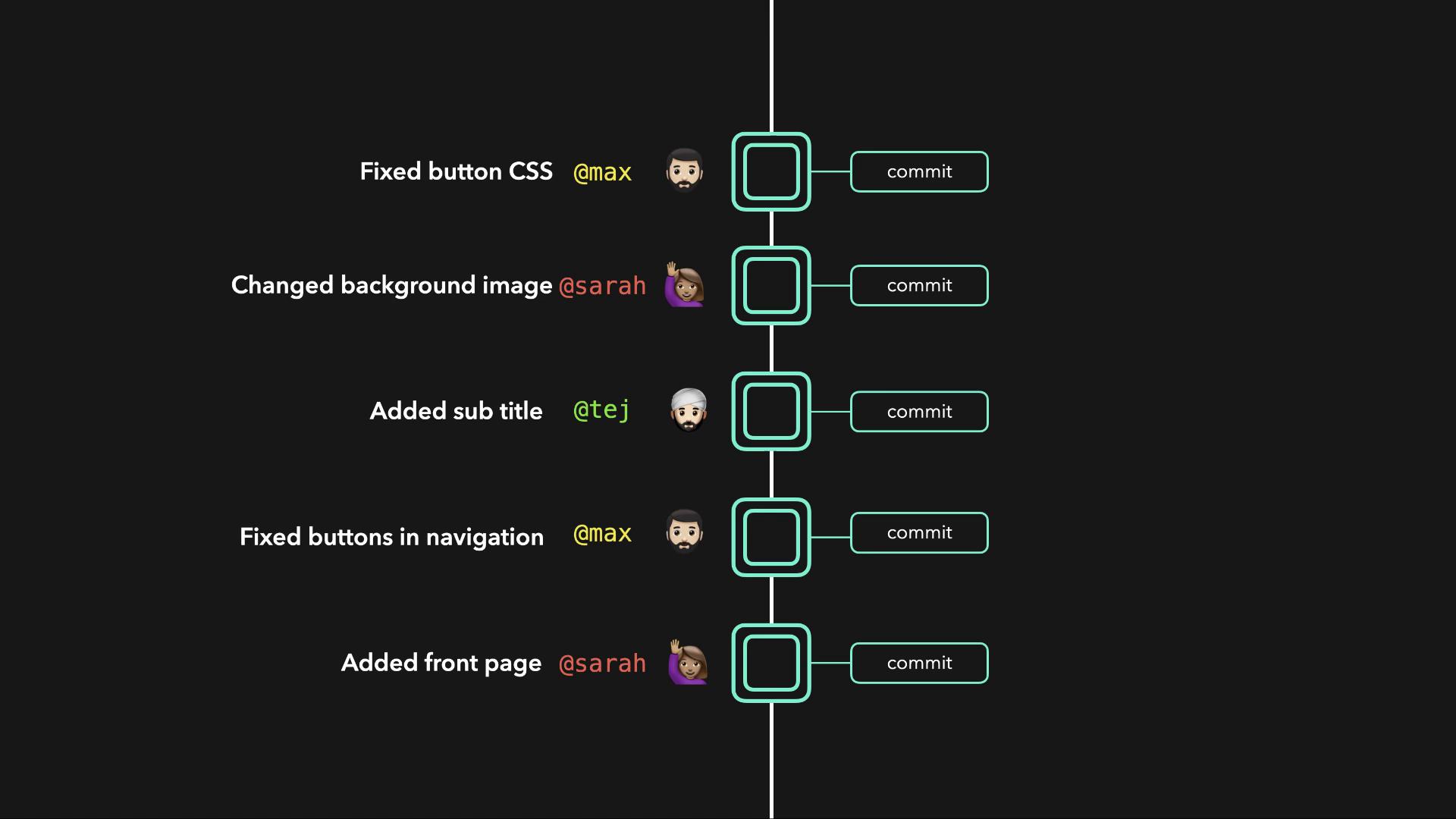
A remote repository not only acts as a secure backup in case of hardware failure but also enables seamless collaboration among team members.
Repository Types
-
Local Repository:
Stored on your machine, it gives you direct control over your project files and facilitates rapid development. This repository is where you perform your day-to-day work. -
Remote Repository:
Hosted on a centralized server, it serves as a backup and a shared workspace for the team. Teammates can clone the remote repository, work on their own local copies, and then push their changes back. Additionally, pulling updates from the remote repository ensures all local copies remain synchronized.
Example: Simple HTML File
Below is an example of a basic HTML file that might be part of your project:Local Repository Structure
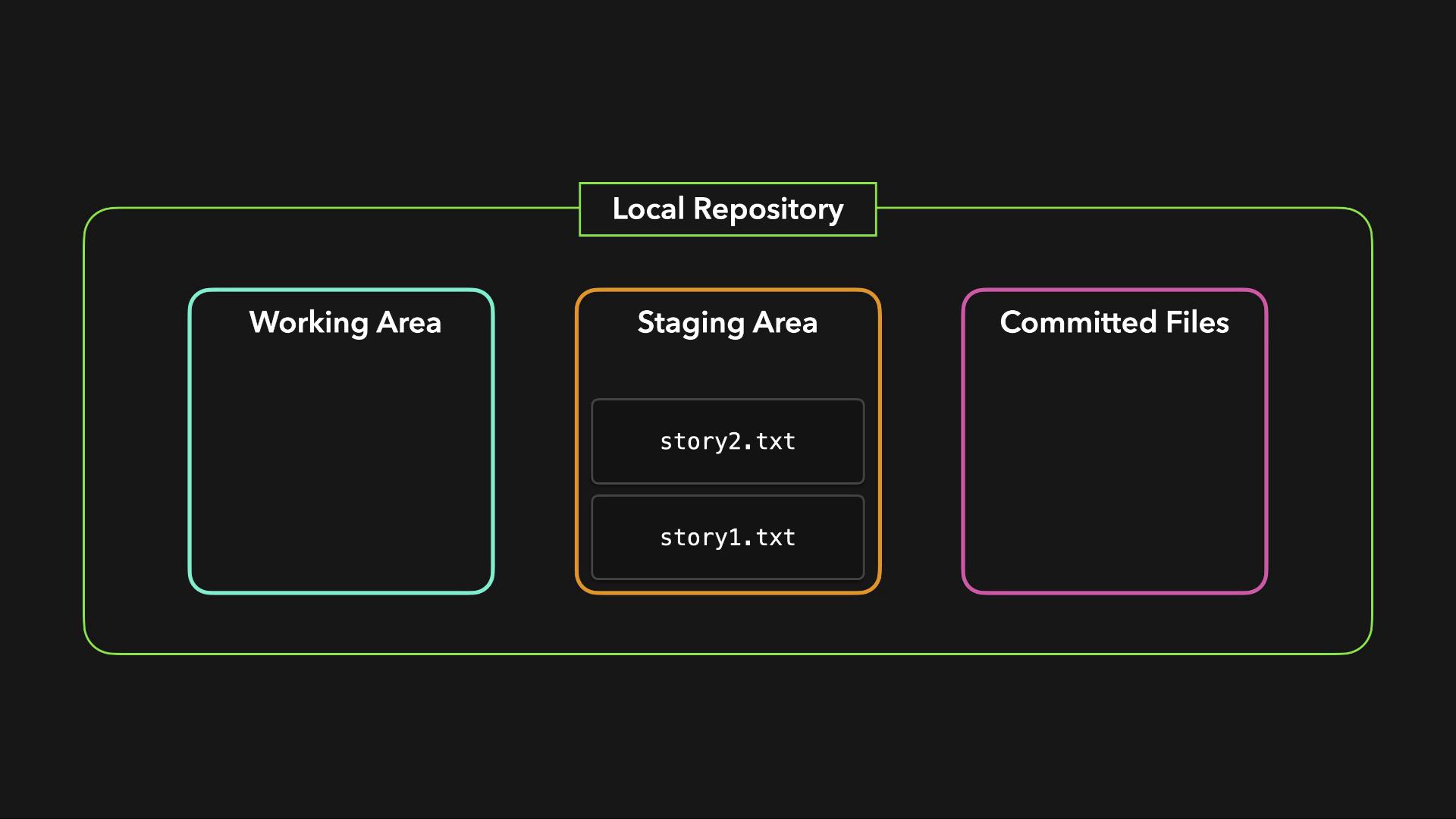
A typical local repository in Git is composed of three primary areas:| Component | Description |
|---|---|
| Working Directory | Contains the active files where you make changes. Git monitors these files but does not track their state. |
| Staging Area | Temporary storage where files are added after changes. Once reviewed, these files are prepped for a commit. |
| Committed Files | Files that have been saved into the repository’s history via commits. |