Learn to delete all resources in your Amazon ECS environment without using the quick start wizard.
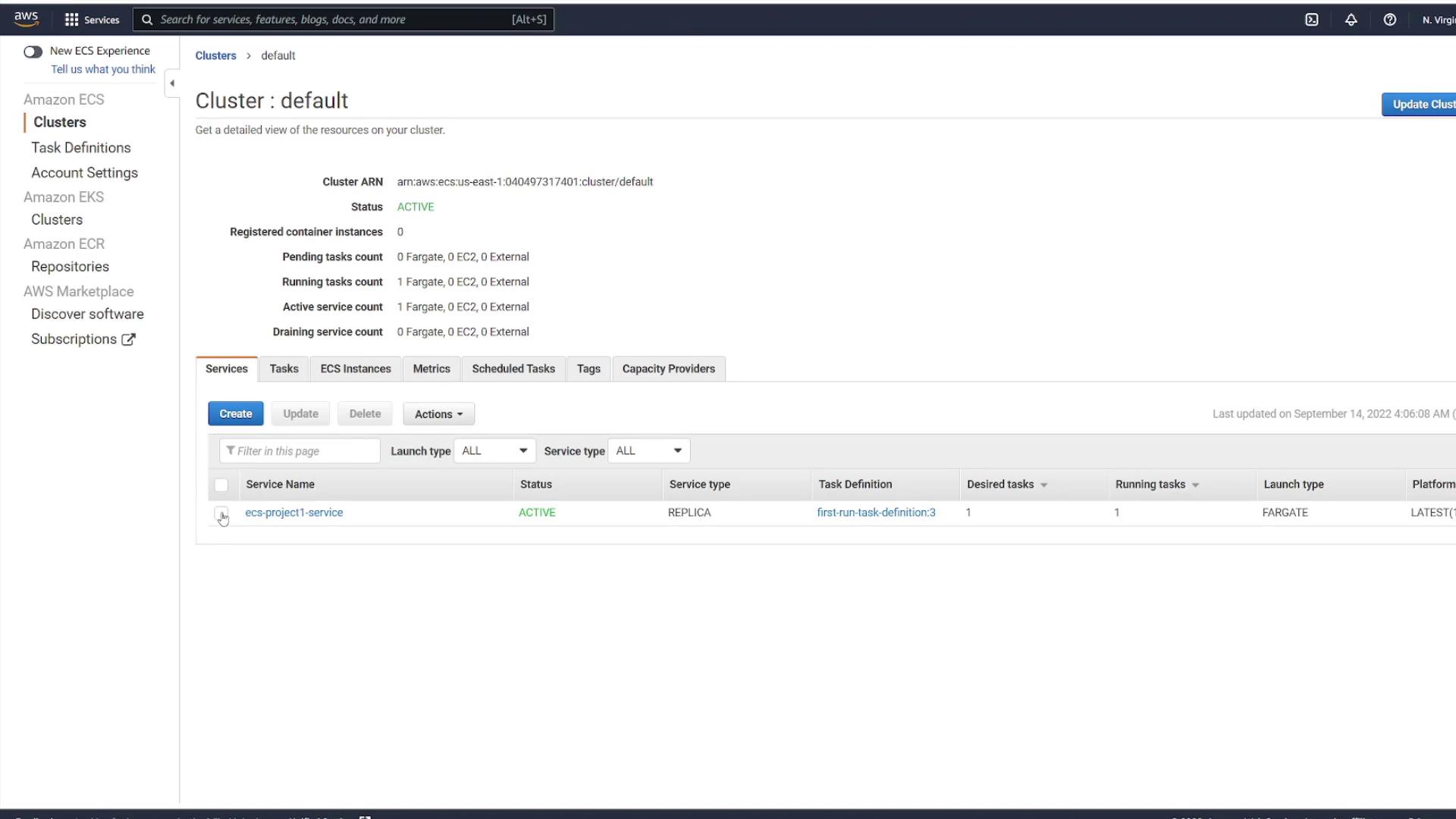
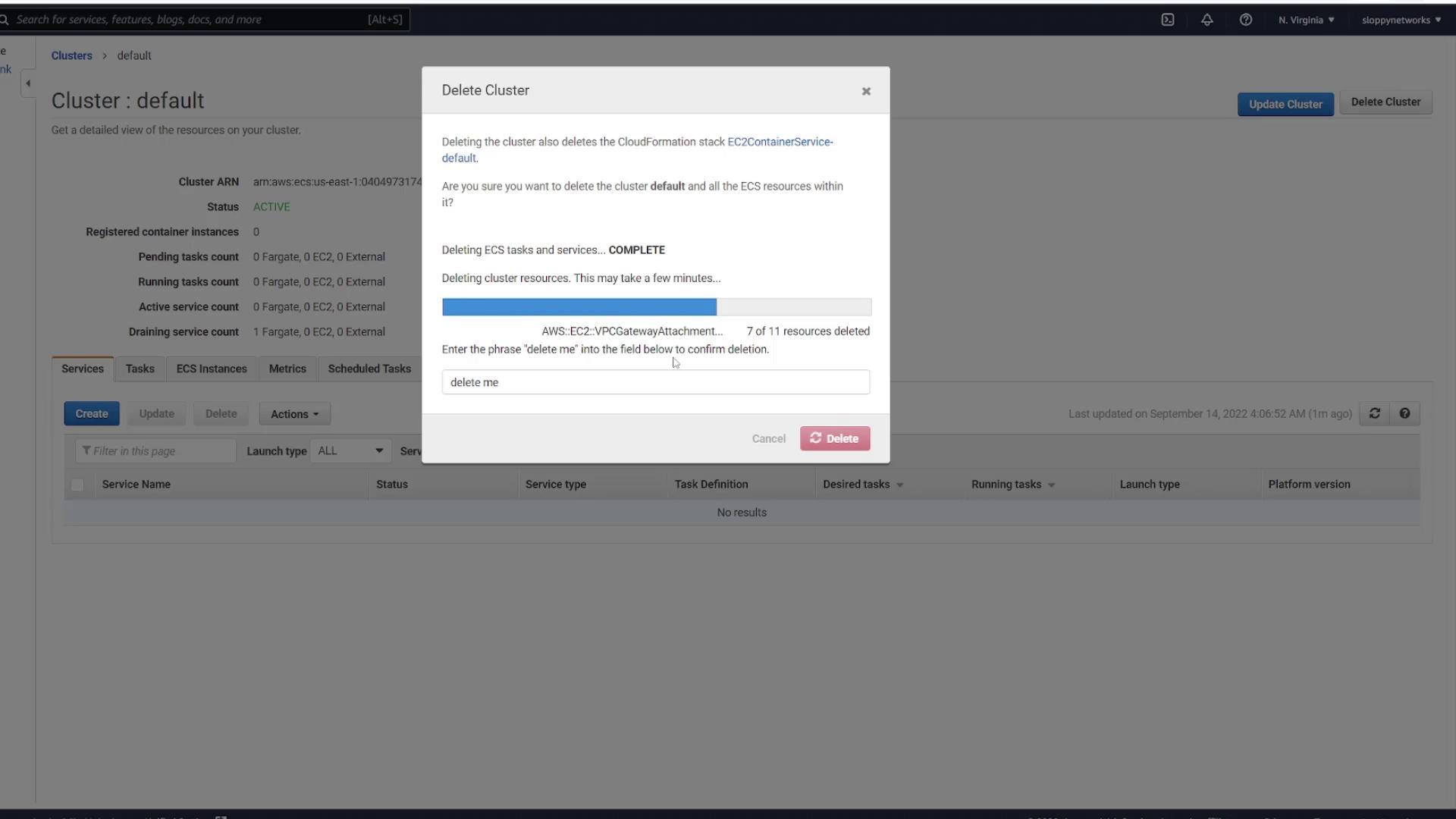
In this lesson, you’ll learn how to delete all resources in your Amazon ECS environment to start fresh without using the quick start wizard. After confirming that your application deployed successfully, follow these steps to remove the active service and delete the cluster.
First, navigate to your default cluster and locate the active service you want to remove.
Select the desired service and initiate the deletion process. When the system prompts you for confirmation, type “delete me” in the provided text box. The deletion process may take a few seconds. You should see that all corresponding tasks are automatically terminated; if any tasks remain running, you can delete them manually.
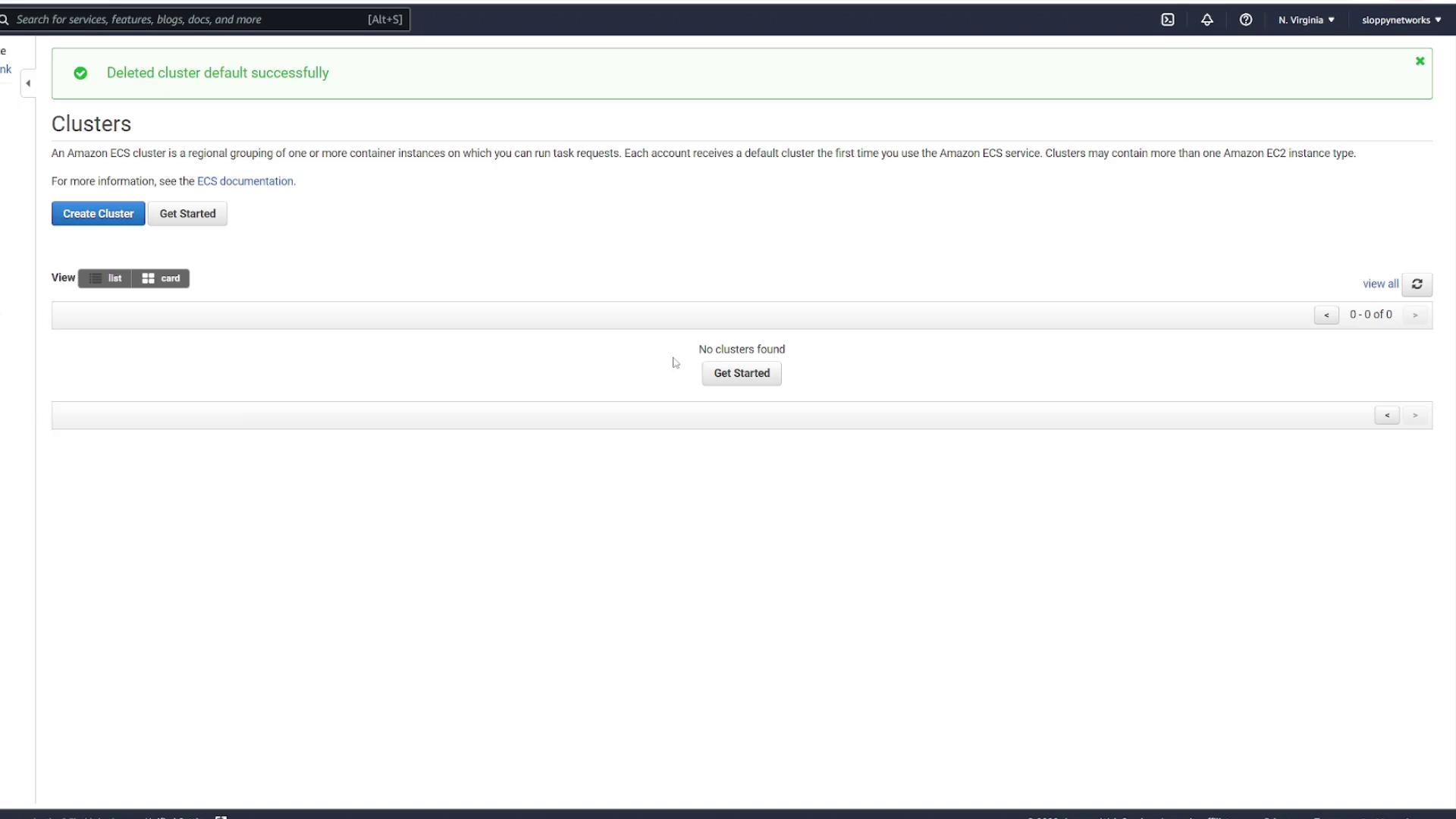
After deleting the service, ensure there are no orphaned tasks before proceeding to delete the cluster.
Your ECS environment is now cleared. You can deploy your applications from scratch without any interference from previously deployed resources.For more detailed information on managing ECS resources, refer to the Amazon ECS Documentation.