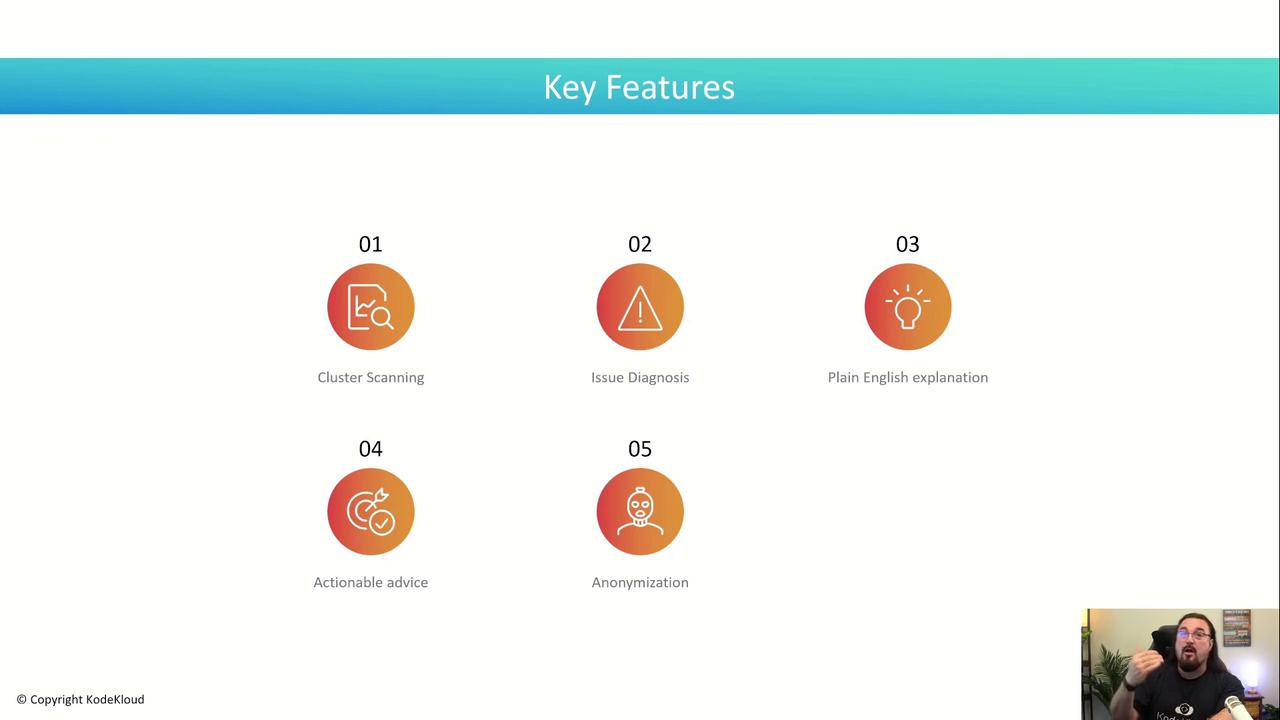
K8sGPT is an AI-driven tool for diagnosing and remediating issues in Kubernetes clusters, offering real-time insights and actionable advice.
Welcome to this lesson on K8sGPT, a CNCF Sandbox project that brings AI-driven diagnostics and remediation to your Kubernetes clusters. Developed by Alex Jones and his team, K8sGPT is fully open source and available as either a Kubernetes operator or a standalone binary. It connects to your live cluster, gathers resource state across Deployments, Services, ReplicaSets, and more, then leverages AI to pinpoint issues and recommend fixes.
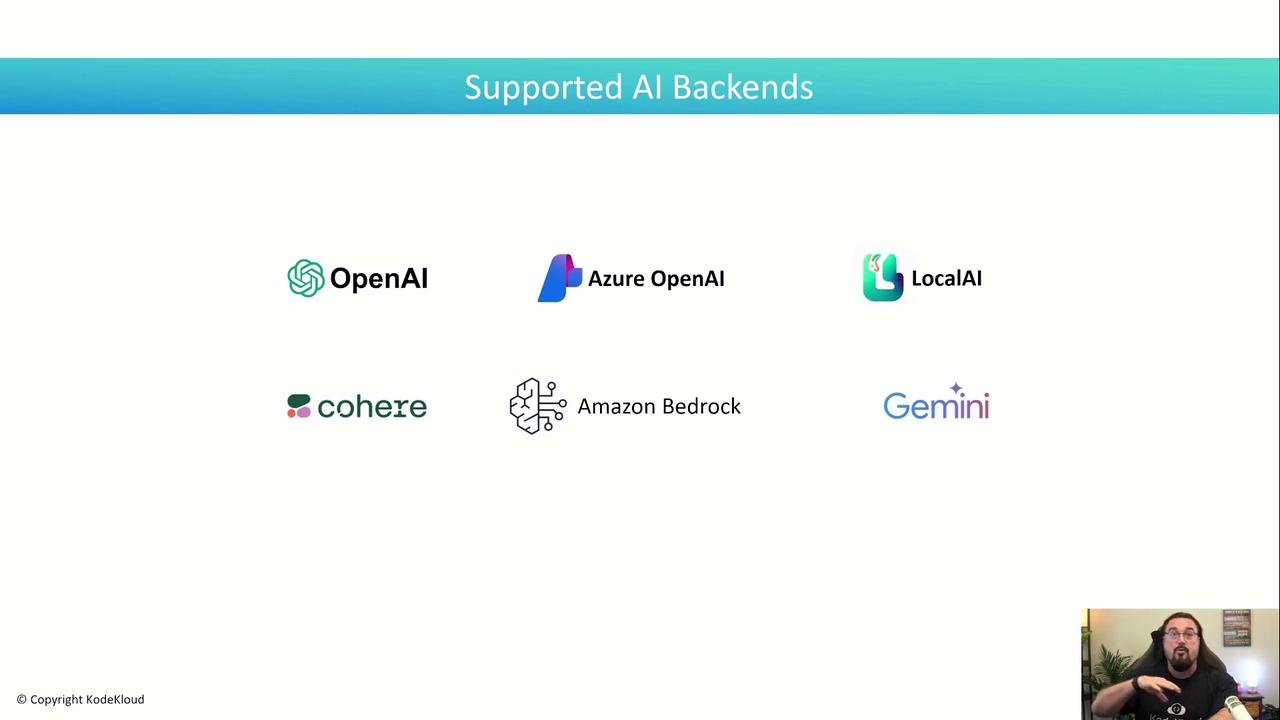
K8sGPT integrates seamlessly with major AI providers. You can choose from:
AI Provider
Typical Use Case
OpenAI
Access GPT-4, ChatGPT APIs
Azure OpenAI
Enterprise-grade LLMs hosted on Azure
Google Gemini
Google Cloud’s advanced generative AI models
Amazon Bedrock
AWS-managed large language models
Cohere
High-quality embeddings and language models
LocalAI
On-prem or local model hosting for stricter compliance
Before running the analysis, verify your kubeconfig and context by running kubectl get nodes.
Ensure you have network access to both your cluster and the configured AI backend.
After configuring your preferred AI provider, simply run:
Copy
Ask AI
olama@bakugo:~/demo$ k8sgpt analyse --explain100% AI Provider: openai0: Deployment k8sgpt/k8sgpt-ollama- Error: Deployment k8sgpt/k8sgpt-ollama has 1 replica but 0 are available. Explanation: The Deployment expects one Pod, but none are running. Solution: 1. Check Pod status: kubectl get pods -n k8sgpt 2. Describe the Pod: kubectl describe pod <pod-name> -n k8sgpt 3. Inspect logs: kubectl logs <pod-name> -n k8sgpt 4. Resolve errors in the Pod spec or logs.1: Service hosting/web2- Error: Service has no ready endpoints; expected 2 Pods but none are Ready. Explanation: Pods backing this Service are not passing readiness probes. Solution: 1. kubectl get pods -n hosting 2. kubectl logs <pod-name> -n hosting 3. Verify readinessProbe in the Pod spec. 4. Restart or fix the Pods until they become Ready.2: Service k8sgpt/k8sgpt-ollama- Error: No endpoints found for label app=k8sgpt-ollama. Explanation: The Service selector isn’t matching any Pods. Solution: 1. kubectl get pods -l app=k8sgpt-ollama -n k8sgpt 2. Label Pods if missing: kubectl label pod <pod-name> app=k8sgpt-ollama -n k8sgpt3: ReplicaSet k8sgpt/k8sgpt-ollama-668396898- Error: pods "k8sgpt-ollama-668396898-xxxxx" is forbidden: serviceaccount "k8sgpt" not found. Explanation: The ReplicaSet can’t create Pods without a valid ServiceAccount. Solution: 1. Create the ServiceAccount: kubectl create serviceaccount k8sgpt -n k8sgpt 2. Reapply or restart the Deployment/ReplicaSet.
This output demonstrates how K8sGPT scans your cluster, identifies common issues across Deployments, Services, and ReplicaSets, and provides clear, actionable remediation steps.You will also see a live demo and hands-on lab with K8sGPT in the next module.