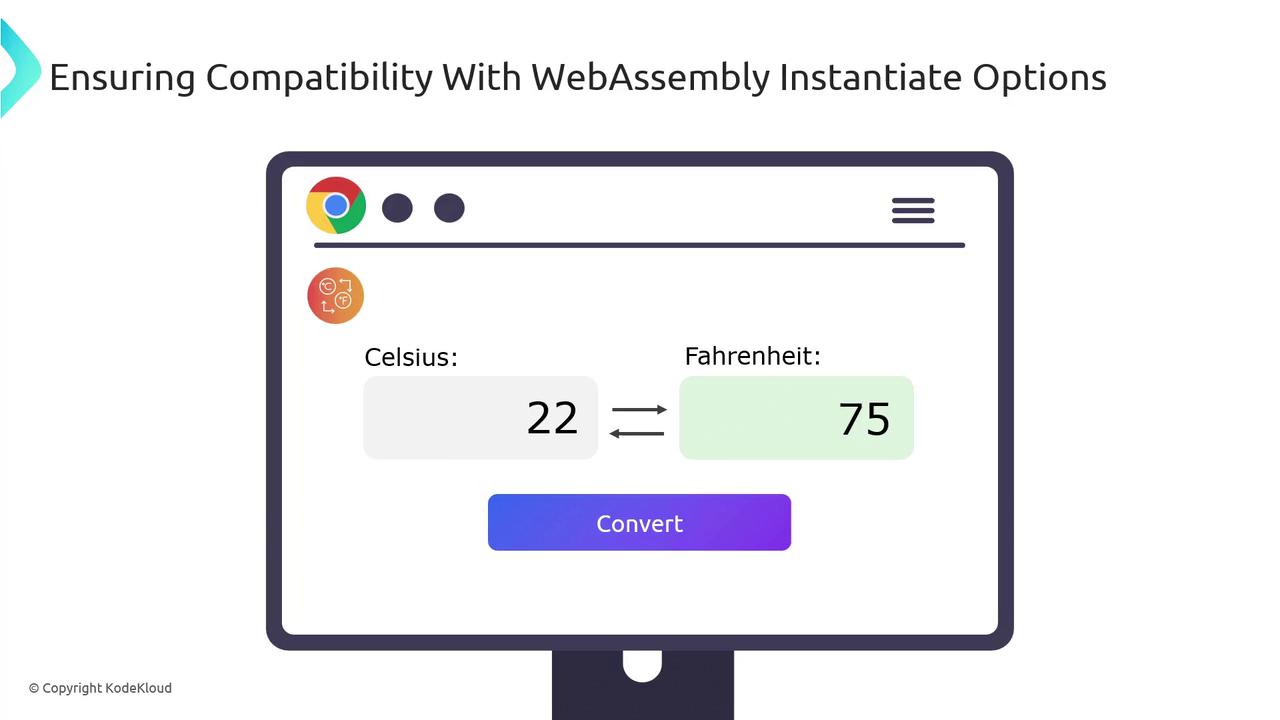
This article explains how to run WebAssembly in the browser using JavaScript, covering instantiation, memory sharing, and a simple HTML example.
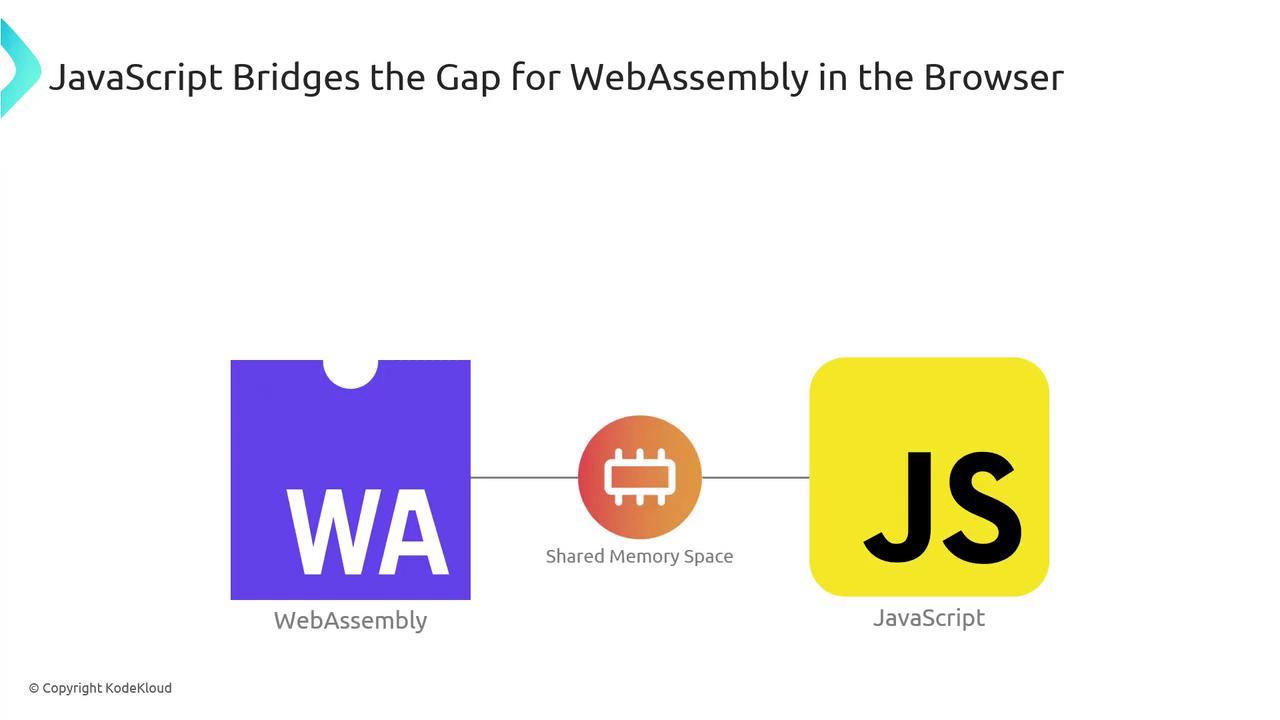
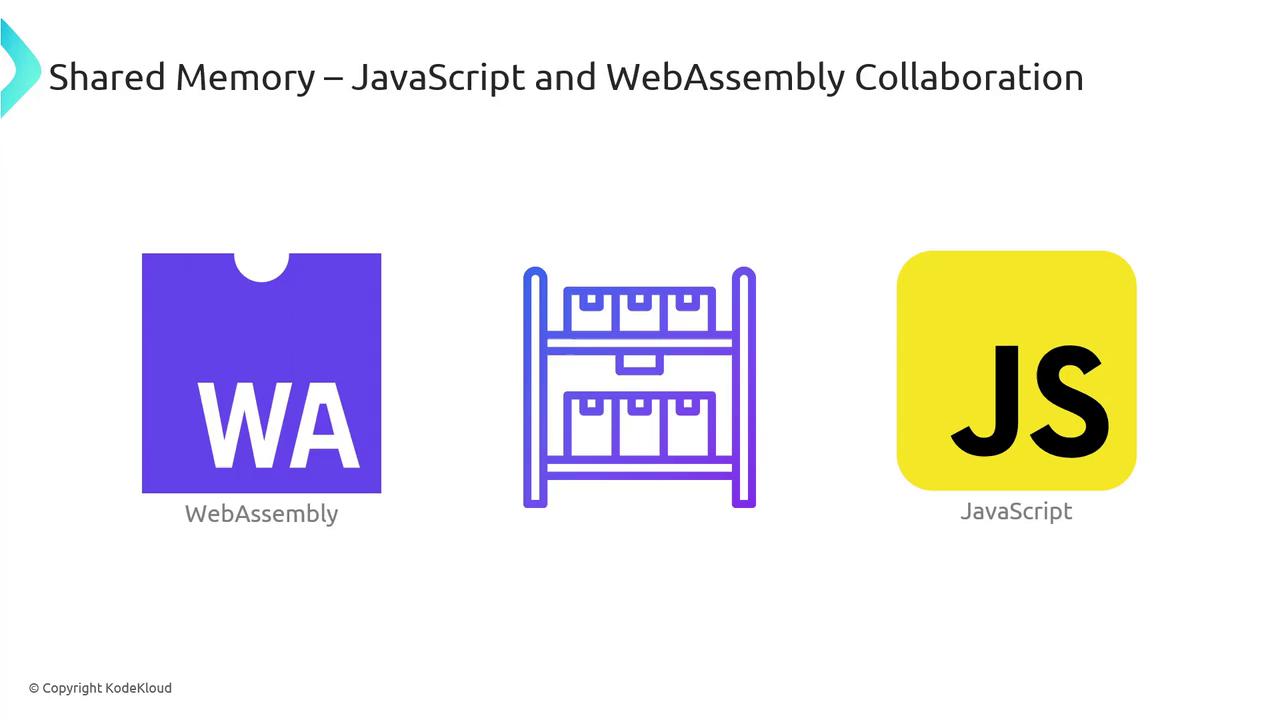
After compiling our temperature-converter to a WebAssembly module, you can load and execute it directly in the browser using JavaScript as a bridge. In this guide, we’ll cover:
The easiest way to download and compile a .wasm module in one step is with WebAssembly.instantiateStreaming. Modern browsers support this API, but if you need to support older environments, a two-step fallback is required.
Approach
Browser Support
Behavior
instantiateStreaming
Modern browsers
Streams fetch → compile → instantiate
fetch → instantiate fallback
Legacy browsers
Downloads binary → compiles → instantiates
Your server must serve .wasm files with application/wasm. Otherwise, streaming instantiation will fail.
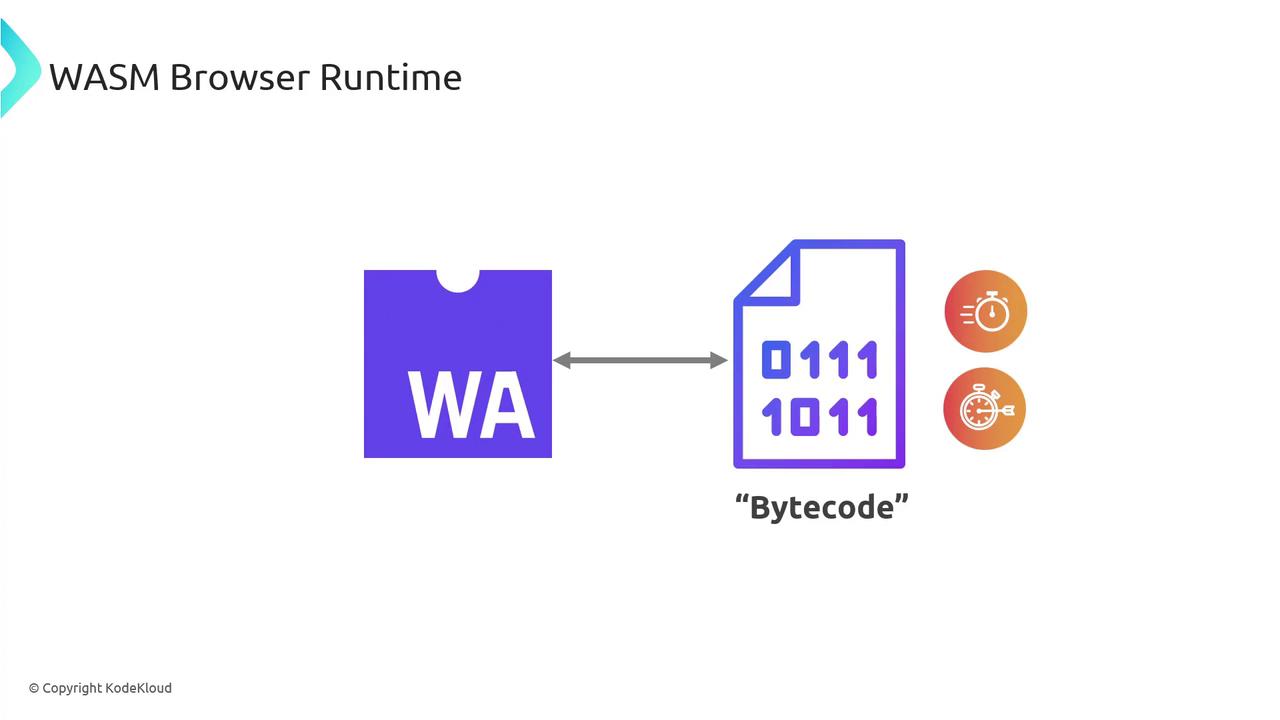
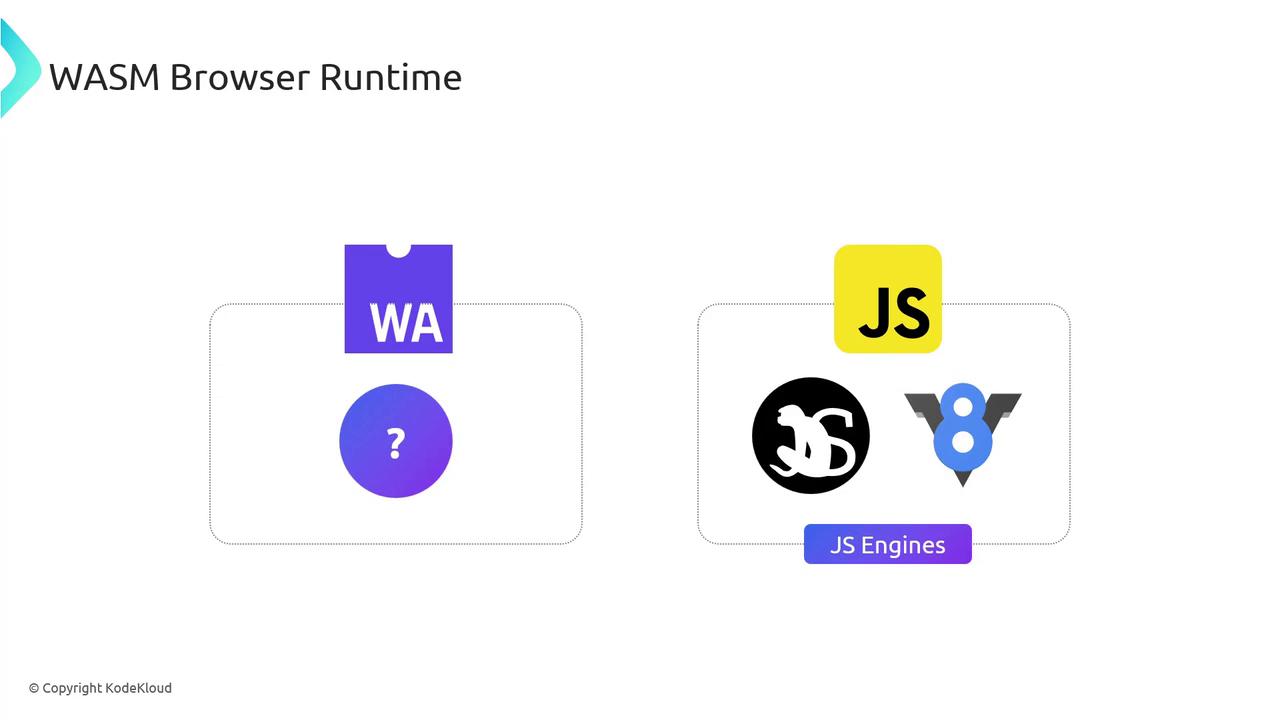
Browsers like Chrome (V8), Firefox (SpiderMonkey), Safari, and Edge integrate WebAssembly support directly into their JavaScript engines. They treat .wasm as bytecode, decoding and compiling it alongside JS.When a .wasm module loads, the engine:
Parses the binary format.
Compiles it to native machine code.
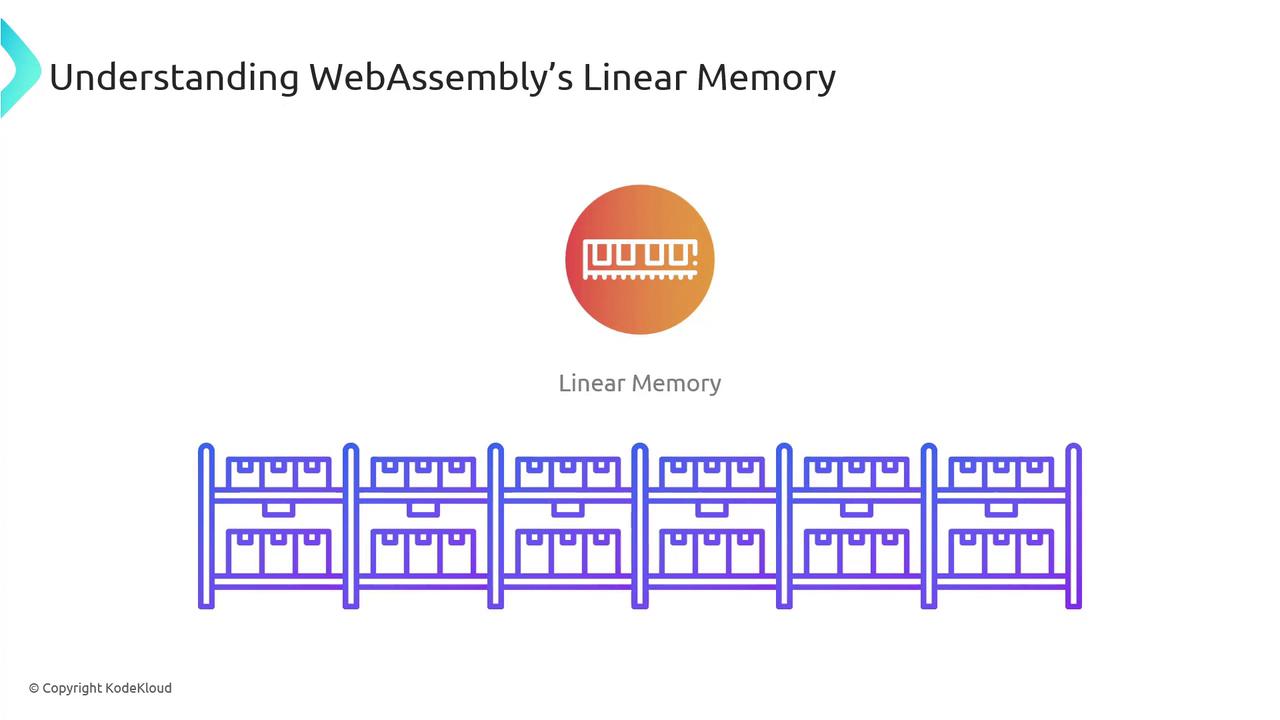
Links it with the JS context (including linear memory).
This approach allows WebAssembly to leverage the same JIT optimizations, garbage collection, and security sandbox as JavaScript.
Engine
JavaScript Engine
WebAssembly Engine
Chrome
V8
Integrated WAsm
Firefox
SpiderMonkey
Integrated WAsm
Safari
JavaScriptCore
Integrated WAsm
Edge
Chakra/Sparta
Integrated WAsm
By understanding these internals, you can harness WebAssembly to accelerate compute-intensive tasks and integrate seamlessly with your existing JavaScript code.