What Is a Dependency Lock File?
The dependency lock file in Terraform, named.terraform.lock.hcl, is essential for managing external provider dependencies. This file records the exact provider versions used within your Terraform configurations, ensuring consistency across all environments and operations.
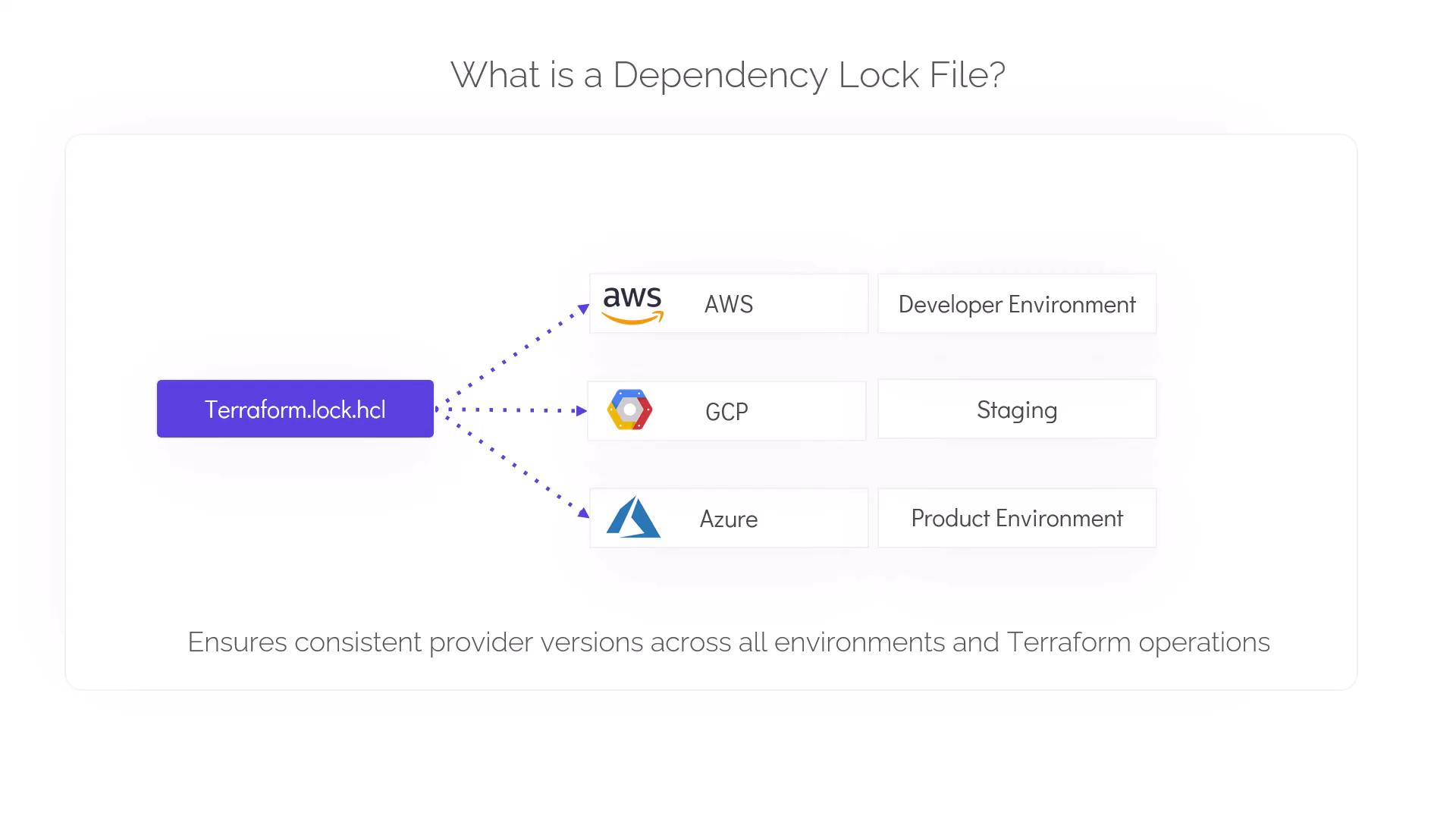
- Guarantees that all team members and deployment pipelines use the same provider versions.
- Enhances reproducibility by enforcing exact versioning.
- Prevents accidental upgrades that could introduce breaking changes.
How It Works
When you initialize your Terraform configuration using theterraform init command, Terraform automatically creates or updates the .terraform.lock.hcl file. This file contains critical details such as:
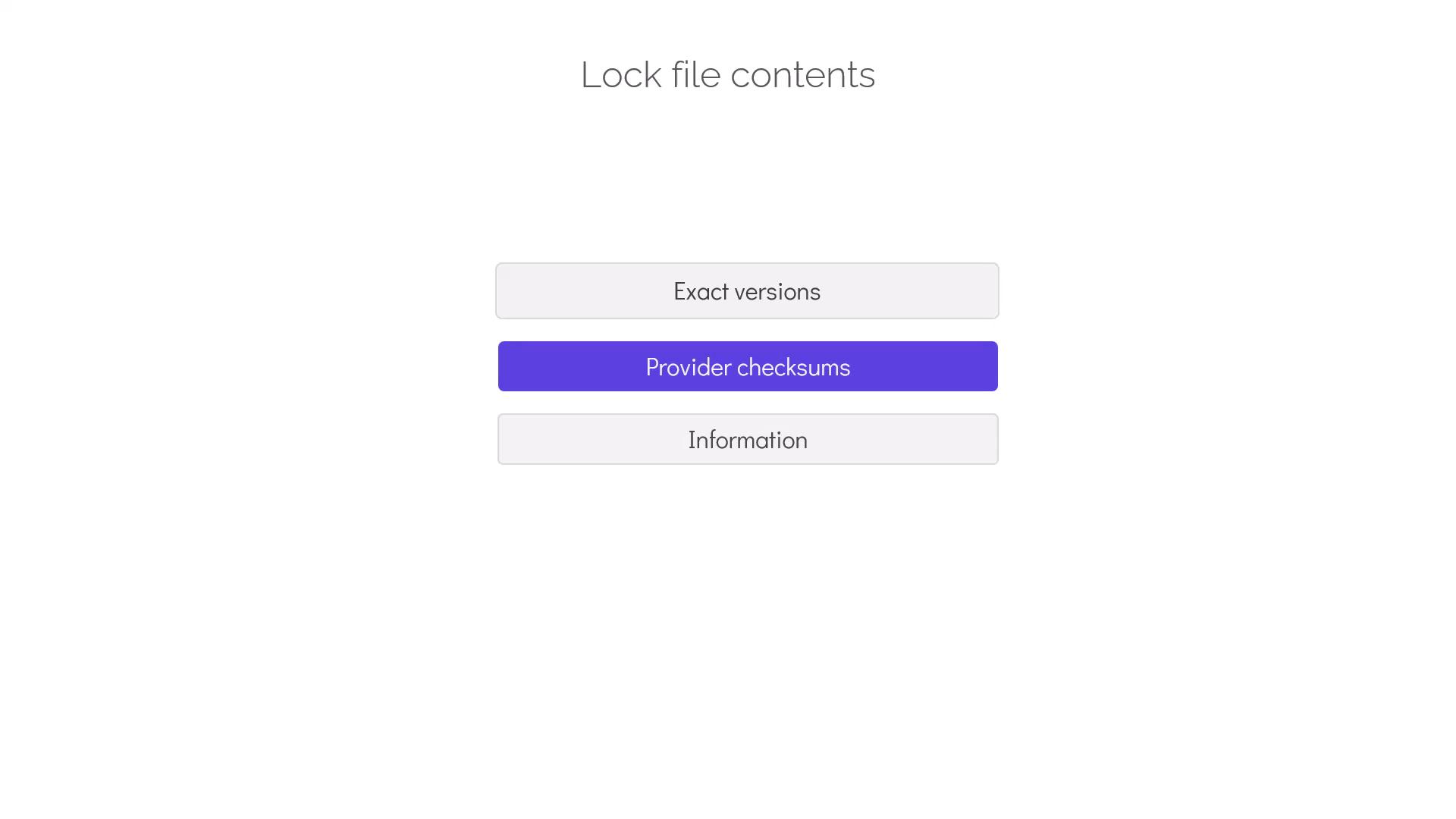
- Exact versions of each provider
- Provider checksums for integrity verification
- Information about provider dependencies to ensure compatibility with your configuration
Best Practices
Following these best practices will help you maintain an effective dependency lock file:| Best Practice | Description |
|---|---|
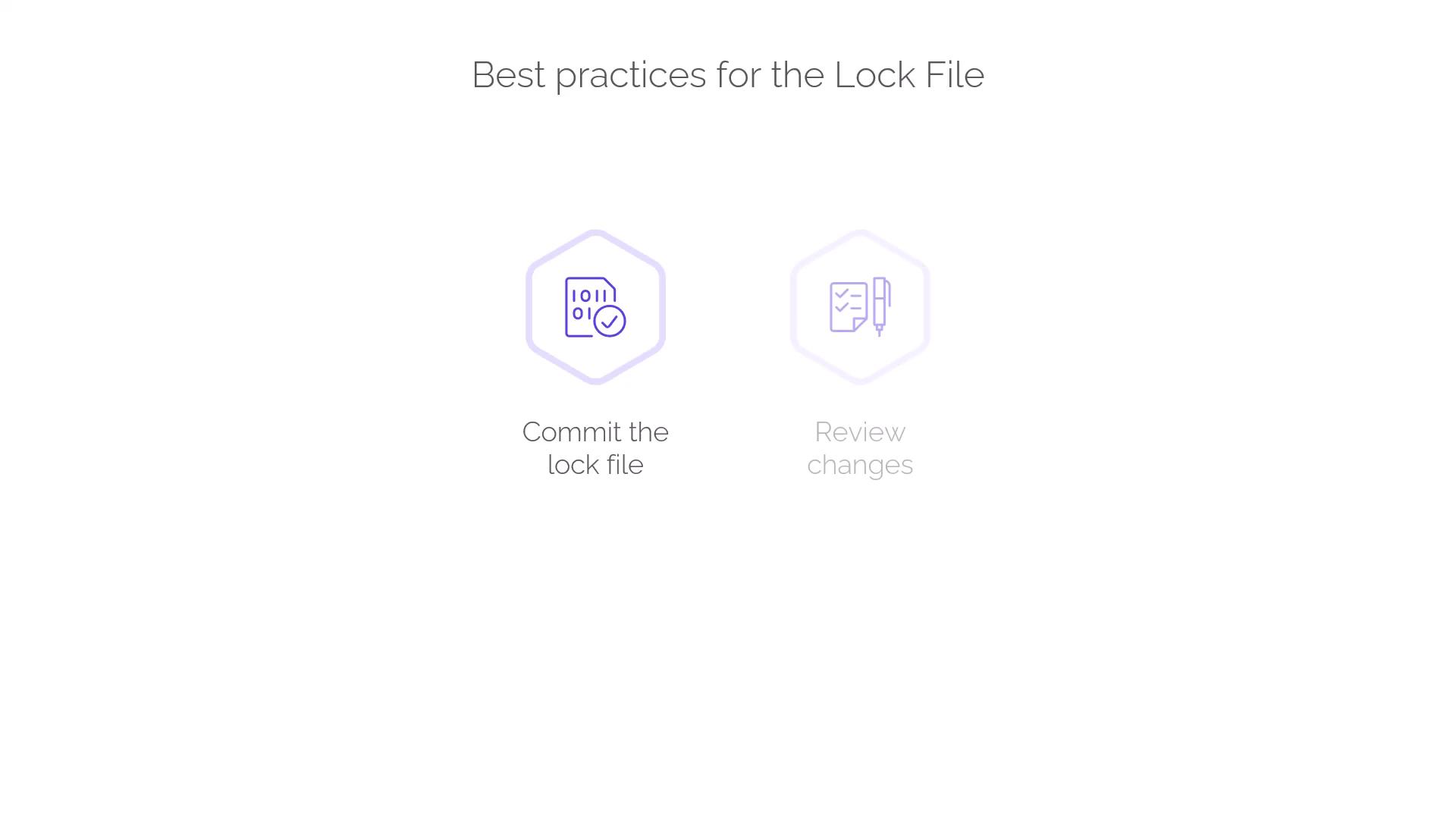
| Commit the lock file | Always include .terraform.lock.hcl in version control to ensure consistency across environments. |
| Review changes during provider updates | Carefully check the lock file after updates to understand version and dependency modifications. |
Before deploying changes to production, always compare your lock file versions to avoid unintended updates that can impact your infrastructure stability.
Conclusion
The dependency lock file is a powerful tool in Terraform that manages provider versions, ensuring stable and predictable infrastructure deployments. It safeguards your projects against unintended updates and provides a clear path for safely upgrading providers.