

Containerizing an Application with Dockerfiles
When containerizing an application, developers typically write a Dockerfile—a sequence of instructions that details how to build the application’s container image. Take, for example, a Node.js application. The following Dockerfile uses a trusted base image, creates a non-root user, sets up the working directory, installs production dependencies, copies the application source code, and finally exposes a port with the command to run the application.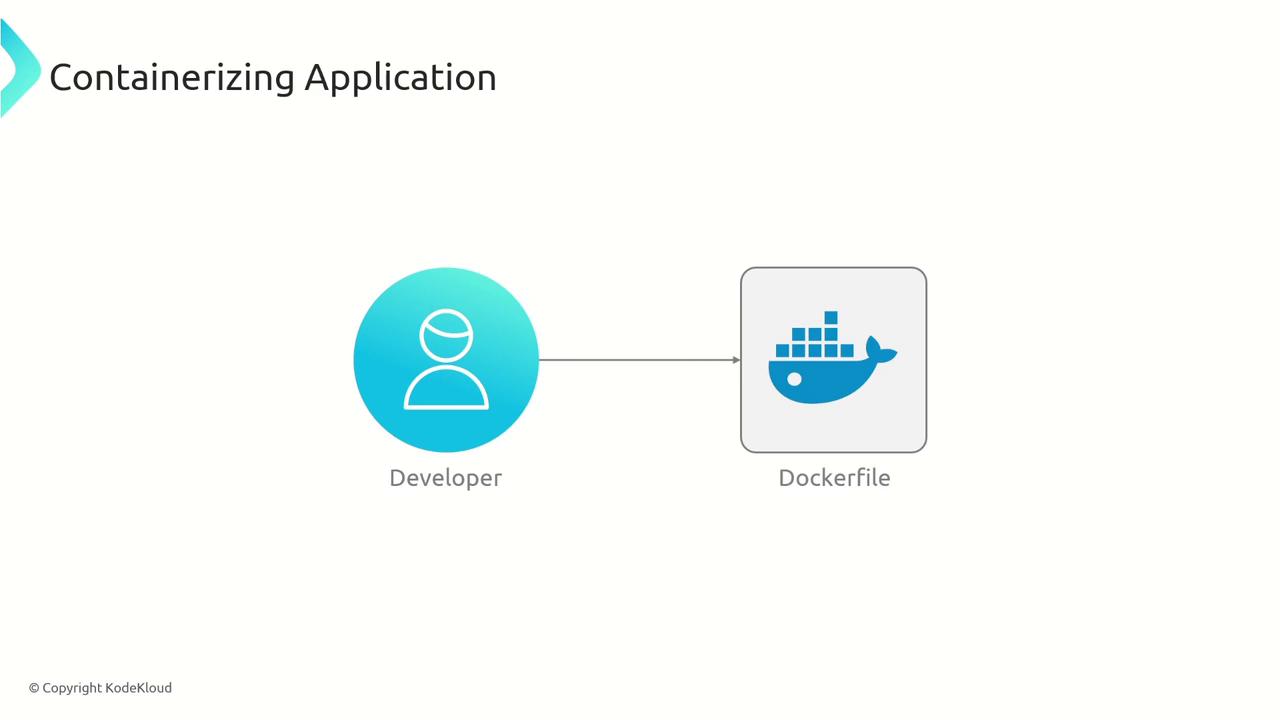
Challenges with Writing and Maintaining Dockerfiles
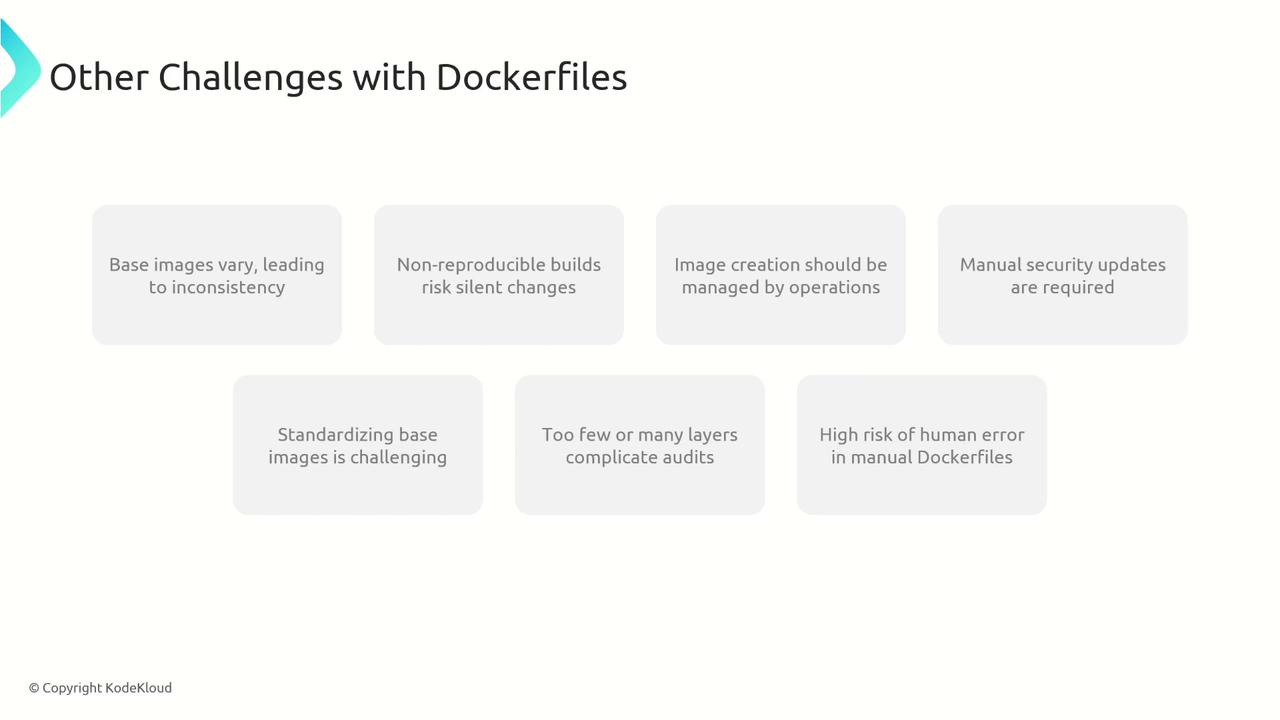
Designing a Dockerfile is straightforward when using a limited set of commands, but ensuring it adheres to best practices poses several challenges. Many organizations face issues such as:- Inconsistent Base Images: Different teams might select various base images, leading to discrepancies.
- Non-Reproducible Builds: Updates in dependencies or base images can change the resulting build over time.
- Manual Security Updates: Implementing security patches requires manually updating the base image and rebuilding the entire image.
- Varied Best Practices: Inconsistent practices across teams can lead to variability in the quality and security of Dockerfiles.
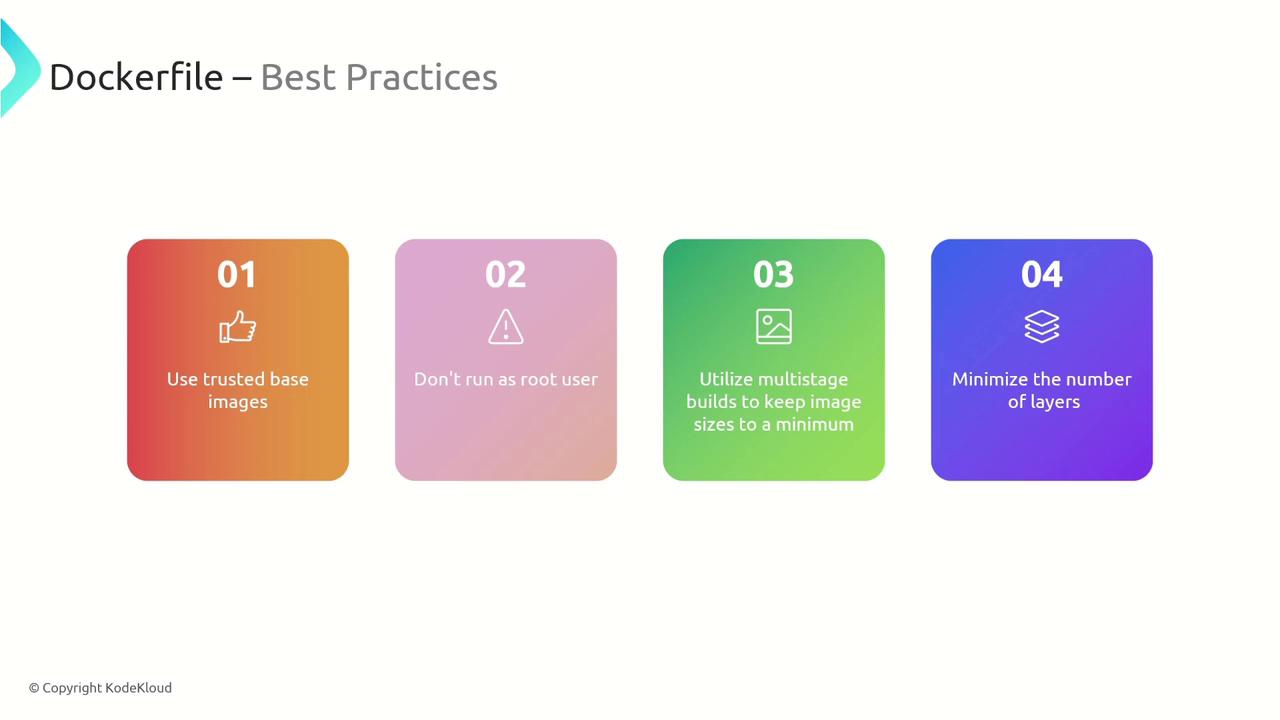
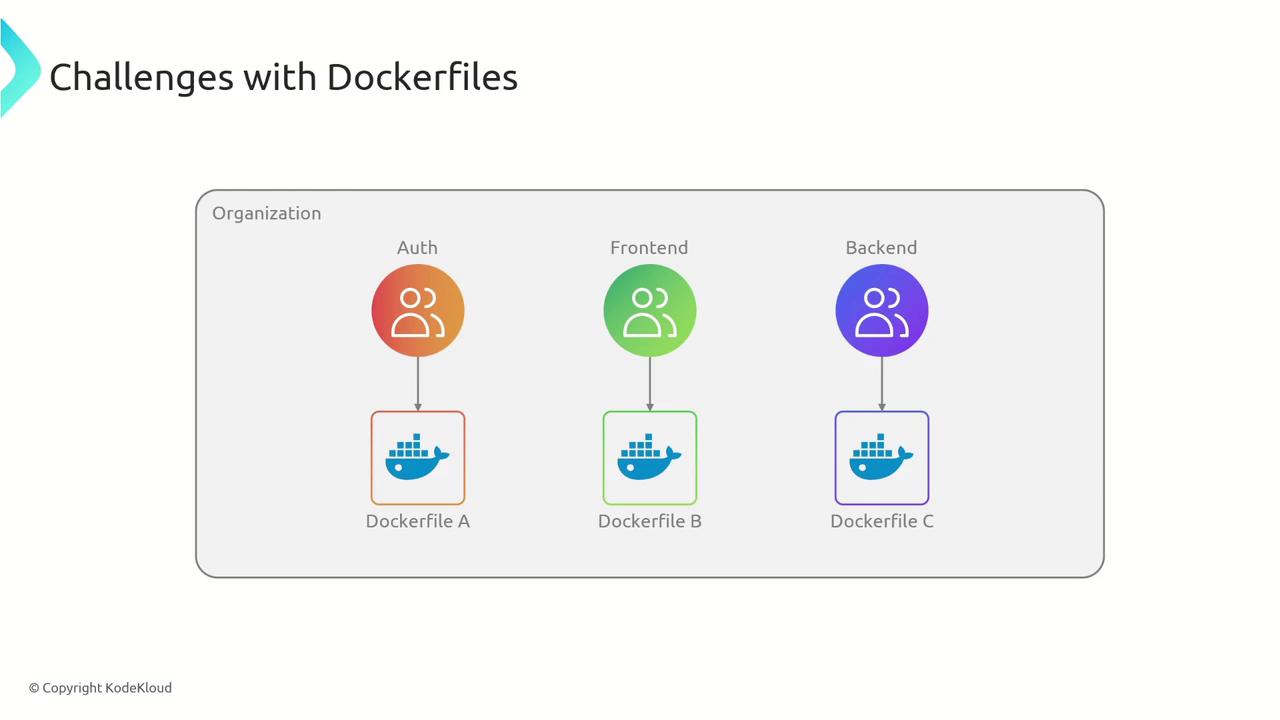
- Variability in base images across teams leading to inconsistency.
- Triggered image rebuilds due to minor changes in base images.
- Difficulty in standardizing and reusing base images.
- Challenges with layer auditing and human error during manual creation.
Introducing CloudNative Buildpacks
CloudNative Buildpacks provide an automated solution to the challenges posed by Dockerfiles by streamlining the creation of OCI-compliant container images. Instead of manually maintaining Dockerfiles, developers can rely on buildpacks to analyze the application source code, choose the appropriate build process, and generate a container image. Key features of buildpacks include:- Language-agnostic support for runtimes such as Java, Ruby, .NET, Node.js, Go, Python, and more.
- Specific buildpacks for each programming language that detect and containerize the application automatically.
- A focus on code development while buildpacks manage dependency installation, configuration, and image creation.
Benefits of Using CloudNative Buildpacks
CloudNative Buildpacks offer significant organizational and operational advantages over traditional Dockerfiles:| Benefit | Description |
|---|---|
| Standardized Build Process | Enforces a centralized, best-practice approach across teams for consistent image builds. |
| Improved Security | Centralized base images allow rapid security updates and produce detailed bills of materials. |
| Separation of Responsibilities | Operations manage the build process, enabling developers to focus solely on code. |
| Efficient Rebasing | Only the base layer is updated when changes occur, avoiding full rebuilds of all layers. |
| Optimized Layering and Caching | Intelligent grouping of operations into shared layers reduces image size and accelerates deployment. |
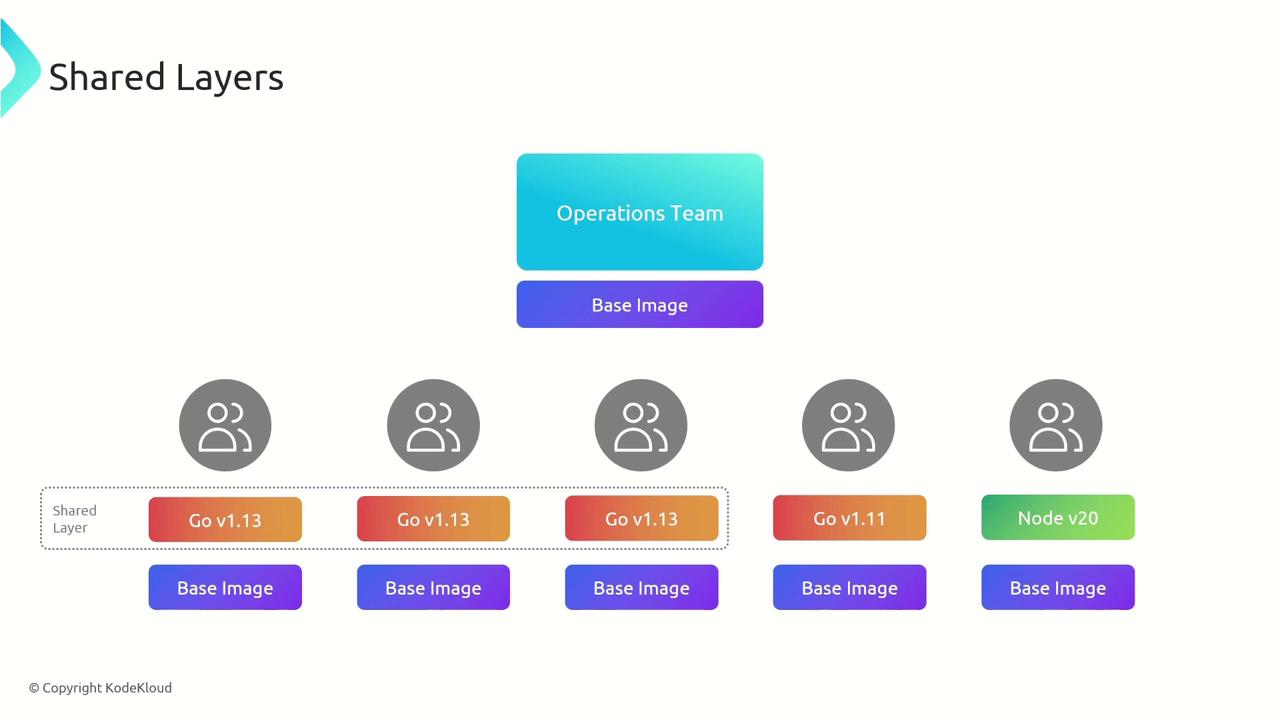
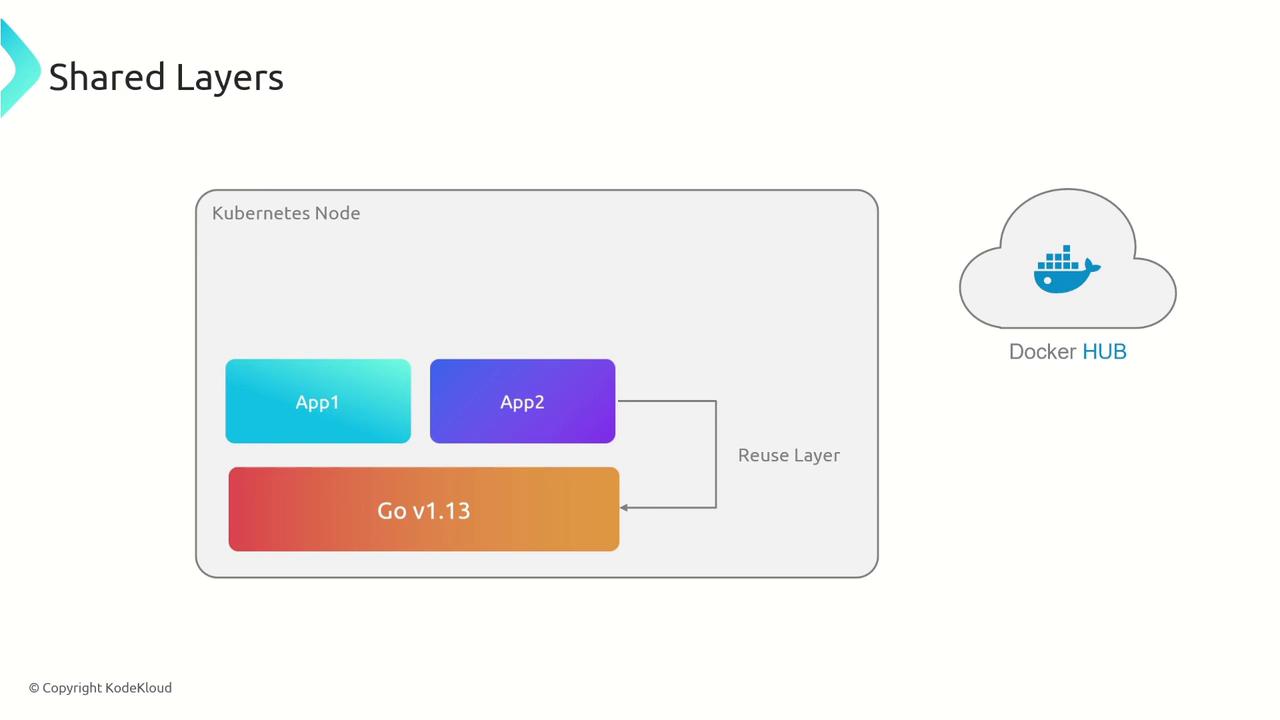
| Layer Reusability | Common runtime versions are shared between applications, lowering disk usage and speeding up pulls. |
CloudNative Buildpacks are ideal for multi-team environments where consistency and security are paramount.
- Standardized Build Process: Organizations can enforce centralized policies that benefit all teams, ensuring consistency in container image construction.
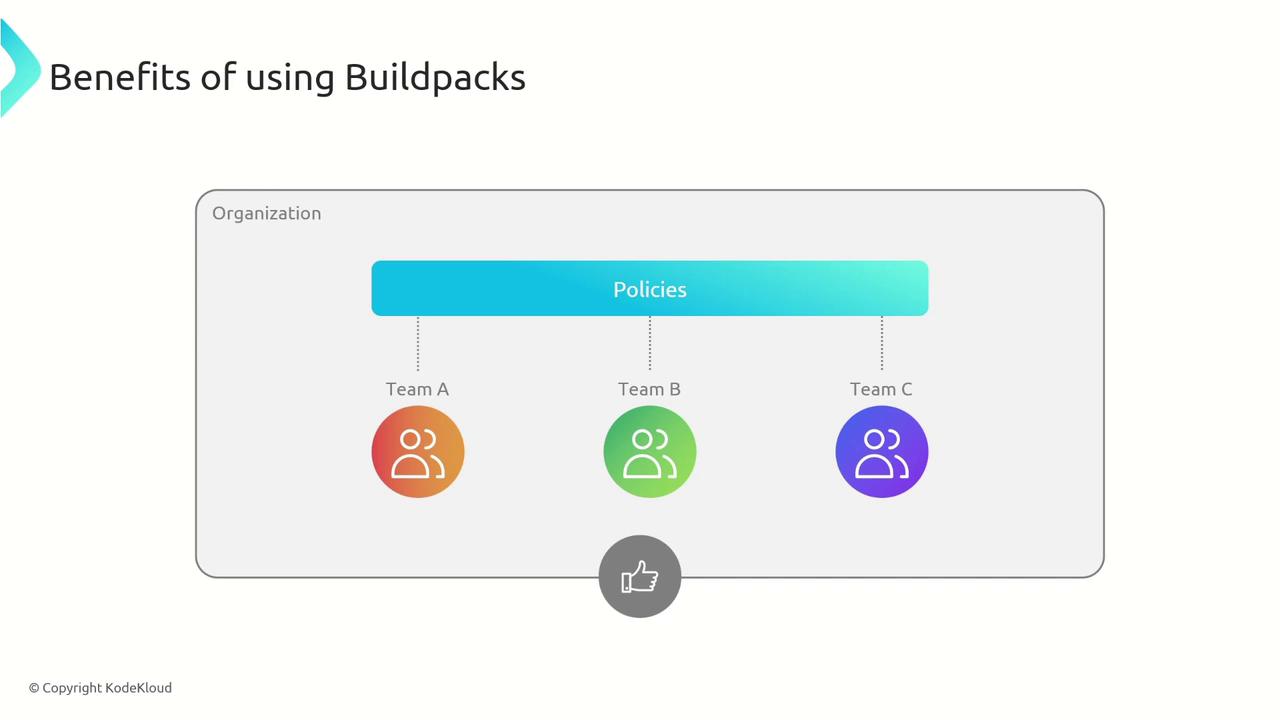
- Improved Security and Auditing: A single standardized base image streamlines security updates. Additionally, buildpacks generate a comprehensive bill of materials that details software versions, checksums, and licenses for easy auditing.
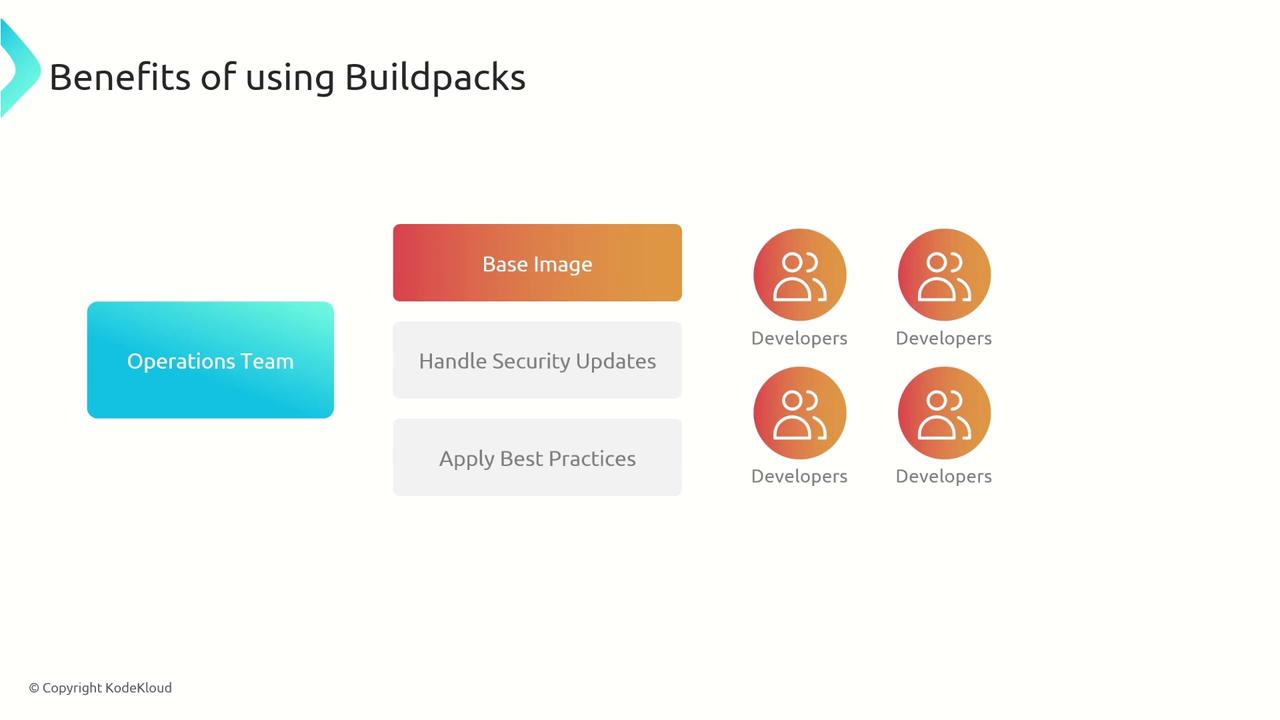
- Separation of Responsibilities: The operations team manages the build process, base images, and security policies so that developers can fully concentrate on writing code.
- Efficient Rebasing: When a base image update—such as a security patch—is necessary, buildpacks allow you to rebase the image efficiently, updating only the required layer.

- Optimized Layering and Caching: Intelligent grouping allows only the changed layers to rebuild, reducing image size and storage needs. This also speeds up deployments, particularly in Kubernetes environments.
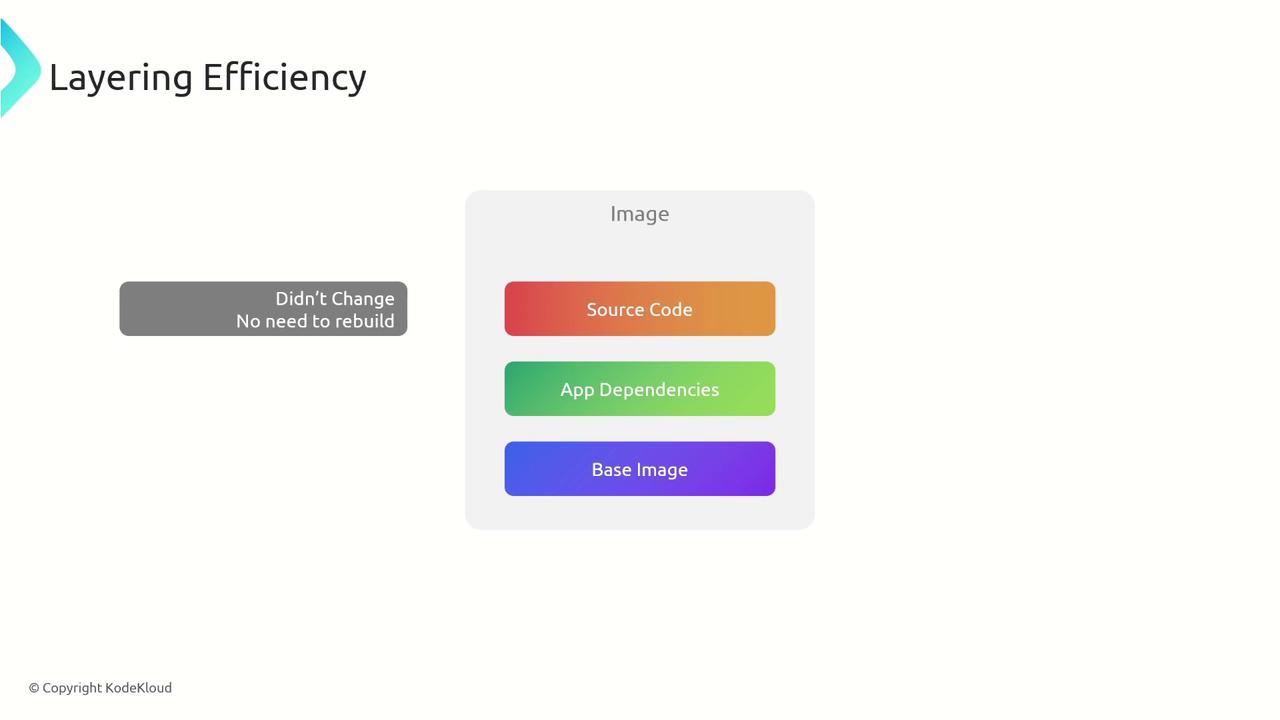
- Layer Reusability: When multiple applications use the same runtime, for example, Go v1.13, they share a common layer. This decreases storage usage and accelerates container pulls from registries.
Summary
CloudNative Buildpacks streamline the container image creation process while addressing many limitations of traditional Dockerfiles. The major benefits include:- Automated build processes and dependency management.
- Consistent and rigorous adherence to best practices across development teams.
- Centralized management of base images and security updates by the operations team.
- Generation of detailed bills of materials for thorough auditing.
- Efficient rebasing that updates only modified layers, saving time.
- Optimized and reusable layers that reduce resource consumption and accelerate deployment.
- Support for multiple languages and frameworks, making them a versatile solution for diverse technology stacks.
To further explore containerization best practices, consider visiting the Kubernetes Documentation and Docker Hub.