


Understanding User Privileges
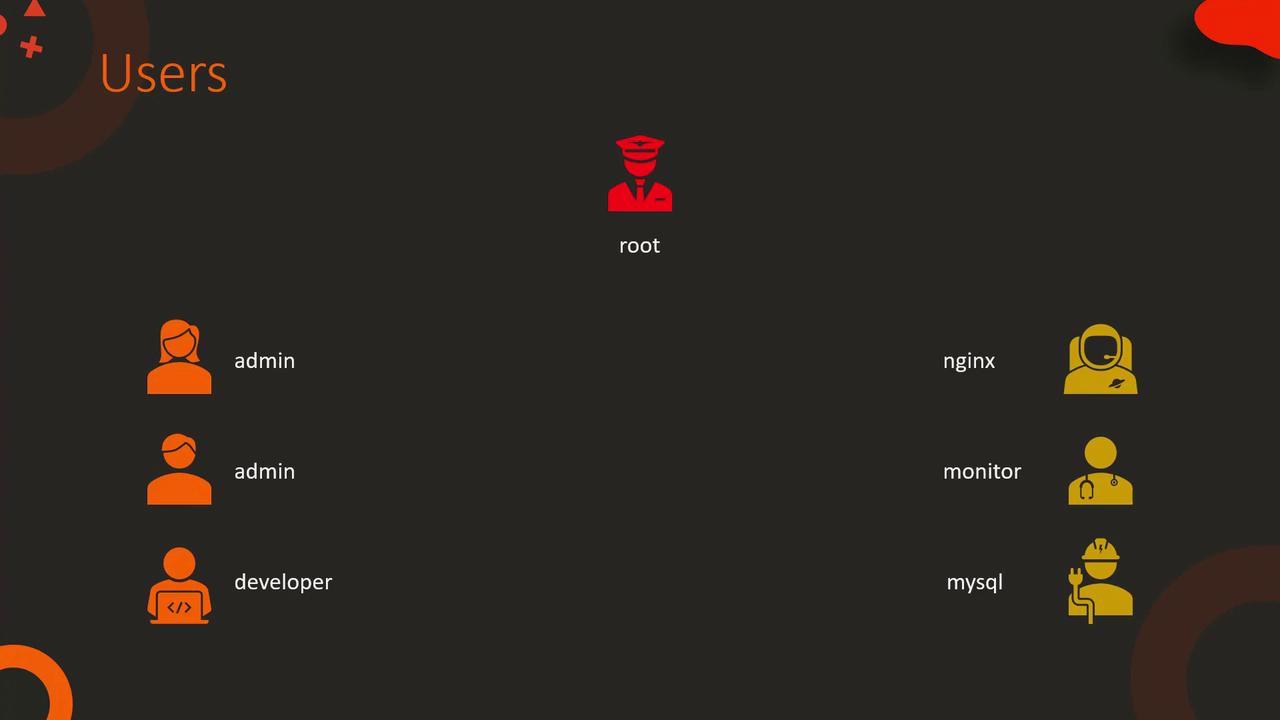
Every user on a system is assigned a set of permissions. Consider a development server for a web application where various user accounts exist:- root: Full system privileges (often locked for direct login).
- Administrator/Developer: Limited privileges necessary for everyday tasks.
- Dedicated Users: Specific accounts for tools or applications like Nginx, databases, and monitoring tools.
Example: Installing a Package Without Escalation
For instance, if an administrator logs in to install a package:Example: Switching User Accounts
The process of switching to another user to configure an application is also a form of privilege escalation. For example:Configuring Privilege Escalation in Ansible
Ansible allows you to replicate the behavior of privilege escalation that you manually perform on the command line.Basic Inventory and Playbook Without Privilege Escalation
Consider an inventory file that connects to a lamp server with the admin user. Although it’s often a good practice to create a dedicated user for Ansible tasks, this example uses the admin user:Enabling Privilege Escalation with the become Directive
To fix the issue, add the “become” directive to the playbook. This instructs Ansible to perform tasks with elevated privileges, similar to using the sudo command:Using Alternative Privilege Escalation Methods
By default, Ansible uses sudo for privilege escalation. However, if you prefer another method such as “doas” or “pfexec,” you can specify it using the “become_method” option:Targeting a Specific User With become_user
You can also designate a specific target user (e.g., the nginx user) using the “become_user” directive. This tells Ansible to switch to a particular user before executing tasks. You can define these settings in multiple locations:- In the Ansible configuration file (/etc/ansible/ansible.cfg)
- In the inventory file as host parameters (prefixed with “ansible_”)
- Directly in the playbook
- Via command-line arguments
In the Ansible Configuration File
In the Inventory File
In the Playbook
For complex environments, consider consolidating privilege escalation settings in the Ansible configuration file to simplify management.
Prompting for a Privilege Escalation Password
Sometimes, escalating privileges may require a password (similar to using sudo). Ansible can prompt you for this password by using the “—ask-become-pass” option on the command line:Summary
This article covered how to configure privilege escalation in Ansible by:- Understanding different user roles and privileges.
- Using the “become” directive to execute tasks with elevated permissions.
- Configuring alternative methods with “become_method” and targeting specific users with “become_user.”
- Overriding settings in the inventory file, playbook, and command-line.
- Prompting for privilege escalation passwords when needed.