Why Use AWS Lambda Container Images?
Running containers on Lambda delivers the following advantages:| Feature | Description |
|---|---|
| Serverless | No servers or clusters to provision, manage, or scale—just push your image and AWS handles the rest. |
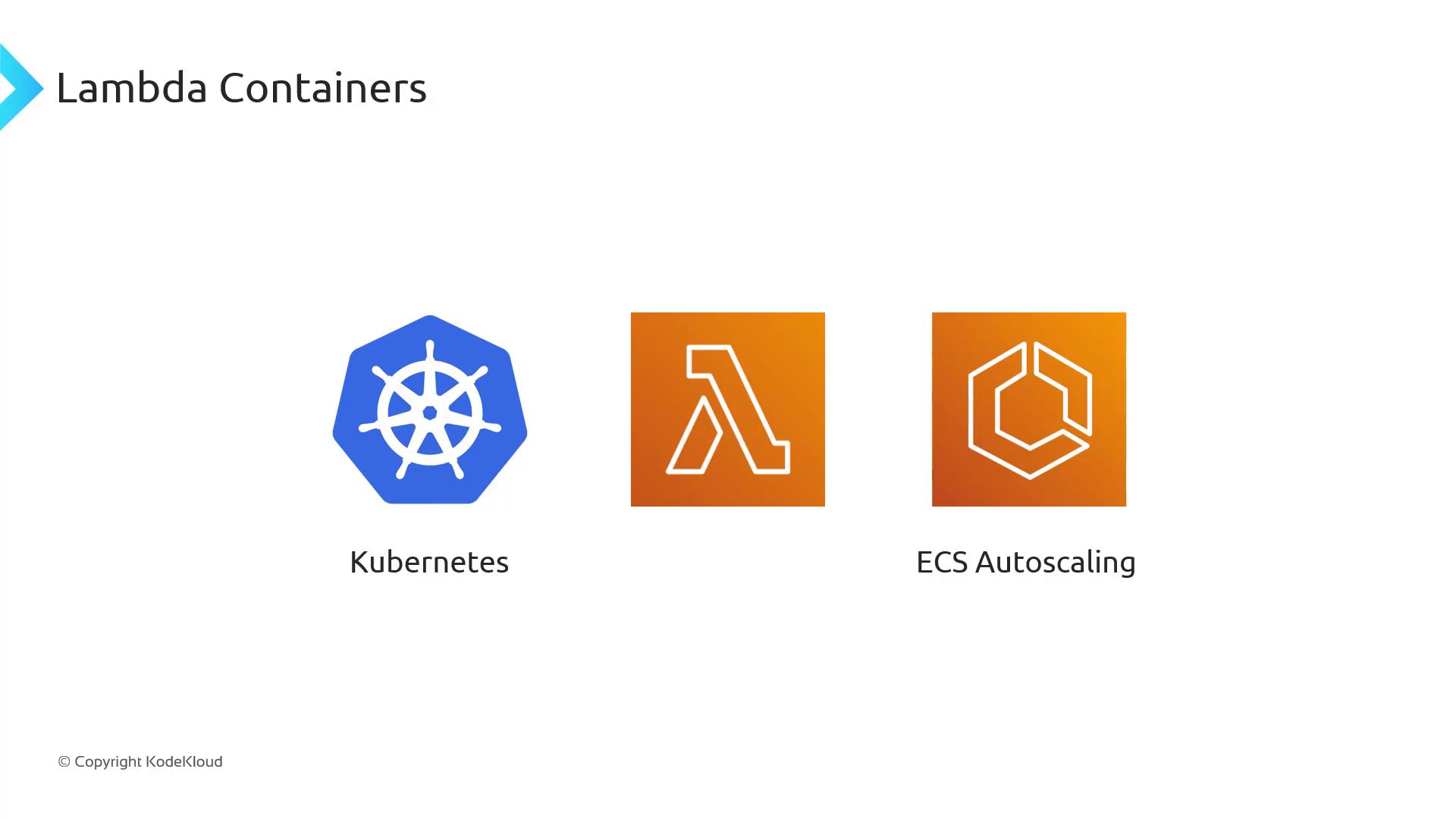
| Automatic Scaling | Lambda scales your container instantly to handle thousands of concurrent invocations, then scales down to zero when idle. |
| Pay-per-Use Billing | You’re billed only for the compute time your container consumes, eliminating charges for idle capacity. |
| Large Image Support | While ZIPs are capped at 250 MB, Lambda container images can be up to 10 GB—ideal for heavy workloads like AI/ML or big data analytics. |
Large Image Support
Lambda container images support sizes up to 10 GB, so you can bundle large frameworks, machine learning models, or data-processing libraries.
Large image support opens the door to CPU- and memory-intensive workloads—everything from AI inference to ETL pipelines—without worrying about ZIP size limits.
Building and Deploying Your Lambda Container
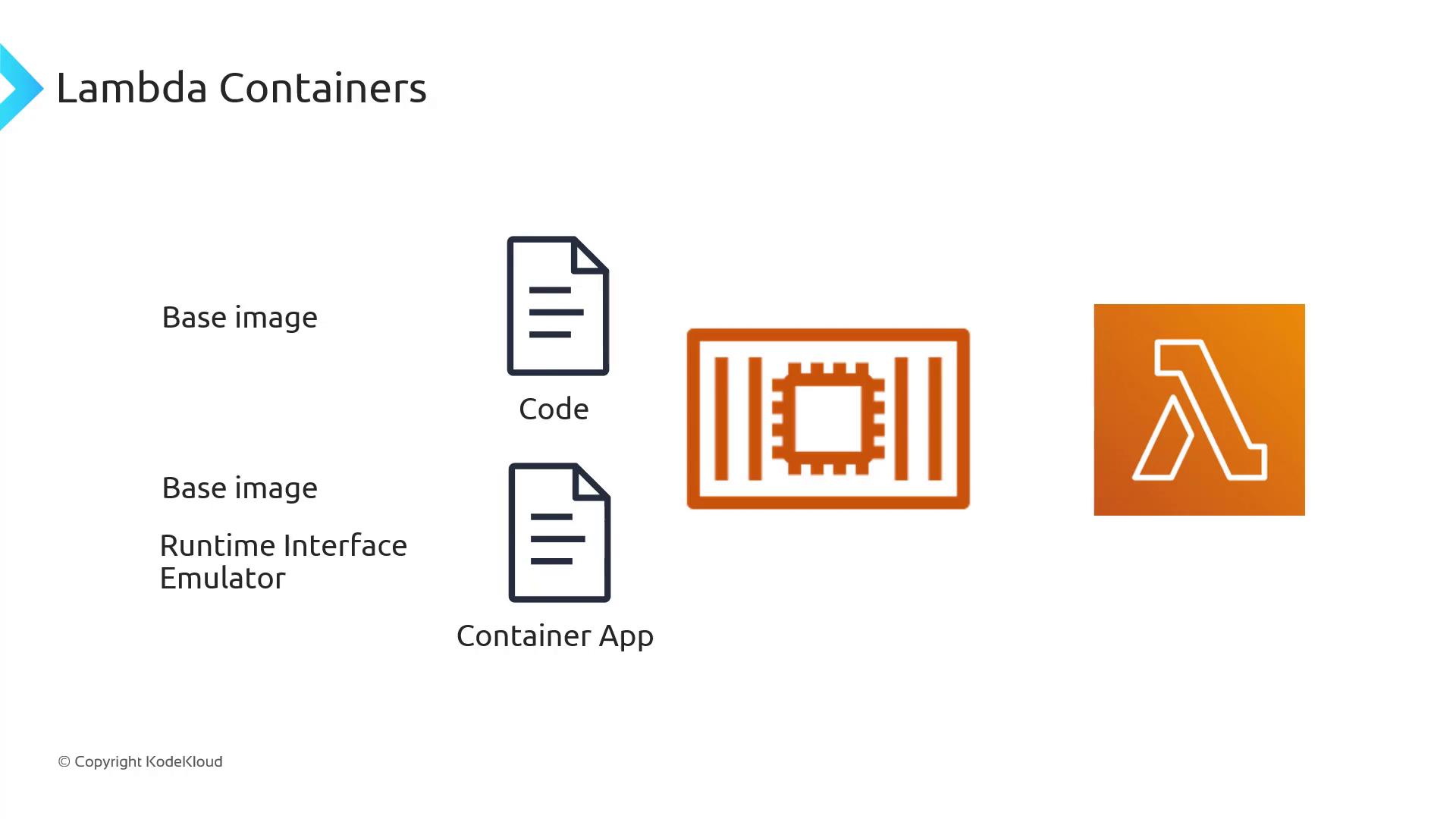
To deploy a container image on Lambda, your Docker image must include the Lambda Runtime Interface Client (RIC) or Runtime Interface Emulator for local testing.All Lambda container images require the Lambda Runtime Interface Client (RIC). Failing to include the RIC will cause your function to fail at invocation time.
| Runtime Type | Base Image Reference |
|---|---|
| Managed Runtimes | public.ecr.aws/lambda/<runtime>:<tag> |
| Custom Runtimes | Build via the Lambda Runtime API |
| Local Testing | Use the Lambda Runtime Interface Emulator (LRE) |
Dockerfile that uses the Python 3.9 managed runtime base image: