This article explores declaring and isolating dependencies in the 12-Factor App methodology using Flask and discusses best practices for managing them.
In this article, we explore the second rule of the 12-Factor App methodology: explicitly declaring and isolating dependencies. To illustrate this concept, we use the popular Python web framework, Flask.Before writing any application code, you must install Flask in your local development environment. For example:
Copy
Ask AI
$ pip install flask
Below is a simple Flask application (app.py):
Copy
Ask AI
from flask import Flaskapp = Flask(__name__)@app.route('/')def welcomeToKodeKloud(): return "Welcome to KODEKLOUD!"if __name__ == "__main__": app.run(host="0.0.0.0", debug=True)
As your application grows, you may need to integrate additional third-party libraries. The 12-Factor App approach dictates that you must not rely on the implicit presence of system-wide packages. In other words, you cannot assume that dependencies like Flask will already be installed on the system where your application executes. They must be explicitly declared and isolated.A common Python practice is to list dependencies in a file named requirements.txt. This file should include both package names and specific version numbers. For example:
Copy
Ask AI
flask==2.0.0
Specifying version numbers is crucial to ensure consistency across various environments such as development, staging, and production. Installing the dependencies is as simple as running:
Copy
Ask AI
$ pip install -r requirements.txt
This command ensures that every dependency listed in requirements.txt—including the specified version of Flask—is installed uniformly.
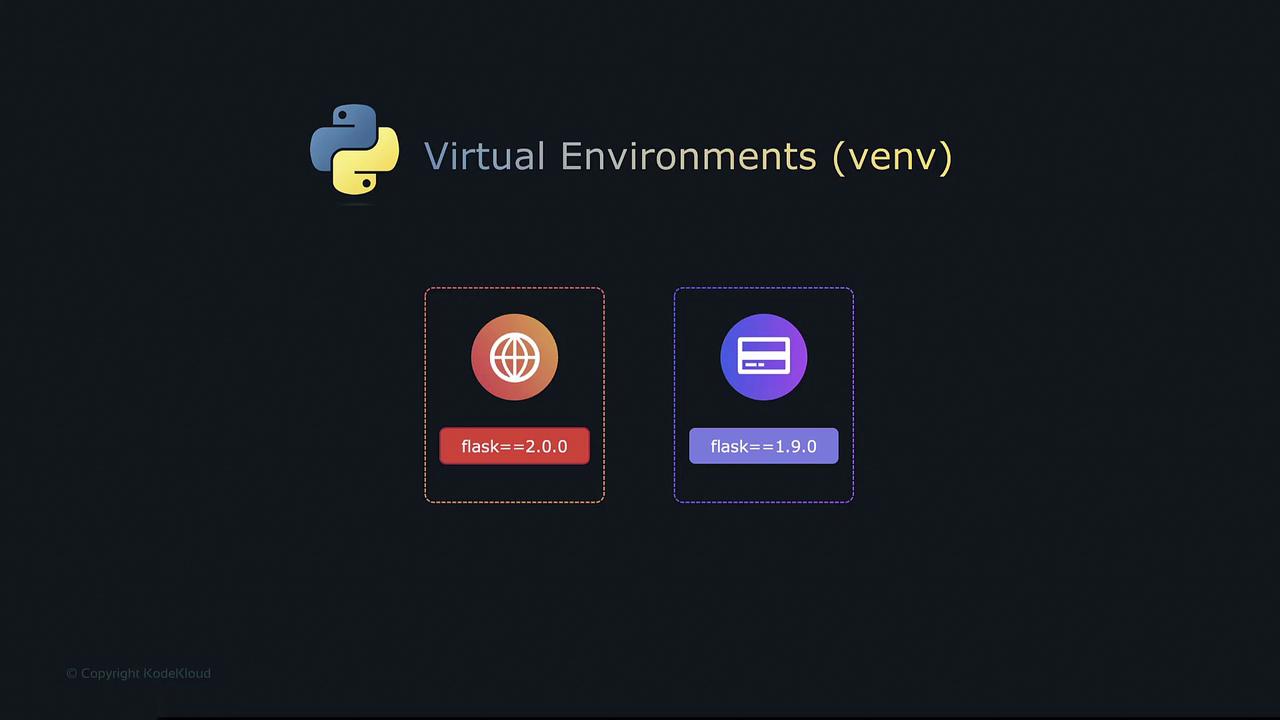
When developing multiple applications on a single machine, use isolated environments to avoid dependency conflicts. Virtual environments ensure each application manages its own version of every dependency.
Python’s virtual environments solve version conflicts by isolating dependencies for each application. This isolation is imperative when one app requires one version of Flask while another requires a different version.
Combining the use of requirements.txt with virtual environments guarantees that your explicit dependency packages are consistent across development, staging, and production.In some cases, your application might depend on system-level tools (such as the curl command) that fall outside Python’s dependency management. In these instances, leveraging a platform like Docker can be highly effective. Docker containers offer a self-contained environment that ensures all necessary tools and configurations are present.Below is an example Dockerfile that packages the Flask application along with its dependencies into a Docker container:
Creates a Docker image based on the Python 3.10 Alpine base image.
Sets the working directory to /kodekloud-twelve-factor-app.
Copies the requirements.txt file into the working directory.
Installs the dependencies specified in requirements.txt, without caching.
Copies the remaining application code into the image.
Defines the command to run the application.
After building the Docker image with the appropriate Docker build command, you can run your application using the Docker run command.If you’re new to Docker, be sure to check out our free Docker Training Course for the Absolute Beginner on KodeKloud. This interactive course offers hands-on labs and an immersive learning environment where you can practice with real systems and servers.Happy coding!